

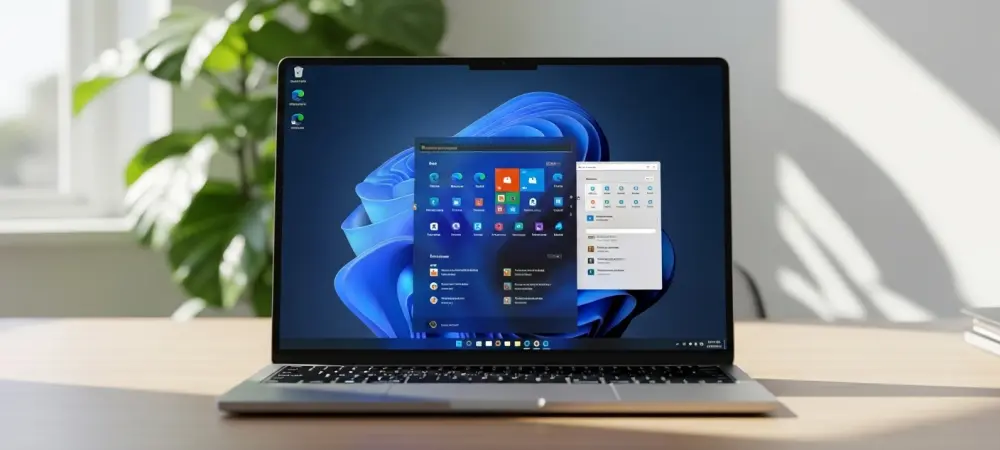
The transformation of the digital workspace has accelerated to a point where the Windows interface is no longer a static gatekeeper but an adaptable, breathing extension of a professional’s unique cognitive workflow. As the primary point of interaction for millions, the Start menu serves as the heart of the ecosystem, making its customization a pivotal factor in user satisfaction. Recent updates indicate a shift toward a model prioritizing individual agency, reshaping the interface into a more modular and user-centric environment.
The Evolution of User Agency: Data and Real-World Implementation
Market Demand and Adoption Trends
Initial reception of the Windows 11 layout highlighted friction regarding a “one-size-fits-all” approach that stripped away granular control. Feedback revealed that many users felt the simplified interface hindered efficiency rather than helping it. Consequently, participation in Insider channels surged as users sought to influence the direction of the operating system. This engagement pushed development toward features allowing for a “unique Start for everyone,” aiming to drive productivity by minimizing navigation friction.
Practical Applications of Enhanced Customization
Section-level toggles now empower users to independently manage Pinned, Recommended, and All app sections. Instead of manually curating items, users toggle entire blocks to suit their immediate needs. Furthermore, decoupling file recommendations from File Explorer settings significantly improves privacy. Users can now suppress suggestions in the Start menu without losing functional jump lists elsewhere. New privacy tools, like hiding account names and profile pictures, also assist streamers and remote professionals during screen sharing, treating the menu as a high-level professional tool.
Industry Perspectives on the Shift Toward Modular Design
UX/UI designers argue that centralizing controls is essential for maintaining a digital “flow state.” Consolidation reduces the cognitive load required to customize the workspace. Analysts note that renaming “Recommended” to “Recent” is a strategic move toward functional transparency, making the interface more predictable and less intrusive. Thought leaders view these refinements as crucial for regaining the trust of veterans, signaling a commitment to a balanced ecosystem where aesthetic elegance and functional depth coexist.
The Future of Personalization: Predictive AI and Adaptive Interfaces
Internal algorithms hint at a trajectory where the Start menu becomes a context-aware assistant. Future iterations will likely leverage predictive AI to surface files based on active project parameters rather than simple chronology. The interface could pivot its layout between developer or creative modes, adjusting information density automatically. This transition would turn the menu into a fully modular dashboard that adapts perfectly to specific professional workflows and cloud-integrated services.
Conclusion: Balancing Minimalism with Functional Depth
The evolution of the Start menu demonstrated a transition from a rigid layout to a customizable hub for modern efficiency. By introducing layout toggles and privacy controls, the developers addressed the core needs of a diverse workforce. These updates successfully combined modern design with the depth expected by power users. Looking ahead, users should actively configure these modular settings to align their digital tools with specific professional goals. Prioritizing such customization will remain a necessity for maintaining productivity in an increasingly hybrid work world.