

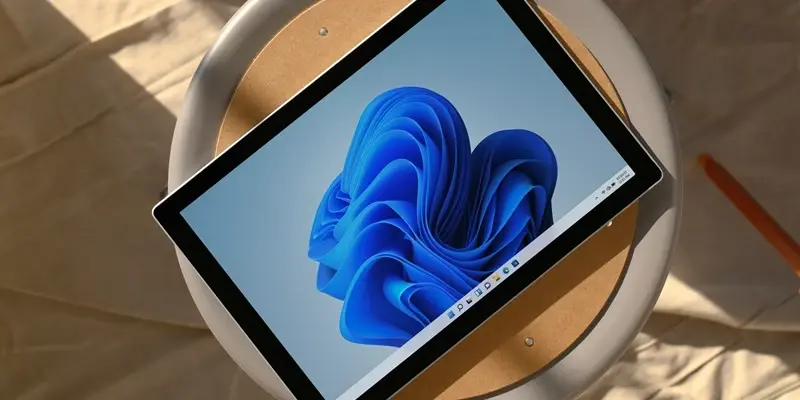
In the ever-evolving landscape of technology, Windows has remained a cornerstone for both casual users and enterprises, consistently refining its features to enhance user experience.The latest improvements and new applications available for Windows 10 and 11 exemplify a commitment to efficiency and customization, keeping the platform both relevant and cutting-edge. These updates cater to the diverse needs of its user base, from media streaming enthusiasts to those requiring advanced file management tools.Microsoft has continued to push the envelope with its release of hotpatching support for Windows 11 clients. This significant feature allows updates to be installed without necessitating system restarts, though it is currently limited to Enterprise editions.The introduction of hotpatching reflects a broader trend in the tech ecosystem towards minimizing downtime and maximizing operational efficiency. This is particularly beneficial for enterprise environments where maintaining continuous uptime is crucial.
Innovative New Apps
The Windows ecosystem has welcomed several noteworthy new applications that promise to elevate the user experience. Among these is the DLNA Receiver & Player, which facilitates seamless media streaming. Graph Math stands out as a tool for performing and visualizing complex mathematical computations, serving both educational and professional purposes. The Microphone Test app addresses the need for clear audio input by enabling users to test and calibrate their microphones effortlessly.
Shutdown is another user-friendly tool designed to streamline the process of powering down devices, a simple yet effective utility. Torrex Pro, a robust torrent client, offers advanced features for managing downloads.WinSCP, known for its reliability and secure file transfer capabilities, rounds out this lineup, responding to the needs of users who prioritize data integrity and efficient file management. These tools underscore the diverse functionality required by Windows users today.
Enhancing the User Interface
Several existing apps have received major updates to enhance the user experience in addition to new applications being launched.Icon Meter is a prime example, now featuring hardware monitoring visuals directly on the Windows taskbar. This allows users to access real-time data on CPU, memory, disk, and network usage at a glance, making it easier to monitor system performance.PowerToys 0.90 has introduced a new launcher known as Command Palette, which enables users to launch apps, search files, and run commands using a single keyboard shortcut. This tool is designed to streamline workflows and boost productivity, aligning with the broader goal of efficiency.
Additionally, Quantum Start Menu offers a reimagined Windows 11 Start menu with elements like transparency, adaptive color schemes, and quick app access.Interactive widgets and an AI-powered search engine make it particularly appealing to those who prefer a customizable and visually pleasing desktop. This update signifies a push towards personalization, allowing users to tailor their experience.These updates and new introductions showcase a strong dedication to improving functionality and user experience in the Windows app ecosystem. The focus on efficient operations and intuitive design ensures that Windows continues to lead in technology.As user demands grow, these continuous improvements are crucial for meeting expectations and spurring future innovations.