

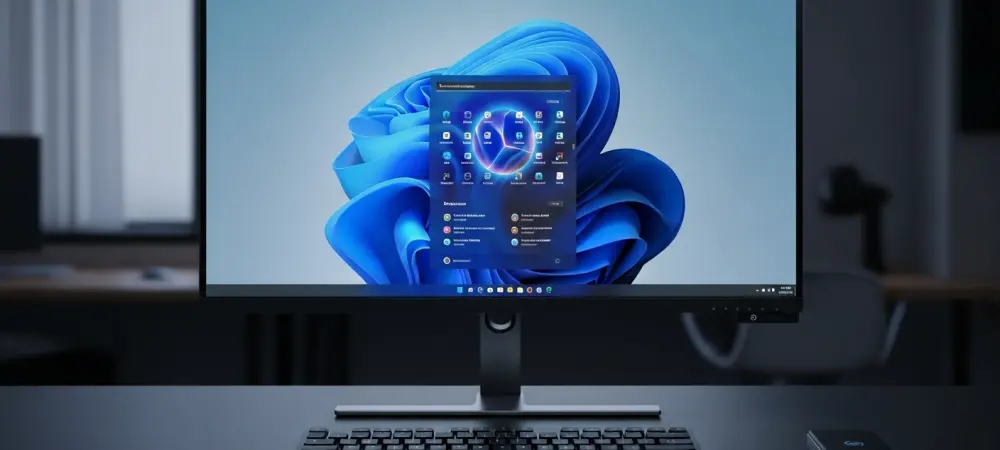
The digital landscape of the Windows ecosystem is undergoing a subtle yet significant transformation as Microsoft begins to refine its aggressive artificial intelligence integration strategy across its primary operating system. Microsoft spent much of the previous season saturating its software suite with the Copilot brand, signaling a new era of AI-driven productivity. From the specialized Copilot+ PCs to the inclusion of a dedicated hardware key on keyboards, the presence of large language models appeared unavoidable. This assistant was designed to handle everything from drafting emails in Outlook to analyzing complex data sets in Excel, acting as a modern successor to legacy tools like Clippy but with the immense power of generative AI.
The current shift represents a more surgical approach to how these features appear to the user. While the underlying technology remains a cornerstone of the company vision, there is a clear movement toward reducing what the developers describe as unnecessary entry points. This article explores why the branding is disappearing from certain corners of Windows 11 and what this means for the future of native applications like Notepad and the Snipping Tool. The objective is to provide clarity on which features are staying, which are moving, and how users can navigate this evolving interface.
Key Questions or Key Topics Section
Why Is Microsoft Rebranding AI Features in Notepad?
Notepad has served as the quintessential simple text editor for decades, and its recent update included sophisticated tools for rewriting and summarizing content. Initially, these features were prominently marketed under the Copilot umbrella, aligning with the broader corporate push for AI recognition. However, users noticed a quiet change where the Copilot name vanished, replaced by the more descriptive Writing Tools label. This change suggests that the company wants to integrate these capabilities as standard utilities rather than as a separate, branded assistant.
The core functionality remains intact despite the loss of the specific branding. Users still have the ability to highlight text to adjust tone, refine clarity, or condense long paragraphs into highlights through the Rewrite and Summarize options. By moving away from the flashy AI labels, the interface feels less cluttered and more like a traditional part of the Windows experience. This strategic pivot allows the technology to exist in the background, assisting the workflow without demanding constant attention or emphasizing its artificial nature.
What Has Happened to the Snipping Tool AI Integration?
The Snipping Tool represents a more drastic example of this refinement process compared to the subtle rebranding seen in other applications. While the app continues to facilitate screenshot captures and screen recordings, the explicit Copilot button has been removed from the production version available in the Microsoft Store. This removal indicates a step back from deep integration in tools where the AI might not have provided enough immediate value to justify its constant visual presence on the toolbar.
Earlier iterations of the tool attempted to bridge the gap between image capture and AI-driven analysis, but the current version focuses on streamlined performance. While some might view this as a loss of functionality, it aligns with the stated goal of keeping the user experience well-crafted and genuinely useful. By removing the button, the developers are prioritizing a distraction-free environment for users who simply need to grab a quick image without being nudged toward generative interactions that might not fit their immediate needs.
How Can Users Manage These Remaining Smarter Writing Tools?
For those who value the automated assistance in Notepad, the features are still accessible but have been moved to a more optional status. Users can toggle these writing enhancements on or off through the advanced features section in the application settings. This level of control addresses concerns from power users who prefer a minimalist experience, ensuring that the software adapts to the user rather than forcing a specific way of working. It demonstrates a balance between offering cutting-edge tech and respecting the traditional simplicity of built-in apps.
Activating the features involves a simple process of highlighting text and selecting the Rewrite or Summarize options from the context menu. Even though the Copilot name is gone, the software still acknowledges the use of AI when prompts are actively being processed. This transparency ensures that users understand the nature of the suggestions they receive. The goal is to provide a seamless transition where the intelligence of the system feels like a natural extension of the editor existing capabilities.
What Is the Future of AI Agents on the Windows Taskbar?
While some applications are seeing a reduction in AI branding, the central Windows interface is preparing for a different kind of integration. Microsoft is currently testing AI agents that sit directly on the taskbar to act as proactive assistants. Unlike the previous version that mostly waited for a user to open a sidebar, these agents are designed to interact with files, automate routine tasks, and act on behalf of the user across different applications. This represents a move toward a more centralized and powerful AI presence rather than a fragmented one.
This new approach aims to minimize the need for opening multiple windows by allowing the taskbar agent to handle queries and file interactions directly. By keeping these assistants in a centralized location, the operating system can maintain a cleaner look while still providing the high-level automation that modern users expect. These agents remain in the testing phase, highlighting a deliberate and cautious rollout strategy that favors functional integration over mere visibility.
Summary or Recap
The recent adjustments to Windows 11 highlight a significant evolution in how artificial intelligence is presented within the operating system. Instead of plastering the Copilot brand across every available utility, the focus has shifted toward a more intentional and integrated user experience. Notepad maintains its advanced text manipulation capabilities under the Writing Tools moniker, while the Snipping Tool has seen a complete removal of the dedicated AI button to prioritize core functionality. These changes reflect a mature understanding of user needs, where technology serves the task at hand without overwhelming the interface.
Furthermore, the introduction of taskbar-based agents suggests that the company is centralizing the AI experience. This strategy reduces clutter in individual apps while providing a more powerful, unified point of contact for system-wide automation. The underlying objective is to ensure that every AI entry point provides genuine value, leading to a more refined and professional environment for both casual users and professionals alike. This evolution indicates that AI is becoming a standard feature rather than an optional add-on.
Conclusion or Final Thoughts
The transition from ubiquitous branding to specialized utility marked a turning point in the design philosophy of modern operating systems. It was evident that the focus moved toward creating a cohesive environment where the intelligence of the platform supported the user silently. This change suggested that the novelty of artificial intelligence had matured into a standard expectation, requiring less fanfare and more functional precision. Users were encouraged to look toward these centralized agents as the primary method for handling complex workflows, leaving simple apps to regain their original, uncluttered purpose.
This strategic realignment paved the way for a more balanced relationship between human input and automated assistance. By evaluating which tools truly benefited from a dedicated AI presence, the developers managed to preserve the classic feel of Windows while still pushing the boundaries of what a personal computer could accomplish. The result was a system that felt both familiar and incredibly capable, pointing toward a future where the distinction between manual tasks and AI-assisted ones became virtually indistinguishable. Moving forward, users should explore the settings of their favorite apps to customize these tools according to their own productivity requirements.