

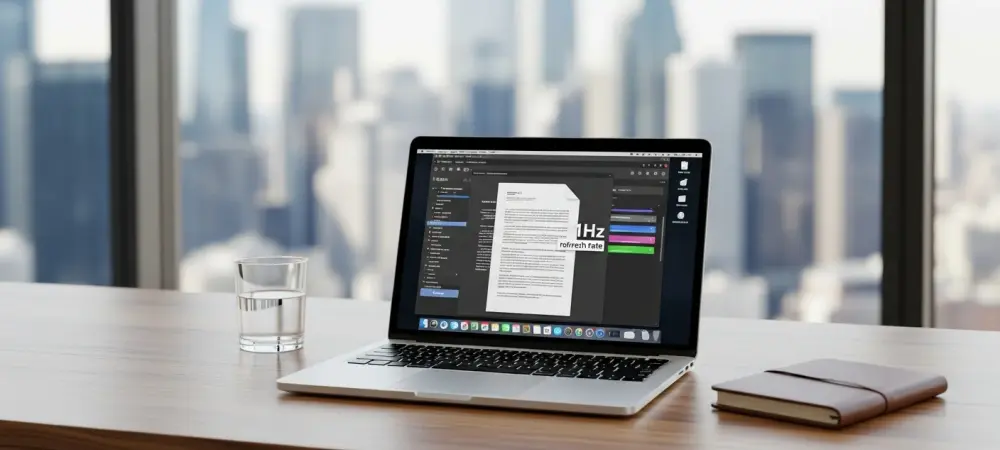
The introduction of the refreshed Dell XPS 14 marks a monumental shift in the portable computing sector, where the long-standing crown for energy efficiency is finally being challenged by a Windows-based machine. At the center of this technological advancement is the Intel Panther Lake Core Ultra 7 355 processor, a chip specifically engineered to maximize endurance without sacrificing the responsiveness users expect from a premium device. This particular configuration achieved a remarkable 43 hours of runtime during continuous web browsing tasks, a figure that was previously thought impossible for a laptop running a full desktop operating system. This extraordinary longevity stems from a sophisticated power management system that integrates a specialized 1Hz variable refresh rate mode. By dropping the screen refresh cycle to just once per second during static tasks like document editing or reading, the hardware drastically reduces the power draw of the high-resolution panel. This architectural refinement represents a departure from traditional power-saving methods that often compromised visual clarity or system performance.
Competitive Benchmarks: Performance Dynamics in Modern Silicon
When placed in a direct head-to-head comparison with the M5-powered 15-inch MacBook Air, the Dell XPS 14 demonstrates a nuanced set of advantages that vary significantly depending on the specific nature of the workload. During continuous 4K video playback tests, the Dell machine maintained its lead, outlasting the Apple counterpart by more than six hours and ultimately clocking in at over 20 hours of total runtime. However, the internal efficiency dynamics shift noticeably when moving from passive media consumption to high-intensity gaming scenarios. In these heavy-duty environments, the MacBook Air retained its historical edge, sustaining more than four hours of gameplay compared to the two and a half hours provided by the XPS 14. This gap suggests that while Intel has achieved massive strides in optimizing general productivity and low-power states, Apple’s silicon architecture still holds a distinct advantage in managing thermal output and power distribution during sustained, high-performance processing. These results illustrate that the choice between these two platforms now depends heavily on the specific user profile.
Strategic Implementation: Implications for Professional Workflows
The analysis of these findings suggested that hardware selection must prioritize specific configuration details rather than just broad marketing claims or brand loyalty. It was observed that utilizing the more powerful Core Ultra X7 358H processor alongside a standard 120Hz refresh rate resulted in a much lower battery life of approximately 16 hours, highlighting how critical the 1Hz battery-saver technology was to the headline-grabbing endurance figures. For professionals managing mobile workflows from 2026 to 2028, the focus shifted toward identifying components that specifically support variable refresh rates and efficient background task management. Industry leaders recommended that organizations evaluate their deployment strategies by matching hardware profiles to specific employee roles, ensuring that those in text-heavy or administrative positions utilized the high-efficiency 1Hz configurations. Future development cycles likely saw a broader adoption of these ultra-low refresh displays across more affordable product lines. This transition effectively removed the traditional battery anxiety associated with Windows devices.