

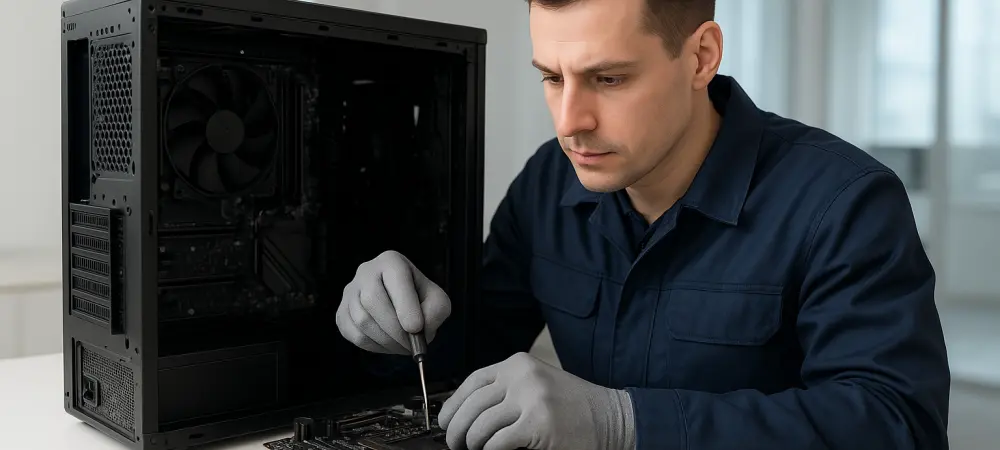
While many troubleshooting guides suggest complex hardware swaps, a simple firmware reset often resolves boot errors caused by incompatible memory profiles or aggressive fan speed adjustments. This process, known as clearing the Complementary Metal-Oxide-Semiconductor (CMOS), serves as the definitive first step in restoring a desktop or workstation to its factory state. When a PC fails to successfully pass its Power-On Self-Test (POST), it is easy to assume that a major hardware failure has occurred. However, modern systems are sensitive to voltage fluctuations and timing mismatches, which can cause the motherboard to enter a non-functional state. By resetting the CMOS, the motherboard is forced to revert to its baseline parameters, bypassing any corrupted configurations. In 2026, where fast memory and complex power phases are standard, this technique remains a cost-effective and reliable way to diagnose and fix boot-related issues without needing specialized technical tools.
1. Power Isolation and Motherboard Reset Mechanisms
Before any hardware manipulation occurs, the computer must be completely powered down and the power cord must be removed from the power supply unit. This step is non-negotiable as it eliminates the risk of electrical damage to sensitive components and ensures that the standby power rail is completely inactive. Many modern mid-range to high-end motherboards produced in 2026 feature an integrated “Clear CMOS” button, often located on the rear I/O panel. Pressing this button for several seconds while the power is disconnected is the fastest way to trigger a firmware reset. This mechanism grounds the circuit that holds the BIOS settings, forcing the volatile memory to lose its data. If an external button is not present, one should look for a physical internal switch or a two-pin jumper labeled “CLR_CMOS” on the board itself. Bridging these pins for ten seconds achieves the same result, providing a quick path to recovery for systems that are currently stuck in a boot loop.
When integrated buttons or jumpers are not an option, the manual removal of the CR2032 coin-cell battery provides a reliable alternative for clearing the CMOS settings. This battery is responsible for maintaining the system clock and the volatile memory chip that stores user-defined BIOS configurations. Locating the battery can be difficult on modern systems that utilize large thermal shrouds or decorative covers, often requiring the temporary removal of the primary graphics card to gain access. Once the battery is visible, pressing the small metal tension clip will allow it to pop out of its socket. It is essential to handle this component with care, using non-conductive tools to avoid any accidental electrical discharge. Removing the physical power source ensures that there is no energy left to sustain the memory state of the firmware. This method is particularly effective for budget motherboards, making it a universal solution for system builders seeking to restore default values.
2. Capacitor Discharge and System Initialization Sequence
After the battery has been removed or the reset button has been triggered, the system must remain in an unpowered state for at least five minutes to ensure a successful wipe. This duration is necessary because the capacitors on the motherboard and inside the power supply can retain enough residual electrical charge to keep the CMOS data intact for a short period. To expedite this process, pressing and holding the computer’s main power button for fifteen to thirty seconds can help drain the remaining energy from the electrical traces. This specific action forces the hardware to consume any leftover current, guaranteeing that the volatile memory chip is completely emptied of its previous settings. Rushing this step is a common mistake that can lead to an incomplete reset, where the motherboard stubbornly holds onto the configuration that caused the boot failure. Patience is a fundamental requirement, as the goal is to reach total energy exhaustion within the motherboard’s controller before reassembling the unit.
Once the five-minute waiting period has concluded, the coin-cell battery should be reinserted and the power cord reconnected to begin the initialization process. Upon powering on the system, it is normal for the machine to undergo a longer boot sequence as it performs its initial hardware checks. The user should immediately enter the BIOS or UEFI setup utility to reconfigure essential settings that were lost during the reset. This includes re-enabling XMP or EXPO memory profiles to ensure the system runs at its maximum performance levels, as well as re-adjusting custom fan curves for optimal thermal management. Additionally, verifying the boot order and disk controller settings is vital for ensuring that the operating system loads correctly from the primary drive. If these steps are ignored, the system will operate on basic failsafe settings, which can lead to reduced clock speeds. Completing these configurations ensures that the computer is not only revived but also optimized for its intended tasks.
3. Establishing Long-Term System Stability
The successful revival of the machine through a systematic CMOS reset proved that many perceived hardware failures were actually deep-seated software conflicts within the motherboard firmware. This procedure served as a vital diagnostic tool that eliminated the need for costly professional repairs or the premature replacement of expensive components. Technicians found that keeping a written record of stable BIOS settings served as a valuable reference for future troubleshooting efforts. It was also recommended to check for motherboard firmware updates once the system was stable, as manufacturers often released patches to improve compatibility with newer hardware components in 2026. For users who frequently pushed their systems to the limit, the CMOS reset became a routine part of maintaining a healthy high-performance PC. They learned that the ability to restore a system to factory defaults provided a safety net that allowed for more confident experimentation with modern computing features throughout the year. In addition to immediate troubleshooting, the process of clearing the CMOS encouraged a more proactive approach to hardware maintenance and system monitoring. Users discovered that regularly checking the health of the CR2032 battery prevented unexpected clock drift and mysterious boot failures. Monitoring the system’s performance logs after a successful reset also allowed for the identification of the specific settings that might have caused the initial instability. By taking the time to understand the relationship between the firmware and the hardware, enthusiasts were better equipped to manage the complexities of modern computing. This knowledge empowered them to handle minor technical setbacks independently, fostering a deeper sense of confidence in their ability to maintain their own equipment. Ultimately, the CMOS reset was not just a one-time fix but a gateway to better system management practices. It highlighted the importance of fundamental knowledge in an era where the simplest solutions were often the most effective.