

A smartphone that refuses to wake up after a simple battery drain represents more than just a minor inconvenience; it signals a fundamental break in the trust between a premium user and their daily technology. This phenomenon currently plagues the iPhone 17 series, leaving Pro and Air models alike trapped in a persistent black-screen state that standard USB-C cables seem unable to resolve. The issue stems from a critical software-to-hardware handshake failure that occurs the moment the battery percentage hits zero. While the hardware remains intact, the power management system effectively “forgets” how to initiate the boot sequence without specific triggers.
Understanding the iPhone 17 Power Management Crisis
This widespread technical failure affects the entire lineup, including the Pro Max and the newly introduced iPhone Air. The “black screen” bug prevents devices from rebooting after reaching absolute zero, creating a crisis for users who rely on their phones for daily navigation. Understanding why standard charging methods fail helps owners navigate this recovery process without panic.
The Importance of Following Validated Recovery Protocols
Following specific recovery steps is essential to avoid permanent hardware strain and unnecessary repair expenses. By understanding the proper way to wake a dormant device, users can maintain battery health and ensure data security. Adhering to these best practices reduces the risk of misdiagnosing a software handshake issue as a total hardware failure, saving owners from costly out-of-warranty replacements.
Proven Strategies for Reviving a Non-Responsive iPhone 17
Effective methods to bring a dead iPhone 17 back to life rely on technical analysis and successful field reports. These strategies bypass the typical failure points that occur during a deep-discharge state.
Utilizing MagSafe and Wireless Induction Over Wired Charging
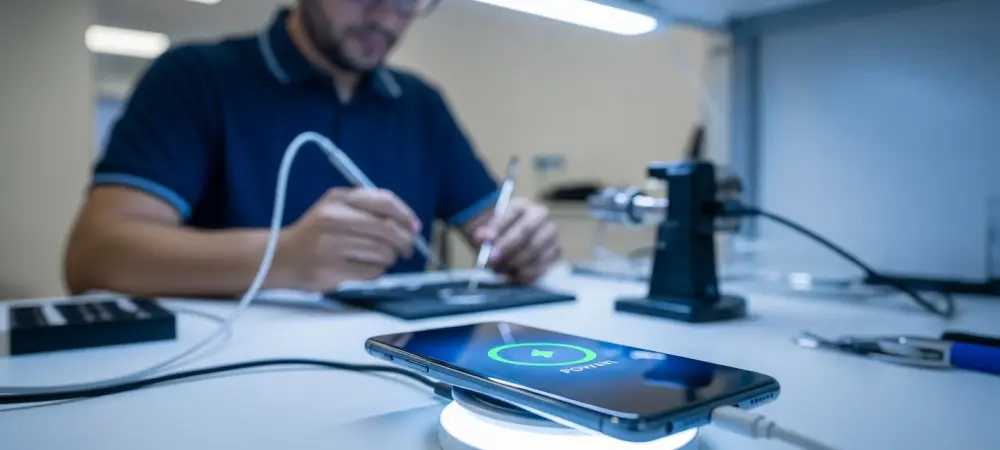
While traditional USB-C cables often fail to trigger a boot sequence in depleted models, wireless charging has emerged as the most reliable workaround. This method appears to bypass certain software-based handshake hurdles that prevent the device from recognizing a wired power source. Apple Store technicians frequently utilized wireless mats to resolve this specific complaint, validating the efficacy of induction-based recovery.
Implementing the Extended Charge Duration Method
Standard charging times do not apply when the iPhone 17 enters a deep discharge state. Users must allow for an uninterrupted power flow for several hours rather than the typical few minutes. This allows the power management integrated circuit to stabilize and eventually trigger the startup sequence.
Executing a Forced Restart During the Charge Cycle
Combining a continuous power supply with a specific hardware button sequence can jumpstart the bootloader. This practice is necessary when the software is stuck in a loop and fails to automatically recognize that the battery has reached a safe operating voltage. Success rates for forced reboots remain high on the iPhone 17 Pro Max when combined with active charging.
Final Evaluation: Navigating the iPhone 17 Power Flaw
Owners who prioritized keeping their devices above a fifteen percent threshold effectively avoided the systemic power failure that defined this generation’s early lifecycle. The community discovered that maintaining proactive charging habits served as the most reliable defense against architectural flaws. Looking forward, the focus shifted toward demanding more transparent power-state indicators. These lessons encouraged a move toward secondary reserve batteries dedicated solely to maintaining bootloader readiness. Industry experts realized that reliance on a single power layer created a vulnerability that only hybrid charging solutions fixed.