

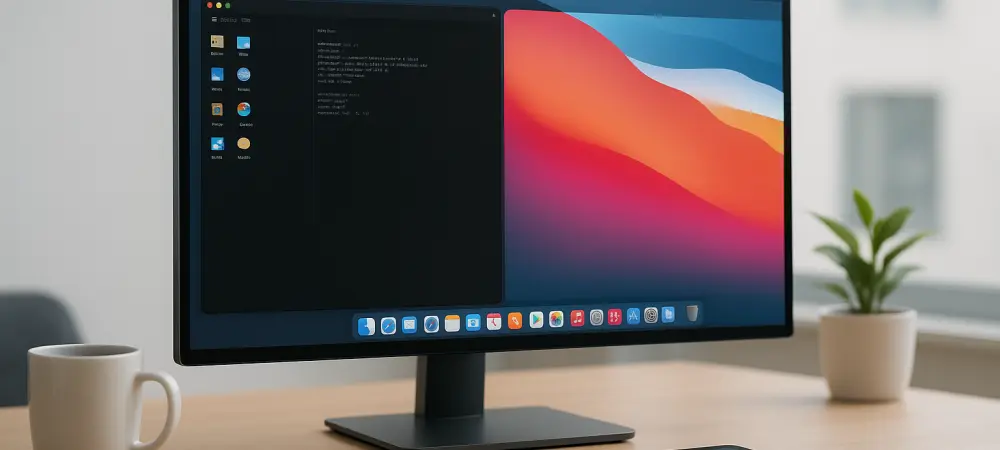
Omarchy offers a highly curated keyboard-driven environment with integrated AI tools for users who want to move beyond the traditional desktop experience. This distribution addresses a critical niche in the current tech landscape where developers crave the efficiency of Arch Linux without the time-intensive manual configuration. For Mac owners, the transition to such a system is often blocked by concerns regarding driver compatibility and potential system instability. By utilizing a virtualized environment, users can experience the fluid window management and AI-driven command prompts of the system while maintaining the safety of their macOS host. This method serves as a sandbox for exploring how proprietary hardware handles high-performance tiling window managers and complex processes. It allows for a detailed comparison between standard Apple workflows and the streamlined efficiency of a system built around rapid keyboard input and automated task handling. This approach ensures no data is at risk during the setup.
1. Selecting the Optimal Testing Environment
Virtualization has evolved significantly by 2026, with tools like UTM providing a seamless bridge between macOS and Linux distributions on Apple Silicon hardware. To begin the testing process, one must download the Omarchy ISO image, specifically the variant optimized for ARM64 or x86_64 depending on the specific Mac processor. When setting up the virtual machine, it is essential to allocate at least four CPU cores and 8GB of memory to ensure that the integrated AI features and the Hyprland compositor run smoothly without stuttering. The virtualization software should be configured to use the Virtio-GPU-GL driver to leverage the host’s graphics capabilities for hardware acceleration within the guest OS. This configuration ensures that the animations and window transitions within the environment feel as responsive as they would on a bare-metal installation. By adhering to these resource allocations, users can observe how the system handles various multi-threaded development tasks with total ease.
Beyond virtualization, the live USB method remains a potent option for those with Intel-based Mac models or specific newer hardware that allows for external booting. This process involves using utility software like BalenaEtcher to flash the system image onto a high-speed external drive, ensuring that the media is capable of fast read cycles to prevent performance bottlenecks. On Mac hardware, users must often enter the macOS Recovery environment to adjust the Secure Boot settings, allowing the machine to recognize and boot from an external source. Once these security protocols are updated, holding the Option key during a restart allows for the selection of the external drive, launching the environment directly into the RAM. This approach provides a more accurate representation of hardware compatibility, particularly regarding the internal webcam and speakers. It is a critical step for anyone who plans to eventually transition to a native dual-boot setup, as it identifies potential driver conflicts quickly.
2. Advancing Professional Efficiency and AI Integration
Testing the system reveals a shift toward an integrated AI-first architecture that redefines how users interact with their operating system via the terminal and window manager. The environment utilizes advanced language models to assist with command completion and system troubleshooting, significantly reducing the learning curve associated with the Arch Linux backend. Professionals can experiment with the pre-configured workspaces, which are designed to separate communication tools from development environments automatically, fostering a deep focus state that is often interrupted by the notification systems in traditional OS designs. To maximize the value of this test phase, one should focus on mapping custom shortcuts and testing the responsiveness of the tiling logic under heavy workloads. This hands-on evaluation demonstrates how a keyboard-centric approach can eliminate the micro-delays caused by mouse navigation. By testing these features, users gain a tangible understanding of how an automated environment can change their work output.
The evaluation of Omarchy on Mac hardware proved to be a transformative exercise for those seeking to enhance their productivity through modern open-source tools. Users found that the combination of virtualization and live booting provided a comprehensive overview of the system’s capabilities without compromising the stability of their primary macOS environment. The process highlighted the importance of proper resource allocation and security adjustments when bridging the gap between proprietary hardware and flexible Linux distributions. It became clear that the AI-driven features and keyboard-driven navigation offered a viable alternative to standard desktop metaphors, particularly for developers and administrators. By successfully navigating the testing phase, professionals identified the specific configurations needed to replicate their macOS efficiency within a more customizable framework. This non-invasive testing methodology empowered users to adopt cutting-edge operating system technology with confidence and total precision.