

Apple suggests that the Software Update mechanism under General settings is more efficient than a full download from the Mac App Store. As the global Mac user base prepares for the arrival of macOS 27 Golden Gate this coming Monday, understanding the specific technical requirements for this transition is paramount for maintaining productivity. This latest release represents a significant shift in how the operating system interacts with the underlying silicon, offering unprecedented speed in neural processing and creative tasks. However, the complexity of such a massive update often introduces challenges for those who attempt to upgrade without proper system auditing. To minimize the potential for installation errors or performance bottlenecks, it is essential to follow a structured preparation plan that addresses hardware compatibility, storage management, and data redundancy. By taking proactive measures now, users can ensure their machines are fully optimized to leverage the advanced features of the new environment the moment it becomes available.
1. Verifying Hardware Compatibility: The Move to Apple Silicon
The initial phase of preparation involves a rigorous check of hardware eligibility to ensure the device can support the advanced kernel architecture of the new release. Apple has restricted macOS 27 Golden Gate to machines featuring Apple Silicon, specifically supporting the MacBook Neo 2026 and all M-series laptops produced between 2020 and 2026. Desktop users with iMacs from 2021, Mac mini units from 2020, and the entire Mac Studio and Mac Pro lineups since their transitions to Apple Silicon will also receive the update. This version officially concludes support for the remaining Intel-based models, as the operating system now utilizes hardware-level accelerators that are physically absent from older processors. Verifying your specific model is a simple task performed by accessing the About This Mac section under the Apple menu. Confirming this information early prevents the frustration of encountering a compatibility error during the download process on launch day, allowing for a more predictable and efficient upgrade experience.
Beyond simple compatibility, the health of the internal storage system plays a decisive role in the speed and success of the Golden Gate installation. Because the new operating system requires significant overhead for file swapping and temporary data extraction, maintaining a lean storage profile is a technical necessity. Users are encouraged to utilize the built-in storage optimization tools to identify and purge obsolete system logs, large email attachments, and legacy application caches that often accumulate unnoticed. Moving high-resolution media libraries to an external Thunderbolt drive or utilizing cloud-based offloading can provide the necessary breathing room for the installer to operate without hitting capacity limits. While the specific installer size varies, keeping approximately sixty gigabytes of contiguous free space ensures that the dynamic partitioning process can proceed without interruption. This focus on local disk hygiene not only facilitates a faster update but also improves the general responsiveness of the system once the new software is active.
2. Managing Storage and Backups: Securing Your Digital Assets
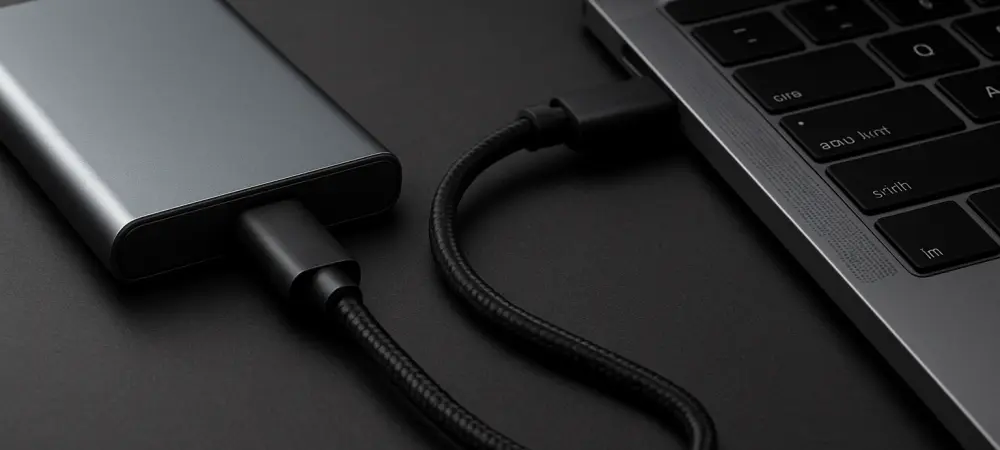
Protecting critical data through a redundant backup strategy remains the most important step for any professional or personal workstation before a major OS deployment. The integrated Time Machine utility remains the standard for creating a comprehensive snapshot of the entire system, including user accounts, application states, and configuration files. For maximum efficiency, it is recommended to perform a final manual backup to a dedicated external SSD in the twenty-four hours preceding the Golden Gate release. This ensures that even the most recent file revisions are captured and can be restored in the unlikely event of a file system error or power loss during the upgrade. Having a verifiable and recent backup provides the peace of mind necessary to proceed with significant system changes that modify the core structure of the boot drive. Once the backup is complete, disconnecting the drive and verifying the data integrity through the Time Machine interface serves as a final safeguard against potential failures during the process.
After the preparation tasks were finalized, the transition to macOS 27 Golden Gate proceeded with a focus on post-update optimization and system stability. Users who completed the installation discovered that allowing the system to finish its background indexing during a period of inactivity resulted in much smoother performance during the first day of use. The process of verifying application compatibility and updating professional software suites through the Mac App Store ensured that every tool in the workflow was ready for the new silicon optimizations. Additionally, reviewing the updated security and privacy settings allowed for a customized experience that aligned with modern data protection standards. These actionable steps, taken in the wake of the successful installation, transformed the new operating system into a powerful and stable platform for the coming months. By adopting this rigorous approach to system management, the potential risks of a major software transition were successfully mitigated, leaving a reliable workstation.