

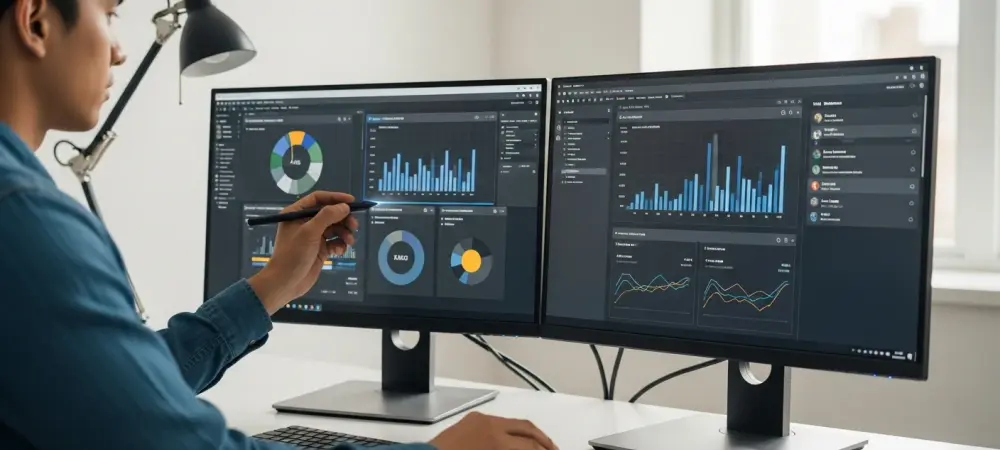
Modern computing is no longer defined by how fast a processor can crunch numbers, but by how intuitively a machine can interpret the visual information appearing on a screen in real time. Microsoft and Google are currently locked in a sophisticated arms race to eliminate the friction between seeing an image and acting upon it. While Google has already established a foothold with its gesture-based mobile tools, Microsoft is aggressively pivoting its Windows 11 ecosystem to transform every pixel into a potential AI prompt.
Understanding the Landscape of AI-Driven Visual Assistance
The evolution of these tools reflects a broader shift toward multimodal interaction. Microsoft Copilot is transitioning from a sidebar assistant into a deeply integrated system layer within Windows 11 and Microsoft 365. By developing a native screenshot tool, Microsoft intends to let users feed visual data directly into large language models for complex reasoning.
In contrast, Google’s Circle to Search has become a staple for Android users, particularly on the Pixel and Galaxy S24 series. This feature emphasizes immediate gratification, allowing users to identify products or landmarks without leaving their current app. While Google focuses on the mobile consumer, Microsoft targets the professional desktop environment where visual context often serves as the foundation for broader projects.
Key Functional Comparisons and User Experience
Integration Method and Input Efficiency
The user experience differs significantly based on the hardware in hand. Google utilizes a tactile long-press and circle gesture that feels like a natural extension of mobile browsing. This method is incredibly fast for identifying a pair of shoes or a distant mountain range. Microsoft, however, is building a specialized screenshot interface for Windows that treats on-screen content as a structured data source for prompt engineering.
Utility in Productivity and Contextual Analysis
Productivity remains the primary differentiator between these two titans. Copilot aims to generate “actionable responses,” such as summarizing a chart or explaining a snippet of code found in a video. Google’s strength lies in its massive search index, making it the superior choice for shopping and quick information retrieval. Microsoft’s 365 Roadmap suggests a future where visual communication is more about utility and creation than simple identification.
Ecosystem Synergy and Cross-Platform Accessibility
Windows Copilot benefits from deep OS-level integration, potentially interacting with system data in ways a mobile overlay cannot. However, Google’s dominance in the mobile market provides a level of accessibility that Microsoft struggles to match outside of the office. The desktop-mobile divide defines the current utility of these tools, with one favoring the workstation and the other favoring the pocket.
Practical Challenges, Privacy, and Implementation Obstacles
Technical hurdles and public perception continue to shape the trajectory of these innovations. Microsoft faced significant backlash regarding Windows Recall, a feature that raised alarms about constant data logging. This history of privacy concerns makes the adoption of screenshot-based AI tools a delicate balancing act for the company. Google, while not immune to scrutiny, benefits from a more mature deployment that users have already integrated into their daily habits. Hardware requirements also present a barrier to entry. Local AI analysis on a PC requires substantial processing power, whereas Google often relies on cloud-based processing to maintain speed on mobile devices. Furthermore, the Microsoft 365 Roadmap is subject to delays, meaning some of these advanced visual features may remain speculative while Google continues to refine its established image-recognition algorithms.
Final Verdict: Choosing the Right Visual AI Tool
The choice between these assistants depended on whether a user prioritized deep analysis or rapid discovery. Microsoft envisioned a world where visual context fueled professional output, making it the preferred choice for researchers and creators. Google maintained its lead in the consumer space, providing a seamless bridge between the physical world and the digital marketplace through a simple tap on a screen.
As development progressed, the focus moved toward ensuring these tools functioned ethically without sacrificing performance. Future implementations will likely demand more robust privacy safeguards and local processing to win over skeptical users. Navigating this landscape required an understanding that while both tools looked at the same screen, they saw very different possibilities for the user’s next move.