

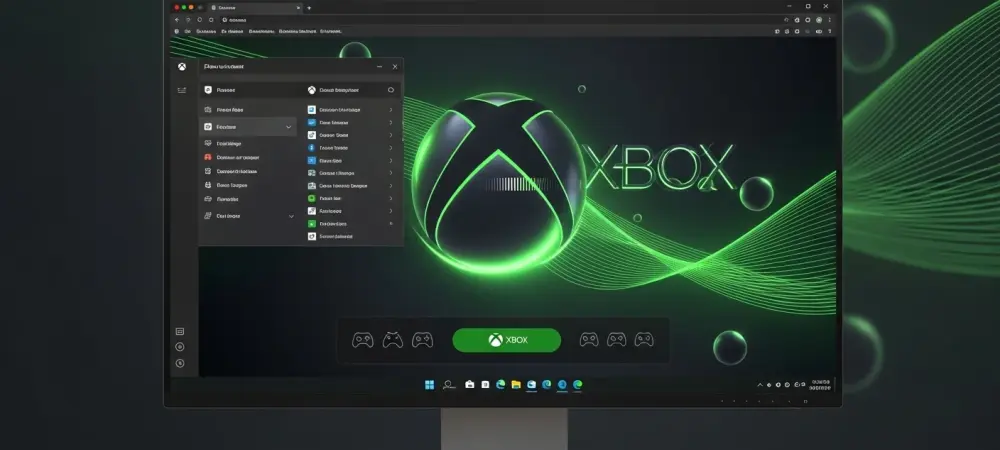
The long-standing barrier between the streamlined ease of console gaming and the raw power of personal computing has finally started to crumble with Microsoft’s latest software integration. This shift represents a fundamental transformation in how Windows 11 handles interactive entertainment, moving away from a traditional desktop-first mentality toward a versatile, controller-centric environment. By embedding an interface that mirrors the Xbox Series X experience directly into the operating system, Microsoft is effectively turning every compatible laptop and desktop into a hybrid gaming machine.
Evolution of the Windows Gaming Interface
For decades, PC gaming required a high degree of manual intervention, often forcing players to navigate complex file systems and deal with varying launcher requirements. This legacy created a friction-filled experience that stood in stark contrast to the plug-and-play nature of modern consoles. The emergence of Windows 11 Xbox Mode serves as a direct response to this disparity, distilling years of user feedback into a cohesive framework that prioritizes accessibility and speed.
This evolution is particularly relevant as the hardware market shifts toward portable gaming devices and specialized handhelds. As the hardware landscape becomes more fragmented, the need for a unified software layer becomes critical. Microsoft has moved beyond treating gaming as just another application, instead restructuring the OS core to support a dedicated environment that can exist independently of the standard mouse-and-keyboard desktop.
Core Features and User Experience
Optimized Controller Navigation and UI
The defining characteristic of this update is the radical overhaul of the navigation logic, which allows users to manage their entire system using only a gamepad. This implementation is unique because it goes beyond simple button mapping; it introduces a semantic layer that understands controller inputs at a system level. Consequently, the fluidity of moving from a game library to system settings feels intuitive, eliminating the jarring transition that usually occurs when a controller user is forced to interact with traditional Windows windows.
Ecosystem Integration and Game Pass Access
Deeply woven into the fabric of this mode is the Game Pass library, which acts as a centralized hub for content discovery and installation. This integration matters because it removes the middleman, allowing for background updates and social connectivity that mirror the Xbox Live ecosystem. By unifying the achievement systems and cloud save synchronicity, the platform ensures that progress remains persistent regardless of whether the player is on a desktop or a mobile handheld.
Current Trends in Unified Gaming Environments
The industry is currently witnessing a massive pivot toward platform-agnostic gaming where the specific device matters less than the service layer. Innovations in cloud architecture and local streaming have paved the way for environments that are always online and perpetually updated. Windows 11 is adapting to this by moving toward a decentralized model where the gaming interface can scale across different screen sizes and hardware configurations without losing its core identity.
Real-World Applications and Device Deployment
Beyond the standard desktop setup, this technology is finding its strongest foothold in the rapidly expanding handheld market. Devices from manufacturers like ASUS and Lenovo are utilizing Xbox Mode to provide a premium user experience that rivals dedicated gaming consoles. In these scenarios, the software acts as the critical bridge, allowing manufacturers to use standard PC components while offering the consumer a specialized, high-end gaming appliance feel.
Technical Hurdles and Market Obstacles
Despite the polished presentation, the transition is not without its complications. Bridging the gap between a legacy operating system and a modern gaming shell often leads to resource management conflicts where background Windows processes compete for CPU cycles. Furthermore, while Microsoft-owned titles work flawlessly, third-party storefronts still struggle with full integration, often requiring the user to drop back into the standard desktop mode, which breaks the immersion and complicates the user journey.
The Future of Cross-Platform Continuity
The trajectory of this technology points toward a future where the operating system becomes invisible, serving purely as a conduit for interactive media. We are likely to see even tighter integration with artificial intelligence to optimize system performance on the fly based on the specific game being played. This progression will likely culminate in a truly seamless ecosystem where the distinction between a “PC game” and a “console game” ceases to exist in the mind of the consumer.
Final Assessment of Windows 11 Xbox Mode
The implementation of this specialized interface successfully modernized the Windows gaming experience, effectively stripping away the administrative overhead that previously plagued the platform. It proved that a desktop environment could adapt to the ergonomic requirements of a controller without sacrificing the flexibility that defines PC gaming. By prioritizing the user journey over legacy design constraints, Microsoft established a new standard for how operating systems should handle specialized workloads.
Moving forward, the industry must focus on resolving the remaining friction points between competing digital storefronts to ensure a truly universal interface. Developers should lean into this unified architecture to create titles that are natively aware of the hardware’s dual nature. As this ecosystem matures, the long-term viability of Windows as a gaming platform will depend on its ability to maintain this level of simplicity while continuing to offer the high-performance customization that enthusiasts demand.