

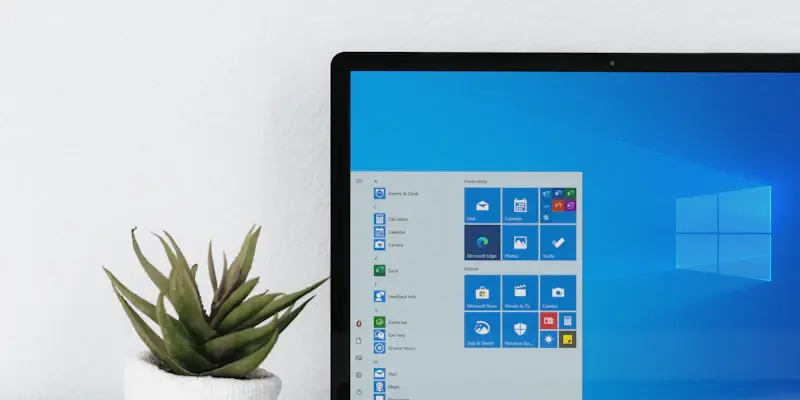
If you are running Windows 11 or Windows 10 but miss the comforting familiarity of Windows 7, there is now a straightforward yet brilliant solution to revert to a look and feel reminiscent of the classic OS. The process, remarkably efficient, requires only five mouse clicks and brings back many features associated with Windows 7 that current operating systems lack.
This transformation allows users to revisit cherished functionalities including Windows Media Center, Windows Gadgets, and those classic Windows 7 games that many users came to love. Most notably, it restores the celebrated, no-nonsense Start menu that many Windows enthusiasts preferred. Fortunately, this transformation method is compatible with all versions of Windows 10 and Windows 11, up to the latest release, 24H2.
Revert8Plus: The Tool for Transformation
To embark on this transformation journey, you will need Revert8Plus, a fully automated and customizable transformation pack that has recently received significant updates. Earlier versions of this software had issues, as they were plagued with bugs and glitches. However, Version 4 has undergone a complete overhaul, addressing hundreds of bugs and stabilizing the software. This latest version reduces the necessity for system file modifications, allowing for seamless Windows updates post-transformation.
One of the standout features of the new version is its theme selection, which now automatically adjusts glass color, system sounds, visual styles, and other system properties according to the chosen theme. Additionally, AeroGlass—an aesthetic feature long associated with Windows 7—has seen refinements for even greater precision and now includes a customizable color mixer. Such improvements place Revert8Plus a cut above previous iterations, simplifying the transformation process.
Restoring Windows 7’s Control Panel links and applets to their proper layout is another enhancement included in this update. The return of Windows Gadgets allows users to enjoy the mini-apps they missed, adding a touch of personal flair to their desktops. Fans of classic Windows 7 games will be pleased with the inclusion of titles such as Solitaire, Spider Solitaire, Minesweeper, FreeCell, and Hearts, all accessible through the Windows 7 Games Explorer. Bringing back the Windows Media Center and the Windows 7 Help and Support panel rounds out an impressively comprehensive feature set.
Additionally, users can enjoy the simplicity and efficiency that defined Windows 7, blending it seamlessly with the advanced capabilities of newer OS versions. By doing so, you get the best of both worlds: modern performance with a nostalgic interface.