

As millions of users grapple with the looming end of support for a widely used operating system, the search for a reliable and secure alternative has never been more urgent, especially with the deadline for Windows 10 support cessation set for October 14 of this year. This critical juncture leaves many in a tough spot: continue using an unsupported system vulnerable to security risks or upgrade to Windows 11, which may not be compatible with older hardware or may not meet user expectations. Amid this uncertainty, a Linux-based solution has emerged as a promising option. Oreon 10, with its latest Build 2510 update, positions itself as a user-friendly replacement tailored for those hesitant to abandon the familiar Windows environment. Designed to ease the transition, this operating system offers a compelling blend of stability and accessibility, tapping into the growing trend of exploring Linux distributions as viable alternatives for everyday computing needs. This development marks a significant moment for users seeking both security and continuity in their digital experience.
Bridging the Gap with Familiar Design
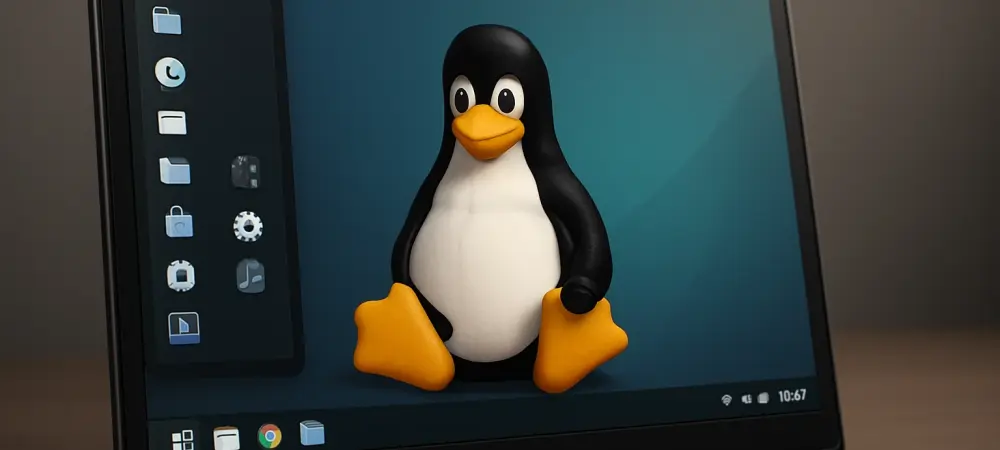
One of the standout features of Oreon 10 is its deliberate focus on replicating the look and feel of Windows, addressing a major barrier that often deters users from switching to Linux-based systems. For many, the perception of Linux as a complex platform reserved for tech-savvy individuals creates hesitation, with challenges like unfamiliar terminal commands or potential hardware compatibility issues looming large. Oreon 10 counters these concerns by providing an intuitive interface that mirrors the Windows layout, significantly reducing the learning curve for newcomers. The recent Build 2510 update further enhances its appeal by integrating WINE 10.16, enabling users to run Windows programs seamlessly, alongside minor package upgrades that boost stability. Built on the robust foundation of AlmaLinux, known for its enterprise-grade reliability, Oreon 10 offers a practical solution for those who prioritize both ease of use and performance. This strategic design choice makes it an attractive option for a wide range of users looking to maintain productivity without sacrificing familiarity during a pivotal transition period.
A Secure Future in a Competitive Landscape
Looking ahead, Oreon 10 not only addresses immediate needs but also assures long-term viability with a well-defined support timeline, offering mainstream support until August 20, 2030, and full support extending to June 1, 2035. This commitment to sustained updates provides peace of mind for users concerned about security in the wake of Windows 10’s end of life. Within the broader landscape of Linux alternatives, Oreon 10 holds its own against popular distributions like Ubuntu and Linux Mint, as well as emerging options such as Zorin OS 18 Beta, each catering to Windows users with varying degrees of familiarity and customization. What sets Oreon 10 apart is its specific targeting of the Windows demographic, blending a recognizable interface with robust backend stability. As plans for a successor, Oreon 11, take shape, the operating system stands as a testament to the evolving accessibility of Linux solutions. Reflecting on the urgency of this shift, the strategic timing of Oreon 10’s updates proves instrumental in offering a secure, sustainable path forward for countless users navigating this significant change in the operating system market.