

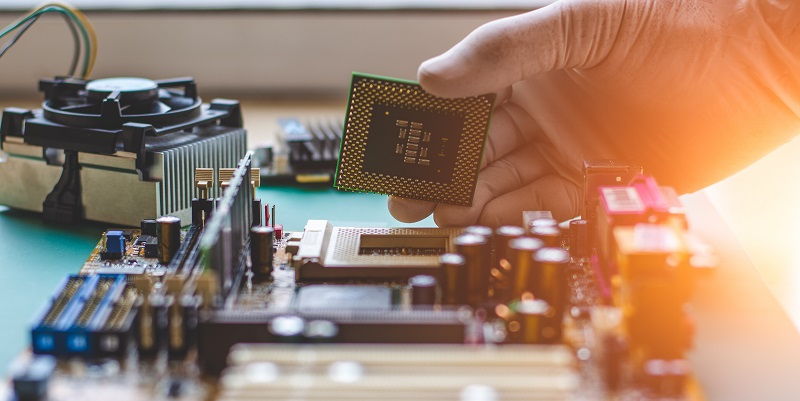
Users of MSI’s 600/700 series motherboards have been facing a frustrating issue on Windows 11, with widespread occurrences of Blue Screen of Death (BSOD) errors. The root cause of these crashes has been identified as an “Unsupported CPU” error. The problem was first brought to light by The Verge, and MSI has now released an official workaround to address the issue and provide temporary relief to affected users.
Discovery of the Issue and MSI’s Response
The issue gained attention when multiple Reddit users reported frequent occurrences of BSOD pop-ups on their systems. Users expressed their frustration with the crashes, which disrupted their workflows and caused data loss. The Verge brought this issue to the forefront, highlighting the widespread nature of the problem. Subsequently, MSI acknowledged the issue and initiated efforts to investigate and resolve it.
Temporary Fix: Microsoft Removes KB5029351 Update
In an effort to provide temporary relief, Microsoft has removed the KB5029351 update from affected systems. This update, which was responsible for introducing the error, can no longer be installed. However, it should be noted that the update is still available for users who have not yet updated their systems to Windows 11.
Connection to MSI’s BIOS Update
The root cause of the BSOD errors is believed to be related to MSI’s recent BIOS update. This update added support for Intel’s 14th Gen Core Raptor Lake Refresh CPUs on Intel 600/700 motherboards. It is possible that Windows 11 is not fully prepared for next-gen CPU compatibility, which could explain the error message encountered by users.
Speculating on Windows 11’s Next-Gen CPU Compatibility
The occurrence of the “Unsupported CPU” error raises questions about the readiness of Windows 11 to support next-gen CPUs. If the operating system is not optimized for the latest hardware, compatibility issues like these can arise. Further investigation is required to determine whether Windows 11 needs further development to ensure seamless integration with newer processors.
MSI and Microsoft’s Response
Both MSI and Microsoft have acknowledged the “UNSUPPORTED_PROCESSOR” error and have initiated investigations to identify the root cause of the problem. The companies are working closely to resolve the issue and provide an effective solution. It is crucial for them to collaborate and find a fix that ensures the smooth functioning of Windows 11 on MSI’s 600/700 series motherboards.
Recommendation to Refrain from Installing KB5029351 Update
While investigations are underway, it is strongly recommended that all users temporarily refrain from installing the KB5029351 Preview update. By avoiding this update, users can prevent the occurrence of the “Unsupported CPU” error on their systems and maintain stable operations.
Automatic Uninstallation of KB5029351
For users who have already encountered the “Unsupported CPU” error and installed the KB5029351 update, there is some relief. Windows may automatically uninstall this update to restore normal functionality to the affected systems. This automatic removal aims to minimize the impact of the issue on users and provide them with a workaround until a permanent solution is found.
Reverting BIOS and Manual Uninstallation
However, if the KB5029351 update is not automatically uninstalled, users are recommended to revert their motherboard’s BIOS to the previous version. This should be followed by manually uninstalling the KB5029351 update from the Windows system. This manual approach ensures that affected users can eliminate the error and restore stability to their systems.
The widespread BSOD issues faced by owners of MSI’s 600/700 series motherboards in Windows 11 have highlighted the need for further compatibility testing and development. While MSI and Microsoft are actively investigating the issue, users are urged to follow the recommended temporary fixes to mitigate the problem. With a collaborative effort, it is anticipated that a permanent solution will be found, ensuring seamless compatibility between Windows 11 and next-gen CPUs on MSI motherboards.