

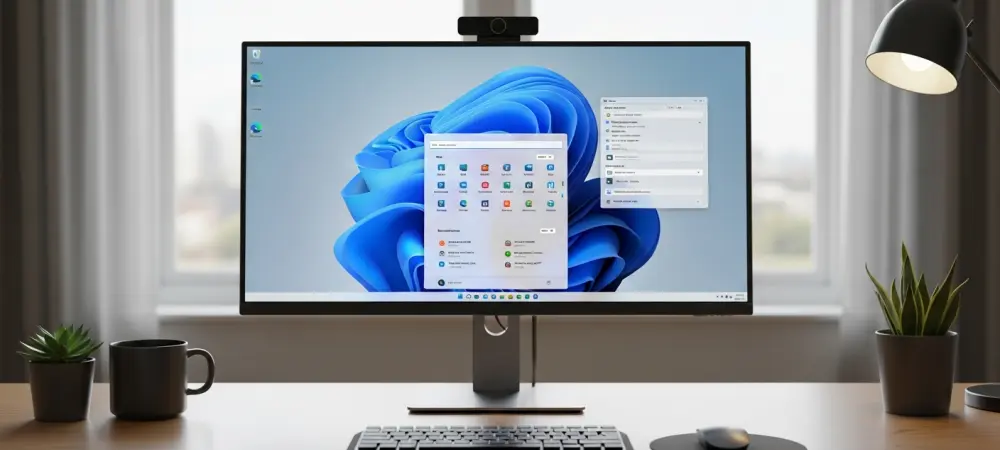
The corporate landscape depends heavily on the seamless operation of operating systems, yet many large-scale organizations recently encountered significant disruptions due to erratic graphical interface behaviors within Windows 11 Enterprise editions. These issues, ranging from unresponsive taskbars to disappearing system tray icons, created a friction-filled environment for professionals who require uninterrupted workflows to meet stringent deadlines. When the tools intended to facilitate productivity begin to obstruct it, the resulting technical debt can paralyze departments. Microsoft finally responded to these reports by releasing a critical out-of-band update designed to stabilize the Shell Infrastructure Host, identified as the primary culprit behind the intermittent freezing of core desktop elements. This resolution marks a pivotal moment for IT administrators who spent months managing tickets related to these persistent visual glitches. The fix restored the confidence that enterprise software should provide.
Restoring Core Desktop Stability and Performance
The primary technical challenge involved a recurring failure in the Windows Shell Experience Host, a process responsible for managing many of the modern UI elements that users interact with daily. In many high-load environments, particularly those utilizing multiple virtual desktops or complex docked monitor configurations, the Start menu and Taskbar would frequently fail to initialize correctly upon login. This forced users to resort to manual restarts of the Explorer.exe process, a temporary workaround that was both inefficient and frustrating for staff. Analysts noted that the frequency of these failures increased following recent security patches, suggesting a conflict between new protective measures and existing UI frameworks. By addressing the specific race conditions that led to these crashes, the new update ensures that the graphical shell remains responsive even when the system is under heavy administrative load. Such a move is essential for maintaining the high availability required by businesses.
Beyond simple freezing, some organizations reported more subtle but equally damaging issues, such as the total loss of notification transparency and the failure of the Quick Settings panel to load. These problems often stemmed from memory leaks within the Universal Windows Platform components that integrate with the Windows 11 desktop experience. When these components failed to release allocated resources, the system would gradually slow down until the entire user interface became practically unusable. Microsoft developers spent several weeks profiling these leaks in controlled enterprise environments to identify the exact code paths responsible for the degradation. The subsequent patch introduces more robust resource management protocols that prevent the UI from consuming excessive memory over long periods of uptime. This optimization is particularly beneficial for workstations that are rarely shut down, such as those used in financial trading. With these corrections, the OS demonstrates a higher level of resilience.
Implementation Pathways for IT Infrastructure Teams
Deploying this critical fix requires a strategic approach, as IT departments must balance the urgency of the repair with the need for thorough compatibility testing across diverse hardware fleets. Most administrators are utilizing Microsoft Intune or Windows Server Update Services to push the update, often starting with a pilot group to ensure that the UI stabilization does not interfere with proprietary line-of-business applications. The update process includes a refresh of several core dynamic link libraries that oversee the communication between the hardware abstraction layer and the visual compositor. Because these changes are deep within the system architecture, a full reboot is typically required to finalize the installation, necessitating clear communication with employees about scheduled downtime. Modern deployment tools now allow for more granular control over these updates, enabling teams to stage the rollout according to department criticality. This distribution helps mitigate the risk of unforeseen side effects for users. Organizations that successfully integrated these fixes noticed an immediate reduction in help desk tickets and a tangible improvement in the reliability of their digital workspaces. Looking ahead, IT leadership focused on auditing their current patch management cycles to prevent similar UI regressions from impacting operations. They prioritized the adoption of proactive monitoring tools that could detect shell instability before it escalated into a complete system failure. Many departments also revised their internal documentation to include specific recovery procedures for graphical failures, ensuring that staff remained productive during any future transitions. The resolution of these severe failures provided a clear blueprint for how software providers and enterprise clients could collaborate to maintain the integrity of vital operating systems. By establishing more rigorous pre-deployment testing environments, companies prepared themselves for a more stable computing environment. This stance ensured infrastructure met the needs of the workforce.