

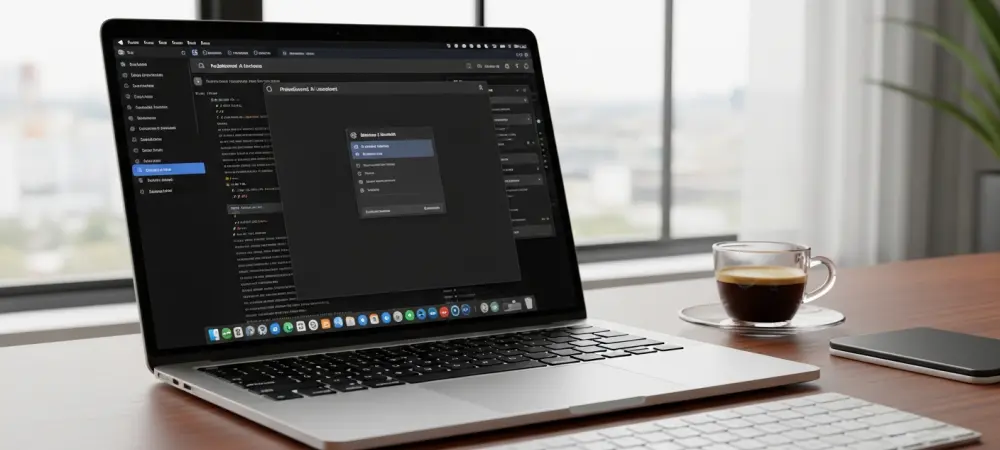
The rapid proliferation of artificial intelligence across desktop environments has left many enthusiasts wondering when the most versatile operating systems will finally receive the specialized tools their counterparts enjoy. While Windows users have seen Microsoft’s Copilot woven into the very fabric of their daily interactions, those on Linux have largely been relegated to utilizing browser-based interfaces that often feel disconnected from the underlying system architecture. This persistent gap in native functionality sparked a significant initiative by developer Hayden Barnes in early 2026, who sought to rectify the omission through an unofficial desktop client. By stepping into a space that the original creators had yet to occupy, Barnes introduced a solution that aims to elevate the AI experience from a mere web tab to a deeply integrated utility. The arrival of this tool marks a pivotal moment for users who demand more than just standard web wrappers, promising a future where AI behaves as a first-class citizen within the Linux ecosystem.
Bridging the Gap: Desktop Integration
Transitioning from a browser-dependent model to a standalone application represents a fundamental shift in how users perceive and interact with Microsoft’s AI on non-Windows platforms. The unofficial client leverages the GTK framework to provide a dedicated window environment, which effectively isolates the artificial intelligence from the overhead and potential instabilities of a standard web browser. This structural independence is crucial because it prevents the AI tool from becoming unresponsive during heavy browsing sessions or memory-intensive tasks that might otherwise cause a browser to stall. By operating as a self-contained entity, the application offers a more predictable and stable performance profile that aligns with the expectations of power users. Furthermore, the move away from a generic web interface allows the application to utilize system resources more efficiently, ensuring that the AI remains a nimble assistant rather than a bulky background process that drains the battery.
Beyond the architectural improvements, the move to a native-style client addresses several long-standing frustrations regarding session persistence and hardware interaction. One of the most significant advantages of this implementation is the ability to maintain login credentials over long periods without the frequent re-authentication prompts that typically plague browser sessions. Users often find that web-based AI tools lose their context or require fresh logins after brief periods of inactivity, a barrier that this new application effectively dismantles through more robust cookie and session management. Additionally, the tool provides more reliable access to the system’s hardware permissions, particularly for the microphone and audio input. While browsers often struggle with complex permissions or require multiple clicks to grant voice access, this desktop client manages these interactions natively. This ensures that features like voice commands work with the same immediacy and accuracy that one would expect from a fully integrated, first-party software solution.
Enhancing the Linux Workflow: System Cohesion
Integrating an external tool into the Linux environment requires more than just a dedicated window; it demands a deep connection with the operating system’s existing workflows and notification subsystems. The unofficial client excels in this regard by offering support for autostart configurations and seamless integration with the system tray, allowing the AI to remain silently available from the moment the user logs in. Instead of having to open a specific browser tab or navigate to a bookmark, a quick click or keyboard shortcut brings the assistant into focus. Moreover, the application replaces standard web-based alerts with native operating system notifications, which are far more reliable and easier to track within the system’s notification center. This integration ensures that the user is alerted to completed tasks or AI responses even when working in other applications, effectively turning the AI into a background teammate that does not interrupt the natural flow of a multi-desktop workspace.
Visual consistency and file management are also prioritized to ensure that the application feels like a deliberate part of the user’s chosen desktop environment. The software is designed to respect the system’s overarching theme, including dark mode preferences and custom accent colors, which prevents the jarring aesthetic disconnect often found in cross-platform ports. This attention to detail extends to how the application handles data, particularly when it comes to downloading or saving AI-generated content. Unlike browser versions that often route every download through a generic folder, this client allows for more intuitive file handling that maps directly to the user’s local directory structure. Whether a user is generating code snippets, documents, or image assets, the ability to move these items directly into active project folders without intermediate steps enhances the overall utility of the tool. Such refinements contribute to a cohesive experience where the AI feels less like a bolted-on web service and more like an inherent component of the desktop productivity suite.
The Path Forward: Community and Strategy
The introduction of this client has triggered a vibrant discussion within the open-source community regarding the future of AI integration on the platform and the role of third-party developers. For many, the success of this project serves as a testament to the ingenuity of independent creators who are willing to bridge the gaps left by large corporations like Microsoft. While some users remain hopeful that an official, first-party version will eventually materialize, others argue that community-led projects are often more aligned with the specific needs and values of Linux enthusiasts. This perspective is fueled by the realization that third-party tools can often iterate faster and incorporate niche features that a corporate product might overlook in favor of broad, mass-market appeal. However, there is also a segment of the population that remains cautious, questioning the long-term sustainability of an unofficial app that relies on wrapping web components that Microsoft could change or restrict at any moment without prior notice.
The emergence of a specialized desktop client for Copilot provided a necessary bridge for individuals who required advanced artificial intelligence within a native environment. To maximize the utility of such tools, users prioritized the evaluation of security settings and established clear boundaries for data sharing before full integration. Those who successfully adopted the application focused on automating repetitive tasks and utilizing the system tray features to minimize workflow disruptions. Future efforts centered on monitoring the evolution of official API access, which offered the potential for even deeper system hooks and improved reliability over time. By choosing to support community-driven initiatives, the user base encouraged a culture of innovation that did not wait for corporate permission to improve the desktop experience. Ultimately, the decision to implement this tool involved a careful balance between the desire for cutting-edge features and the commitment to maintaining a stable, high-performance computing environment.