

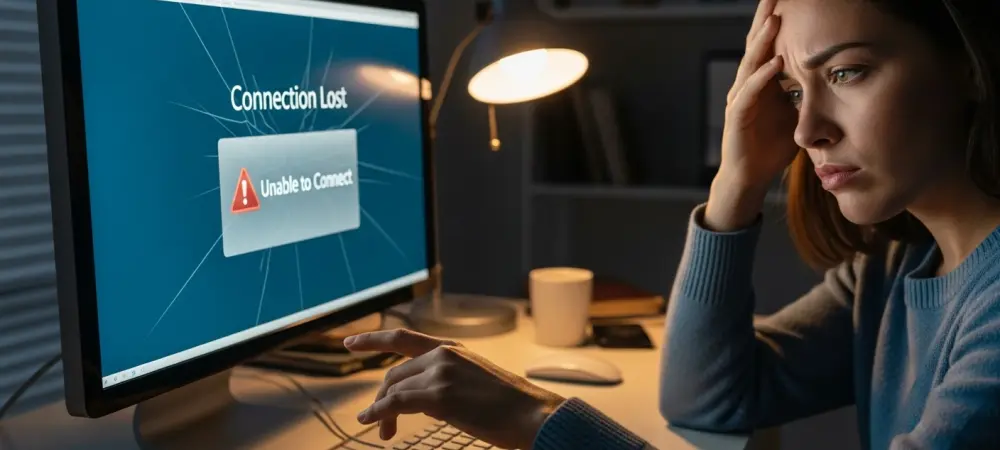
The rollout of a Windows update often feels like a double-edged sword for IT professionals who rely on stability, yet the recent deployment of KB5083769 has introduced unexpected friction. While this cumulative update was designed to refine Windows 11 versions 24## and 25## by addressing critical system issues like the “Reset This PC” bug, it has simultaneously disrupted the workflow of users relying on Remote Desktop Protocol. This particular software patch, which arrived on April 13, 2026, aims to harden security and improve background processes, but reports indicate that the RDP warning dialogs are becoming illegible for a specific subset of users. The problem is not a complete failure of connectivity but rather a visual corruption of the essential security prompt that appears before a remote session begins. This glitch specifically affects environments where hardware configurations are diverse, such as workstation setups utilizing multiple monitors with varying display densities or resolutions. Consequently, professionals who depend on seamless remote access now face a barrier that prevents them from interacting with the very prompts required to establish a secure link.
Mitigating Display Scaling Discrepancies
To address these interface anomalies until a permanent patch is issued, administrators must standardize the visual output across all connected hardware. Users should navigate to the System category within the primary settings menu and access the display sub-section to inspect the individual properties of each monitor. The current recommended workaround involves identifying the “Scale and layout” settings and ensuring that every active screen utilizes the identical percentage value, such as 100% or 125%, rather than leaving them at their default varied states. If the graphical buttons remain obscured or unclickable due to the overlapping text layers, utilizing the keyboard serves as an effective secondary method for navigation. By using the Tab key to cycle through the hidden focus points and the Spacebar to execute the selection, users can bypass the visual errors and proceed with their remote sessions. This operational adjustment ensures that the security warning is properly acknowledged, allowing the connection to initialize while developers refine the underlying code. These practical measures offer a bridge for continuity, enabling organizations to maintain productivity without reverting the entire security update.
Implementing Resilient Remote Access Protocols
Beyond the immediate tactical fixes, IT departments looked toward a strategy of proactive monitoring for upcoming cumulative updates scheduled for the remaining months of 2026. Because display scaling remains a complex element of the Windows shell, maintaining a unified hardware standard across remote workstations emerged as a viable long-term preventative measure. Technical teams documented these specific scaling configurations to streamline troubleshooting for future deployment cycles, ensuring that any visual regressions could be identified before they impacted broader user groups. This incident highlighted the necessity of testing security patches in multi-monitor environments where varied pixel densities are present. Moving forward, the focus shifted to verifying that all interface elements maintained high-DPI compatibility across the entire infrastructure. Administrators also prioritized the education of remote workers on keyboard navigation techniques to provide a failsafe against similar graphical inconsistencies. By adopting these robust diagnostic habits, organizations prepared for the eventual arrival of the official resolution while preserving the integrity of their remote access protocols throughout the fiscal period.