
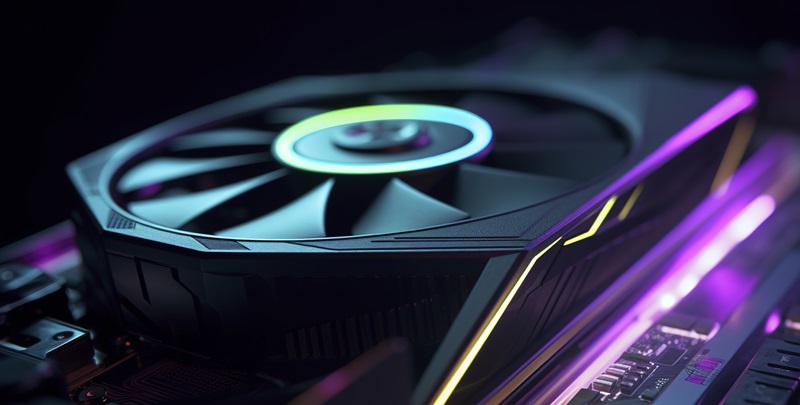
Is Furmark 2 the Ultimate GPU Stress Test for Your System?

FurMark 2 has emerged as the new benchmark for graphics card stress testing, succeeding its predecessor with an array of advancements and a redesigned interface. This cutting-edge tool is designed to put your GPU through rigorous tests, ensuring it can handle the most demanding applications and games.

New Era of Graphical Hardware Testing

With a launch that comes 16 years after the original, FurMark 2 introduces significant updates including a user-friendly interface and increased hardware compatibility, supporting the latest GPUs such as the GeForce RTX 40 SUPER series. Its multi-platform support spans Windows 32/64-bit, Linux 64-bit, and soon-to-be-released versions for Raspberry Pi and macOS.

Upgraded Interface and Accessibility

Leveraging the GeeXLab SDK, FurMark 2 offers a more intuitive GUI that allows for easy navigation and clearer benchmarking results. This new version is not only packed with features but also designed to be approachable for both advanced users and novices, ensuring everyone can take advantage of its capabilities.

Enhanced Features and Compatibility

FurMark 2 takes GPU testing to the next level with support for modern 3D APIs such as OpenGL 3.2 and Vulkan 3.1. Its capacity to rigorously evaluate new hardware makes it indispensable for tech enthusiasts and professionals. A key enhancement is the ability to display NVIDIA GPU power consumption in watts, providing valuable data on performance efficiency.

Refined Benchmark Integrity

With an improved score submission system that filters out abnormal or manipulated results, FurMark 2 maintains the integrity of its leaderboard. The package also includes the latest versions of GPU-Z and GPU Shark, ensuring users have the best tools for monitoring their GPU in real-time.

In conclusion, FurMark 2 represents the pinnacle of GPU stress testing tools, offering a comprehensive and reliable solution for anyone looking to thoroughly test their system’s graphics capabilities.

Explore more

AI Adoption in ERP Systems Sparks Tension With Security Teams

Successful integration of new technology depends on establishing proven controls and maintaining transparency between business units and security departments. This fundamental principle is currently being tested as the rapid collision between autonomous enterprise software and traditional risk management creates a visible fault line in modern corporate architecture. Currently, the landscape of corporate operations is undergoing a fundamental transformation as Enterprise

How to Apply for WDRA Deputy Director HR Recruitment 2026?

Applicants must ensure their current department forwards the necessary documentation to the Assistant Director of Human Resources at the Siri Institutional Area. This specific recruitment drive by the Warehousing Development and Regulatory Authority arrives at a time when the strategic management of human capital has become a cornerstone for maintaining national logistics standards. As the regulatory framework for warehousing undergoes

Is Linux Mint Now a Better Desktop Choice Than Ubuntu?

Linux Mint’s Software Manager maintains a firm stance on user autonomy by blocking the Snap format by default while providing seamless access to traditional packages and Flatpak applications. This ideological separation highlights the broader divergence currently occurring in the Linux world throughout 2026, where the definition of a user-friendly operating system is being fundamentally re-evaluated. While Ubuntu was historically the

How to Quickly Sign PDF Documents Using Your Mac’s Preview App

Mac owners can use their trackpads or even an iPhone screen as a high-precision input device for generating clean signatures on electronic forms. In an era where digital agility is paramount, the reliance on traditional paper-based workflows has become a relic of the past, yet many professionals still struggle with the perceived complexities of electronic document authorization. While various specialized

Windows 11 24H2 Support Ends Soon: How to Prepare Your PC

Security professionals often view unsupported operating systems as liabilities that wait for the next vulnerability scan to disrupt organizational compliance. Windows 11 version 24## is rapidly approaching its end-of-service milestone on October 13, 2026, creating a sense of urgency for administrators managing Home and Pro editions. This specific deadline serves as a critical junction for IT departments that have spent