

Dominic Jainy is a seasoned IT professional whose expertise spans the critical pillars of modern technology, including artificial intelligence and machine learning. As a specialist in how these tools integrate into professional workflows, he provides a unique perspective on the evolution of development environments and the software that powers them. The recent launch of Visual Studio Code 1.131 marks a pivotal step in how developers manage autonomous agents and interact with their codebases through voice and enhanced accessibility.
This discussion explores the latest enhancements to Microsoft’s editor, focusing on the transparency of subagent monitoring and the convenience of built-in dictation across multiple surfaces. We also touch upon the new hybrid Markdown editor’s role in collaborative agent workflows and the significant strides made in terminal accessibility for screen reader users.
How do the new metrics for monitoring running subagents, such as execution duration and specific tool calls, help a developer manage complex AI tasks?
These metrics provide a much-needed window into the internal logic of a subagent, allowing you to see the specific model in use and the tool being called in real-time. By observing the execution duration directly in the main conversation, you gain a visceral sense of the agent’s progress without having to manually open separate windows. This transparency reduces the anxiety of the “black box” effect, making the 1.131 update feel like a more honest partnership between the human coder and the AI. It allows for immediate intervention if a tool call seems off or if a process is taking much longer than expected, ensuring the developer remains in total control.
With dictation now being a built-in preview feature, how does the shared microphone selection across different surfaces improve the actual experience of coding by voice?
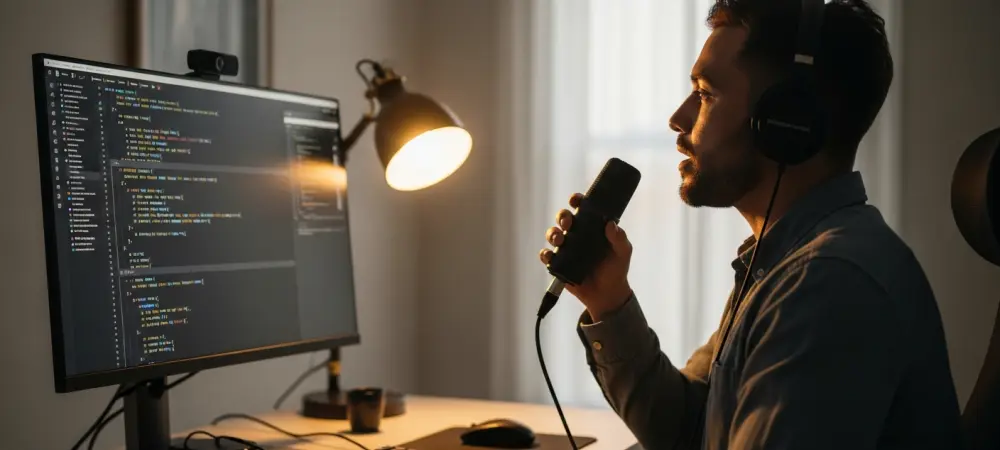
The integration of the transcription service directly into chat inputs, text editors, and the terminal is a major win for maintaining a steady creative flow. By sharing a single speech session, the editor prevents the messy overlap of recordings that often occurs when using multiple third-party extensions. You can feel the ease of movement as your words appear exactly where they are needed, whether you are issuing a terminal command or drafting a complex comment. This experimental feature essentially removes the physical barrier of the keyboard, letting your thoughts translate into text with minimal friction and higher accuracy.
What are the practical advantages of using the new hybrid Markdown editor within the Agents window for project documentation and agent interaction?
The hybrid Markdown editor allows for a seamless transition between writing and agent-assisted refinement, as you can now edit files in place and add comments for an agent to process. Using the “Reopen editor with” feature lets you toggle between the standard text view and the hybrid view, which is incredibly useful for verifying structural changes on the fly. It transforms documentation from a static chore into a dynamic conversation where the agent can actively help shape the content based on your live feedback. This creates a more immersive environment where the developer can manage both the code and its context within the same streamlined interface.
What is your forecast for Visual Studio Code?
I believe the editor is rapidly becoming an autonomous orchestration hub, especially considering that version 1.131 followed 1.130 by only one week. We are seeing a trend where AI is no longer just an add-on but a core component influencing every UI element, from the terminal to the markdown editor. As version 1.132 arrives, I expect even tighter integration of these subagent workflows, eventually making the handoff between human intuition and machine execution almost invisible. The goal is clearly a more accessible, voice-enabled, and transparent environment that can scale effortlessly with the complexity of modern, high-speed software development.