

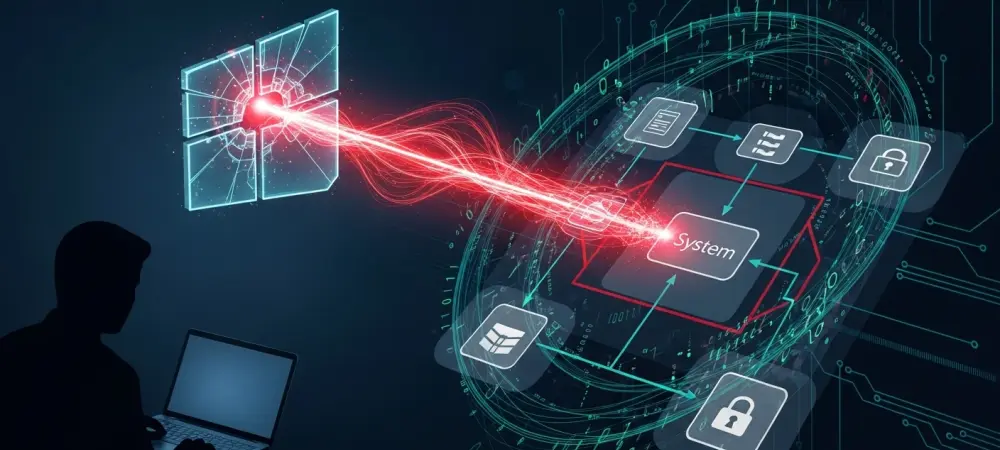
The vulnerability lurking within the Windows Collaborative Translation Framework reveals how deeply entrenched legacy code continues to threaten modern operating system security architectures. While engineers have spent decades hardening the kernel and implementing robust sandboxing, the CTF protocol remains a largely overlooked component that manages text input across active applications. This protocol, dating back to the early days of Windows XP, operates under a design philosophy that predates contemporary security boundaries, allowing it to bypass User Account Control and other defensive measures. By manipulating the communication between the CTF monitor and various client applications, an attacker can effectively hijack the input stream of high-privilege processes. This architectural oversight means that even a low-integrity process can send commands to a system-level process, creating a direct path for administrative takeover without requiring traditional exploits. This flaw highlights the persistent risk of compatibility over security.
Technical Vulnerabilities: The Flaws in CTF Communication
The technical core of this exploit lies in the inherent lack of authentication within the CTF protocol message-passing system. When a user opens an application, the CTF monitor interacts with that process to manage keyboard layouts and text input through a series of local ports. However, the protocol does not verify whether the process requesting a connection or sending a command is legitimate or has the appropriate authorization level. This fundamental flaw allows any software running on the machine to connect to the CTF service of any other running application, including those belonging to different users or the system itself. Once a connection is established, the attacker can use the CTF protocol to spoof keystrokes, inject malicious commands, or read sensitive data from the input buffer. Because the CTF service is a core component of the Windows UI, it remains active even on the secure desktop, providing a persistent and reliable vector for cross-process communication that security tools often miss.
Furthermore, the CTF zero-day represents a significant threat because of its ability to facilitate seamless sandbox escapes within highly restricted environments. Modern web browsers and PDF readers utilize sandboxing to isolate untrusted content, preventing malware from reaching the broader file system or the operating system’s core. However, because these sandboxed processes still require the ability to receive text input, they are permitted to communicate with the CTF monitor. An attacker who has compromised a sandboxed application can exploit this necessary communication channel to send forged messages back to the monitor, which then relays them to un-sandboxed, high-privilege applications. This lateral movement within the UI subsystem effectively neutralizes the isolation provided by sandboxes, turning a contained exploit into a system-wide threat. The reliance on this outdated framework highlights the danger of maintaining backward compatibility at the expense of modern security and visibility.
Strategic Defenses: Hardening the System Architecture
The escalation to system-level access is achieved by targeting processes that run with administrative or SYSTEM privileges, such as the Windows login screen or task manager. By sending specially crafted CTF messages to these targets, an attacker can force the high-privilege process to execute arbitrary code or perform actions on their behalf. For example, a malicious script could instruct a system process to launch a command shell with full administrative rights, bypassing all standard security prompts. This transition from a limited user environment to a full system takeover happens almost instantaneously and leaves behind a minimal digital footprint, making it incredibly difficult for traditional antivirus solutions to intercept. The exploit does not rely on traditional memory corruption; instead, it leverages the intended functionality of the protocol against itself. This logic-based approach ensures that the exploit remains stable across different configurations, providing a versatile tool for advanced actors. Addressing this deep-seated architectural flaw required a comprehensive overhaul of how the Windows subsystem handled inter-process communication for input services. Security teams realized that simply patching individual bugs was insufficient and instead focused on implementing a more rigorous authentication layer for the CTF protocol. Organizations moved toward adopting more granular application control policies that monitored the behavior of ctfmon.exe and restricted its ability to interact with sensitive system processes. The industry shifted its focus toward isolating legacy protocols within their own secure containers, ensuring that a compromise in one area could not cascade into a system failure. Proactive monitoring for unusual cross-process message patterns became a standard part of endpoint detection strategies, providing the visibility needed to catch exploitation attempts in real time. These defensive improvements served as a critical reminder that securing the modern desktop required a constant audit of all the legacy components.