

In the fast-paced world of manufacturing and inventory management, ensuring quality control and compliance with industry standards is no small feat. Today, we’re thrilled to sit down with Dominic Jainy, an IT professional whose deep expertise in cutting-edge technologies like artificial intelligence and machine learning brings a unique perspective to the integration of quality control solutions within Microsoft Dynamics 365 Business Central. With a passion for streamlining processes across industries, Dominic offers invaluable insights into how tools like the Quality Inspector app can transform the way businesses manage quality assurance. In this conversation, we’ll explore how this app addresses the pitfalls of manual tracking, enhances compliance, and integrates seamlessly into daily operations, while also diving into the practical benefits of going digital and working on the go.
Can you walk us through what the Quality Inspector app offers to businesses using Business Central, and how it enhances quality control in areas like manufacturing or product receiving?
Absolutely. The Quality Inspector app is a game-changer for businesses running on Business Central. It’s designed to embed quality control directly into your workflows, whether you’re dealing with manufacturing or receiving goods. Essentially, it automates and organizes the inspection process, ensuring that products meet specific standards before they move to the next stage. For instance, in manufacturing, it can trigger checks at critical points like after a production run, while in receiving, it ensures incoming items are tested before they’re stocked. This eliminates guesswork and helps teams catch issues early, preventing defective products from reaching customers.
What are some of the biggest headaches teams face when relying on manual quality control methods like paper or spreadsheets, and how do these impact compliance?
Manual methods are a recipe for inconsistency. When you’re using paper or spreadsheets, it’s easy to miss a test, lose a record, or skip a step without anyone noticing until it’s too late. These gaps create serious compliance risks because regulations like ISO or FDA standards demand traceable, accurate records. If you can’t prove a product was tested or that a process was followed, you’re looking at failed audits, fines, or even customer complaints. Beyond that, manual tracking slows everything down—teams waste time hunting for paperwork instead of focusing on quality.
How does Quality Inspector ensure that inspections are conducted at the right moments in the process?
The app is built to automate timing, which is critical for maintaining a smooth operation. It lets businesses set up custom rules to trigger tests based on specific conditions—like after every 50 units produced or at regular time intervals during a shift. So, if you’re receiving a shipment, the system can prompt an inspection the moment the goods are logged. If a test isn’t completed when it should be, the app can halt the process, like blocking inventory movement or shipping, until the inspection is done. This ensures nothing slips through the cracks.
Can you explain how the app allows businesses to define what constitutes a passing or failing result during inspections?
One of the strengths of Quality Inspector is its flexibility in setting up pass/fail criteria. Businesses can customize grading options to fit their needs—think labels like PASS, GRADE B, or FAIL—and tie specific actions to each result. For example, a PASS might mean the product is cleared for shipping, while a GRADE B could trigger a hold for further review. This is all configured within the app, so teams have clear, consistent guidelines to follow, and decisions are made quickly without second-guessing.
Why is the record-keeping feature of Quality Inspector so important, and how does it tie into the broader Business Central system?
Record-keeping is the backbone of compliance, and Quality Inspector excels here by storing every detail of an inspection directly in Business Central. Each test result is linked to specific items, production orders, or lot numbers, so there’s a clear trail. You can also attach photos, documents, and even note who performed the inspection and when. This level of detail is invaluable during audits because it proves your process is thorough and transparent. Plus, having everything centralized in Business Central means you’re not scrambling to match records across different systems.
For teams hesitant to abandon paper forms, how does Quality Inspector ease the transition to a digital workflow?
The app offers a really practical bridge for teams stuck on paper. It integrates technology like Azure Document Intelligence to scan handwritten or printed forms and convert them into digital records stored in Business Central. This means workers can keep filling out familiar forms for a while, but the data gets digitized automatically—no manual entry required. The benefit is twofold: you reduce errors from retyping, and you start building a searchable database of records while gradually moving away from physical paperwork.
How does Quality Inspector support teams who need to perform inspections on the go using mobile devices?
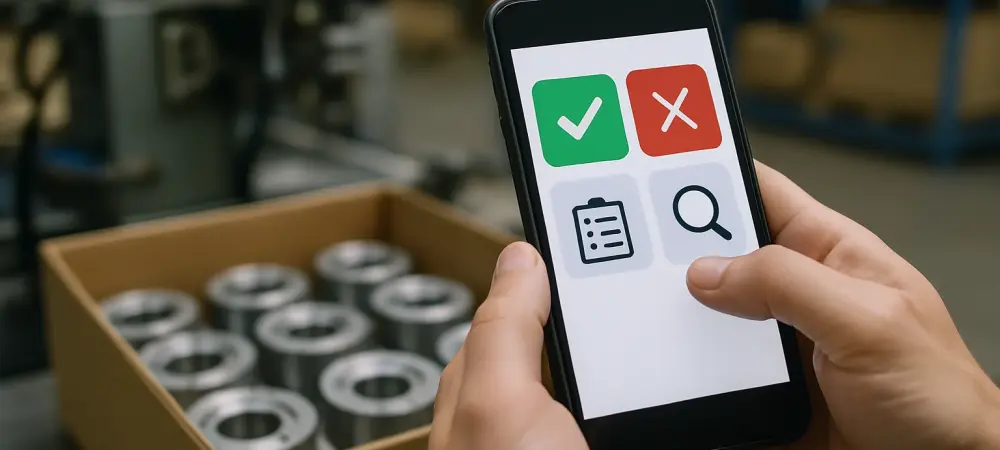
Mobility is a huge advantage with this app. Quality Inspector works seamlessly on mobile devices right within the Business Central platform, so inspectors can access their assigned tests, enter results, and even upload photos directly from a phone or tablet. Whether they’re on the shop floor or at a remote warehouse, they’ve got everything they need at their fingertips. This flexibility cuts down on downtime and keeps the process moving, especially for teams who aren’t tied to a desk.
What would you say are the most significant ways Quality Inspector helps businesses meet regulatory standards and avoid costly mistakes?
The app builds compliance into every step. By automating inspections and linking results to specific records, it drastically reduces the risk of missing something critical during an audit. You’ve got proof of every test, every decision, right there in the system. It also prevents expensive errors by catching quality issues before products ship—think avoiding recalls or customer returns. Ultimately, it shifts quality control from a reactive chore to a proactive part of the routine, saving time and protecting the bottom line.
Looking ahead, what is your forecast for the role of digital tools like Quality Inspector in shaping the future of quality control and compliance in manufacturing?
I believe we’re just at the tip of the iceberg with digital tools like Quality Inspector. As manufacturing becomes more data-driven, these solutions will be central to not just meeting compliance but exceeding it—turning quality into a competitive edge. I foresee greater integration with technologies like AI to predict quality issues before they happen, and more real-time analytics to fine-tune processes on the fly. The future is about seamless, intelligent systems that make compliance effortless and let businesses focus on innovation rather than paperwork.