

Introduction
A sudden prompt telling you to open Windows Run and paste a cryptic command is not help, it is a trap that blends a dusty network utility with glossy web lures to make you do the attacker’s work. This social sleight of hand has been resurfacing in Windows scams built around the “finger” command, a relic from early networked systems now repurposed as a quiet courier for malicious instructions. This FAQ unpacks how these schemes work, why they are effective, and what concrete steps block them. Readers can expect plain answers, clear warning signs, and practical defenses that do not require deep technical skills. The focus stays on human decision points, because the scam’s success rests on consent, not code exploits.
Key Questions or Key Topics Section
What is the “finger” Command and Why Does It Matter in Scams Today?
Finger is an old utility that queries user info on remote machines; on modern Windows, it mostly sits unnoticed. That obscurity is precisely the draw: it looks technical yet harmless, and its network behavior can slip past user suspicion because it does not match the usual malware tropes. In recent scams, finger acts as a retrieval channel. When run with parameters supplied by a fake captcha or verification page, it reaches an attacker-controlled server, pulls back text that includes more commands or data requests, and can expose context like the signed-in username. No exploit is needed; compliance is the trigger.
How Do ClickFix Pages Turn Users Into Their Own Attackers?
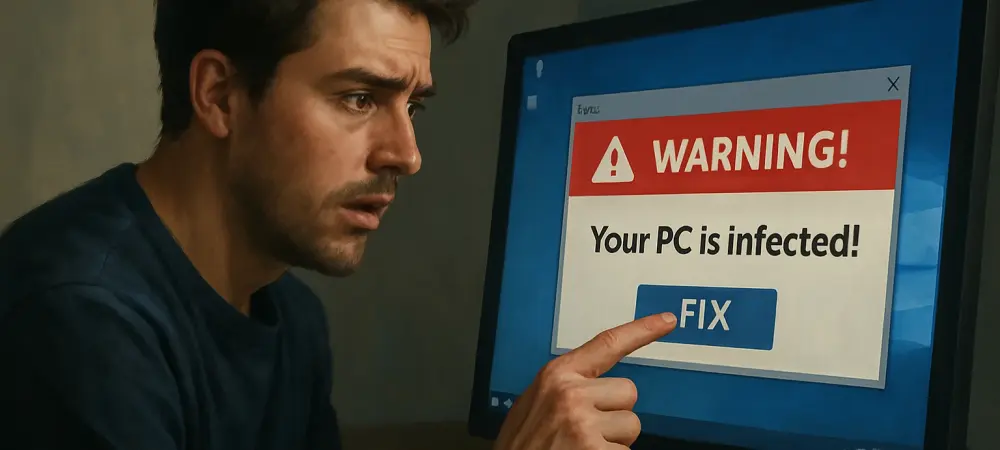
ClickFix, sometimes dubbed “scam-yourself,” trades on authority theater. The page mimics a captcha error or account check, then instructs the user to press Win+R and paste a line that seems like a diagnostic step. The victim becomes the installer, neatly sidestepping many automated defenses.
Once executed, that command can chain actions: fetch a script, beacon basic details, or prep a follow-on download. Analysts have tied current activity mainly to one actor, yet the playbook is simple enough that others could adopt it quickly, especially because the barrier is persuasion, not tooling.
What Risks and Indicators Should Windows Users Watch for?
The biggest risk is data and device control cascading from a single paste. Even if the first retrieval only gathers usernames or system signals, it establishes a foothold and proves the user will follow instructions, which emboldens the next step in the sequence. Red flags are consistent: any site that asks to open Run; instructions to paste finger or other command-line snippets; pressure language about losing access; and pages styled as captchas that do not behave like real ones. Legitimate verification flows never require pasting commands into Run.
Summary or Recap
The campaign model relies on social engineering, not novel bugs. Finger is merely the courier that makes the ruse look technical while retrieving remote instructions and leaking context. The moment a user follows a web page’s command to open Run, the attacker’s plan has momentum.
The most effective countermeasure is behavioral: stop when a website asks for system commands. Pair that habit with basic controls such as restricting command execution, hardening browser policies, and adding user training that names finger abuse explicitly. Awareness reduces success rates because the scheme collapses without consent.
Conclusion or Final Thoughts
The path to safety had hinged on refusing the premise: no captcha, verification, or support page needed a Run-pasted command, and treating such requests as malicious broke the attack chain before it started. Blocking legacy utilities outright where unused, tightening egress rules, and scripting allowlists further cut off the retrieval channel. Security teams and everyday users had a shared playbook: name the tactic, rehearse the stop action, and adjust controls so unapproved commands never run silently. As attackers recycled old tools for new lures, the winning response combined clear guidance with small policy changes that removed the easy win.