

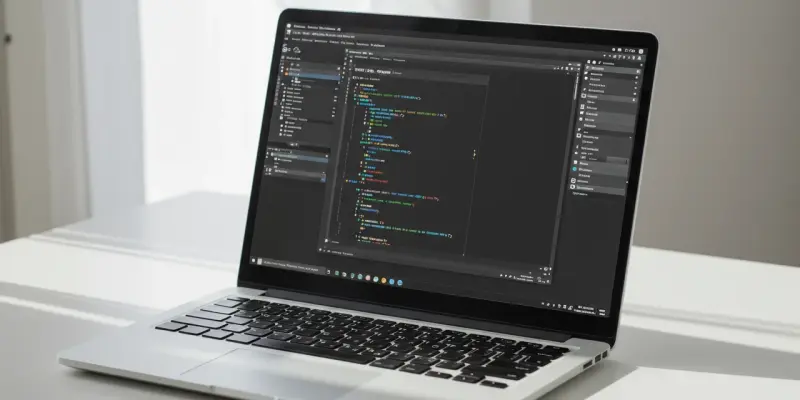
The landscape of Windows applications is undergoing a transformation, marked by the introduction of tools that seamlessly blend modernization with nostalgia. In recent developments, Windows 10 and 11 users have witnessed a wave of applications, games, and extensions that elevate the operating system’s utility. Central to this evolution is the open-sourcing of the Windows Subsystem for Linux (WSL), a decision that opens up pathways for deeper Linux integration within Windows. This move is poised to bridge the gap between different operating systems, potentially reshaping user experiences. The recent wave of software introductions also includes notable discounts on various applications, keeping users engaged and entertained while bolstering productivity. This intriguing blend of innovation and familiarity aims to enhance the Windows ecosystem, offering users a versatile and improved computing environment.
Enhancements in Windows Application Ecosystem
Among the variety of newly released applications, “Edit,” an open-source command line tool from Microsoft, stands out by offering a harmonious blend of simplicity and advanced functionality. This application, designed for 64-bit Windows versions, brings a refreshing touch of nostalgia by echoing DOS-era editors. The elegant synthesis of old and new in this tool epitomizes the current trend in software design—maintaining essential functionality while embracing contemporary features. Another noteworthy addition is the “Everything” application, which redefines file searching within Windows. Its robust speed and efficiency outshine the built-in Windows Search, and the recent updates enhance its security against potential threats like DLL hijacking, setting a higher standard for software safety. These developments reflect a proactive approach to user needs, offering tools that not only boost productivity but also safeguard against vulnerabilities.
Commitment to User Experience and Security
In the quest for improving user experiences, “Fixyfier” introduces itself as a streamlined solution addressing frequent Windows issues. It equips users with valuable tools like a system file checker and DISM utilities, enabling them to resolve system anomalies efficiently. The prevailing trend in the Windows application landscape underscores a dedication to enhanced functionality and robust security measures. By merging nostalgic motifs with contemporary advancements, these applications serve a broad audience seeking efficient and reliable solutions. This strategic fusion of classic elements with modern technology signifies a deliberate effort to enrich Windows users’ daily interactions, fostering brand loyalty while paving the path for future innovations. The direction of Windows software development consistently aims to balance user-focused design with state-of-the-art technology. The open-sourcing of WSL positions Windows to boost cross-platform compatibility, inviting developers to enliven its ecosystem. As users engage with these new tools, excitement grows around how innovations will reshape their tech interactions, ensuring Windows is attuned to diverse user needs.