

Introduction
The traditional boundary separating high-end desktop computing and the streamlined comfort of home gaming consoles is finally beginning to dissolve into a singular digital experience. Microsoft has initiated a significant shift by rolling out a dedicated Xbox Mode across the Windows 11 ecosystem. This update targets various devices, including traditional towers, laptops, and the increasingly popular handheld segments. By introducing a snappier and more intuitive interface, the software giant aims to simplify how users interact with their digital libraries.
This article explores the nuances of this rollout to determine whether a standard PC can truly mimic the ease of a dedicated gaming box. Readers can expect an analysis of the core features, the impact on performance, and the practical steps required to enable this transformation. The objective is to provide a clear understanding of how these changes prioritize gaming without sacrificing the versatility that Windows users have come to expect from their operating systems.
Key Questions: Exploring the Xbox Integration
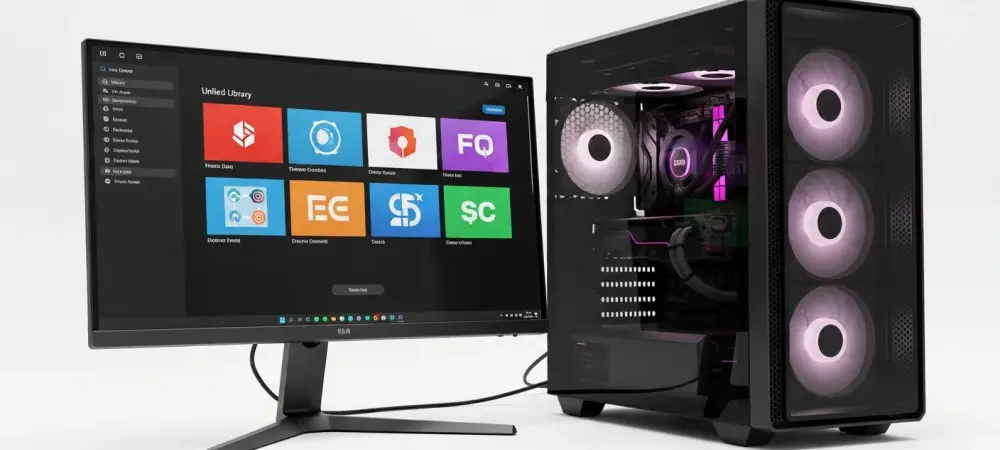
What Exactly Is the New Xbox Mode for Windows 11? Microsoft designed this specific mode to ensure that video games remain the primary focus during any session. Rather than navigating a traditional desktop environment cluttered with icons and taskbars, users are presented with a streamlined interface inspired by the Xbox console dashboard. This change is particularly relevant for those using handheld devices or PCs connected to large television screens where a mouse and keyboard might be inconvenient. It places recently played titles and a comprehensive library within immediate reach.
The underlying technology draws inspiration from internal initiatives like Project Helix, which sought to emulate a console-like environment through a Windows-based framework. While it does not fundamentally change the hardware capabilities of a machine, it optimizes the visual and navigational layers to reduce background distractions. This shift allows the operating system to act more like a dedicated gaming appliance when the situation demands it, bridging the gap between two previously distinct hardware categories.
How Does This Mode Alter the Existing Gaming Experience on a PC?
One of the most noticeable improvements involves the implementation of a controller-optimized interface that allows for full navigation without touching a peripheral. This update enables gamers to browse their entire collection, including titles from the Xbox Game Pass and other major digital storefronts, through a unified hub. The interface is significantly more responsive than previous full-screen attempts, catering to the need for speed and fluidity during navigation.
Moreover, the software incorporates advanced features like Auto Super Resolution for specific hardware, such as the ROG Ally X, which helps maintain high frame rates at higher resolutions. By centralizing the games catalog and optimizing how resources are allocated, the system provides a more focused environment. This evolution toward a more specialized gaming layer suggests that Microsoft is actively competing with alternative operating systems that have historically offered more efficient handheld experiences.
Is the Transition Between Desktop Use and Console Mode a Seamless Process?
Flexibility remains a core tenet of this update, as users retain the ability to jump back and forth between the specialized Xbox interface and the standard Windows desktop. This versatility ensures that the device remains a powerful tool for productivity while offering a dedicated escape for entertainment. For users in markets where the update is live, the transition is managed through a simple toggle or the launch of a specific application.
To access these features, the process involves checking for the latest software versions through the standard system update menu. Enabling the option to receive updates as soon as they are available ensures that the machine is ready for the latest optimizations. This ease of access reflects a broader strategy to make high-end gaming more approachable for the average user who may not want to spend time troubleshooting complex software configurations.
Summary: A Look at the Unified Gaming Interface
The rollout of Xbox Mode represents a pivotal moment for the Windows 11 platform as it moves toward a more cohesive entertainment identity. By aggregating libraries from various storefronts and prioritizing controller input, the update addresses the long-standing complaints regarding the clunky nature of PC gaming on a television. The inclusion of performance-enhancing tools further solidifies the role of the PC as a viable alternative to traditional consoles.
Key takeaways include the importance of the streamlined library and the ongoing efforts to optimize the operating system for portable hardware. These advancements provide a glimpse into a future where the distinction between a computer and a console is defined more by the user interface than the internal components. As the feature reaches more regions, it will likely redefine the standard for home and portable entertainment.
Final Thoughts: The Future of Desktop Handheld Integration
The arrival of a console-like interface for the general public changed the way many viewed their existing hardware investments. It provided a clear path for those who desired the power of a custom-built machine but missed the simplicity of a plug-and-play system. Many found that the update simplified their routine, allowing for a quicker transition from work to play without the friction of traditional navigation.
Moving forward, the emphasis shifted toward how these software layers interacted with evolving hardware standards. Users were encouraged to monitor their update settings to ensure they remained at the forefront of these technological improvements. This transition suggested that the ultimate goal was a truly hardware-agnostic experience where the software adapted perfectly to whatever screen or input method was present.