

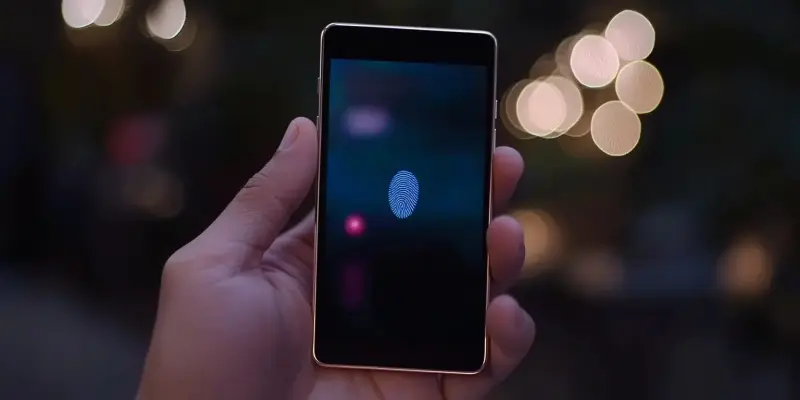
With smartphones firmly in the crosshairs of attackers, securing your Android device has never been more critical. Be it hackers looking to compromise rooted devices, scammers employing deepfake threats, or dangerous apps that can bypass security protections, anything that can make security easier has to be applauded. The Android 16 fingerprint update might just revolutionize access security for all Google Pixel users. Here’s everything that needs to be known about the screen-off fingerprint unlock feature.
Step 1 – Understanding the Threat Landscape
It would be easy to focus on threats from remote attackers, like those using infostealer malware to steal smartphone account passwords or stolen session cookies that can bypass two-factor authentication protections. Ignoring the threat to data from those with physical access to an Android phone could prove to be a critical mistake.
Whether it is a suspicious partner or an opportunistic thief, gaining access to data is easy when the phone lacks lock screen protection. A long PIN or password is ideal for security, but it’s unpopular among users since it takes too much time to enter. This is where biometrics come into play, specifically fingerprint scanning for most Android users. However, another time-related obstacle prevents some users from employing this defense: the need to wake the screen before using fingerprint authentication. A surprise discovery in an Android 16 Beta update may have resolved this issue for all Google Pixel users.
Step 2 – The Evolution of Screen-Off Fingerprint Unlock
The screen-off fingerprint unlock feature first revealed itself in the Android 16 developer preview 2, appearing to be limited to just the Google Pixel 9 series of smartphones. Owners of older Google Pixel models who felt they deserved the same security enhancements expressed disappointment. However, with the release of Android 16 Beta 3, this limitation has been surprisingly corrected, making the screen-off fingerprint unlock feature accessible to all Google Pixel users, provided they possess the under-display scanner. This includes all devices from the Google Pixel 6 onward, excluding foldables.
This update marks a significant enhancement in the ongoing evolution of fingerprint authentication technology. By extending the feature to numerous Pixel devices, Google has ensured that a broader user base benefits from the convenience and security of screen-off fingerprint unlock. Users can enable this feature immediately upon installing the Android 16 Beta 3 update. It’s an inclusive move by Google, indicating its commitment to enhancing security across its product range, rather than reserving new advancements for its latest models only.
Step 3 – Activation and Implications of the New Feature
With smartphones increasingly targeted by attackers, securing your Android device has become more vital than ever. Cyber threats range from hackers aiming to compromise rooted phones to scammers using deepfake technologies, and even dangerous apps that can bypass existing security measures. Anything that simplifies security deserves recognition. In this light, the Android 16 fingerprint update could be a game-changer for enhancing access security, particularly for Google Pixel users.
One of the standout features of this update is the screen-off fingerprint unlock option. This functionality allows you to unlock your device without turning on the screen, which adds an additional layer of convenience and security. Imagine the ease of accessing your phone securely, even when the display is off. This feature is especially crucial given the rising sophisticated threats in today’s digital landscape. Understanding and utilizing these advancements can significantly bolster your device’s security, keeping your personal data and communications safer.