

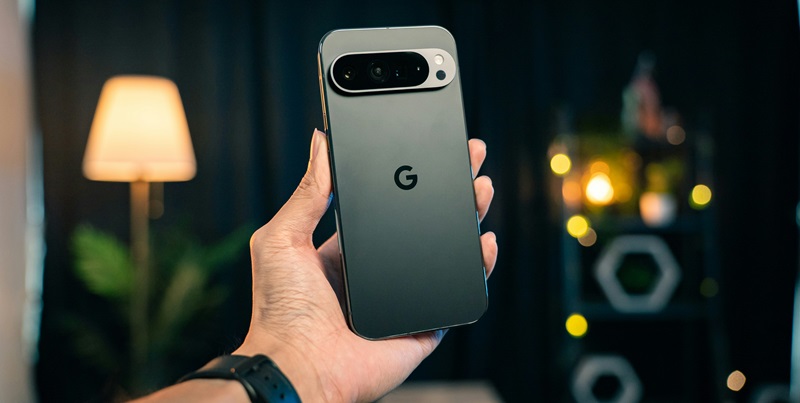
As the tech world eagerly anticipates Google’s upcoming November software updates for its Pixel smartphone series, significant attention has been drawn to the Pixel 9 series. Announced prematurely by Verizon ahead of Google’s official statement, the detailed changelogs for these updates have sparked discussions about the improvements and fixes that users can expect. While the Pixel 6, 7, and 8 series are set to receive essential security patches and general improvements to user interface (UI) transitions and animations, it is the Pixel 9 series that stands to benefit the most from this round of updates.
Noteworthy Bug Fixes
For the Pixel 9 series, Google’s November update brings critical bug fixes designed to enhance the overall functionality and user experience of their latest devices. One significant improvement addresses the Bluetooth range issues that some users have reported, ensuring a more stable and reliable connection for wireless headphones and other Bluetooth-enabled devices. Another important fix focuses on the camera’s performance, particularly the problem of camera tilt during zoom—a frustrating issue that has affected photo quality and user satisfaction.
Additionally, the update resolves the mysterious appearance of white dots flashing on displays, a problem that has caused concern among users due to its potential implications for screen health and device longevity. The activation of Adaptive brightness has also been refined, promising a smoother and more responsive experience in varying lighting conditions. Collectively, these bug fixes underscore Google’s commitment to resolving user-reported issues and improving the Pixel 9 series’ performance.
Enhancements to Touch Functionality and UI Performance
Beyond addressing specific bugs, the November update for the Pixel 9 series includes several enhancements aimed at improving touch functionality and the overall performance and stability of UI transitions and animations. Improved touch functionality ensures a more intuitive and responsive interaction with the device, which is particularly crucial given the increasing reliance on touch-based commands in modern smartphones. By fine-tuning these aspects, Google aims to offer a seamless user experience that meets the high standards expected by Pixel users.
Moreover, the emphasis on refining UI transitions and animations demonstrates Google’s focus on making the Pixel 9 series not only functional but also visually appealing. Smooth and fluid interface interactions contribute significantly to the user’s perception of a device’s quality and performance. These improvements reflect Google’s broader strategy to optimize device performance across different conditions, ensuring that the Pixel 9 series operates efficiently and effectively, regardless of the user’s environment or usage patterns.
Broader Implications for Google’s Update Strategy
The tech community is buzzing with excitement as Google’s November software updates for its Pixel smartphone lineup draw near. Of particular interest is the Pixel 9 series, which has already garnered significant attention due to a premature announcement by Verizon, revealing detailed changelogs ahead of Google’s official statement. These updates have stirred conversations about the anticipated improvements and fixes.
The Pixel 6, 7, and 8 series will receive crucial security patches and enhancements to user interface (UI) transitions and animations. However, the spotlight is on the Pixel 9 series. This latest iteration is expected to gain the most from the forthcoming updates, which promise substantial refinements. As users look forward to these improvements, Google’s commitment to consistently enhancing user experience remains evident. With every update, the Pixel series continues to evolve, setting new benchmarks in smartphone innovation and user satisfaction. As November approaches, the anticipation for these updates only grows.