

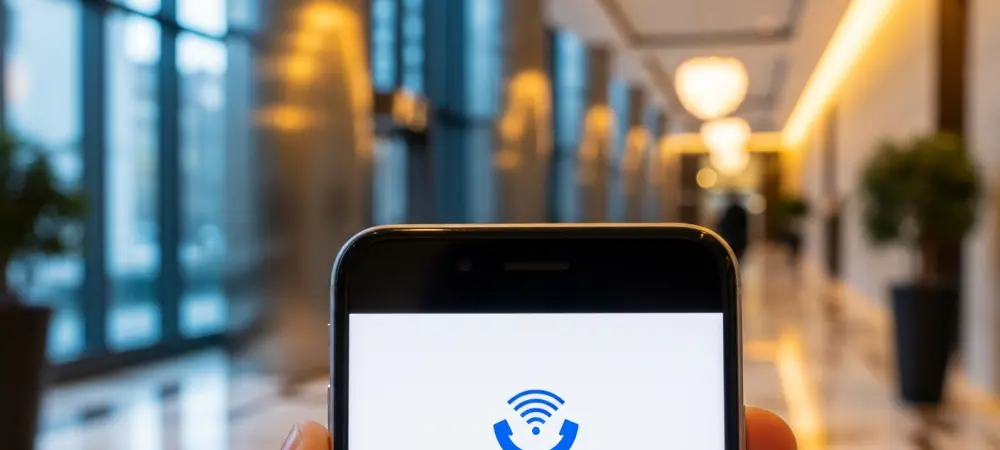
Entering a modern skyscraper or a reinforced basement often results in the immediate loss of a cellular signal, leaving many users disconnected from critical communication channels. This common frustration occurs because high-frequency cellular waves struggle to penetrate thick concrete, energy-efficient glass, and steel frames. To bridge this gap, mobile network operators have increasingly relied on Voice over Wi-Fi technology, a sophisticated system that allows mobile devices to maintain a connection through local internet networks. When this feature is active, a distinct icon appears in the status bar of the smartphone, indicating that the device has transitioned from a traditional cell tower to a wireless access point. Understanding this symbol is essential for anyone who values consistent connectivity in challenging environments. It signifies a robust shift in how mobile networks manage data and voice traffic in the modern era of seamless digital integration. This evolution ensures that voice quality remains stable even when traditional infrastructure is unreachable.
1. Defining the Core Technology and Primary Benefits
Voice over Wi-Fi, commonly abbreviated as VoWiFi or referred to as Wi-Fi calling, is a carrier-integrated service that routes voice calls and text messages over a Wi-Fi network rather than a standard cellular tower. Unlike third-party applications such as WhatsApp or FaceTime, which function as standalone Voice over IP services, VoWiFi is deeply embedded into the operating system of the smartphone. This integration allows users to utilize their existing phone numbers and native dialers without needing to install additional software or manage separate accounts. The technology essentially creates a secure tunnel between the mobile device and the carrier core network through the internet. This ensures that the user experience remains identical to a standard call, including features like call waiting and voicemail. For the service to function, the mobile service provider must support the protocol, and the feature must be manually enabled within the settings menu of the handset before the distinct icon will appear in the status bar. The primary advantage of utilizing Wi-Fi calling lies in its ability to provide exceptional coverage in areas where traditional signals are historically weak or non-existent. Residents of urban apartments or individuals working in expansive office complexes often find that Wi-Fi provides a more reliable backbone for communication than distant cellular antennas. Furthermore, the audio quality provided by these connections is frequently superior, often matching or exceeding the standards of high-definition voice protocols used on 5G networks. As network transitions continue from 2026 to 2028, the reliance on these hybrid systems will likely grow as carriers phase out older legacy infrastructure. In emergency situations, such as natural disasters where terrestrial cellular infrastructure might be compromised, a functioning residential Wi-Fi network can serve as a critical lifeline. Most major carriers offer this feature at no additional monthly cost, treating the minutes used as part of the existing service plan.
2. Activation Protocols for iPhone and Google Pixel
Enabling this feature on an Apple iPhone requires navigating a few specific layers of the settings menu to ensure the carrier handshake is properly established. Users should begin by launching the Settings application and then selecting the Cellular section to view the active communication lines. From there, it is necessary to pick the specific SIM card that needs to be configured, which then reveals a secondary menu containing the Wi-Fi Calling option. Once this toggle is switched to the on position, the device may present several carrier-specific prompts or terms of service that must be accepted to finalize the setup. After the configuration is complete, the status of the service can be verified by swiping down to open the Control Center. If the process was successful, the word Wi-Fi will be displayed prominently next to the carrier name in the upper-left corner of the screen. This visual confirmation ensures that the device is fully prepared to handle calls over any connected wireless network efficiently.
For owners of Google Pixel devices, the process is similarly straightforward but follows the organizational logic of the Android operating system. One should first open the device Settings and choose the Network & Internet category to access the primary connectivity controls. Within this menu, entering the SIMs subsection allows the user to see the detailed configurations for their physical or digital SIM cards. Locating the Wi-Fi Calling toggle within these sub-menus and switching it to the active state will initiate the background handshake with the service provider. Modern Android iterations often allow users to set preferences, such as choosing whether to prioritize Wi-Fi or cellular networks when both are available. This flexibility is particularly useful for individuals who move frequently between stable office Wi-Fi and high-speed mobile data zones. Once enabled, the status bar typically shows a specific icon resembling a telephone handset with a Wi-Fi signal, confirming that the system is operational and ready for use.
3. Samsung Galaxy Integration and Functional Verification
Samsung Galaxy users have two primary methods for accessing the necessary settings, providing a level of redundancy that fits the manufacturer’s user-centric design philosophy. The most direct route involves opening the default Phone application and tapping the three-dot menu icon located in the upper corner of the interface to enter the application-specific settings. From there, navigating to the Calls category reveals the Wi-Fi Calling toggle, which can be easily switched to the active position. Alternatively, the same feature can be found by opening the main system Settings, selecting Connections, and then locating the Wi-Fi Calling menu. Regardless of the chosen path, the result is the same: the device becomes capable of routing traffic through local internet connections. Samsung hardware also frequently includes a quick-toggle button in the notification shade, allowing users to enable or disable the feature rapidly without diving into multiple menus, which is quite helpful for managing power. To ensure that the configuration was successful and the device was truly capable of routing calls over a network, a simple functional test was performed using Airplane mode. This method effectively severed all cellular connections, forcing the device to rely solely on the active Wi-Fi signal for any communication. After the user confirmed that Wi-Fi was re-enabled and connected to a stable local network, an outgoing call was placed to a known contact to verify the audio path. When the call connected successfully despite the absence of a cellular signal, it provided absolute confirmation that the VoWiFi system was functioning correctly. Moving forward, keeping this feature active proved to be a vital strategy for ensuring uninterrupted access to global networks. Users were encouraged to verify their e911 address information within these settings to ensure emergency services could locate them accurately during a Wi-Fi call. This proactive maintenance ensured that mobile devices remained reliable communication tools.