

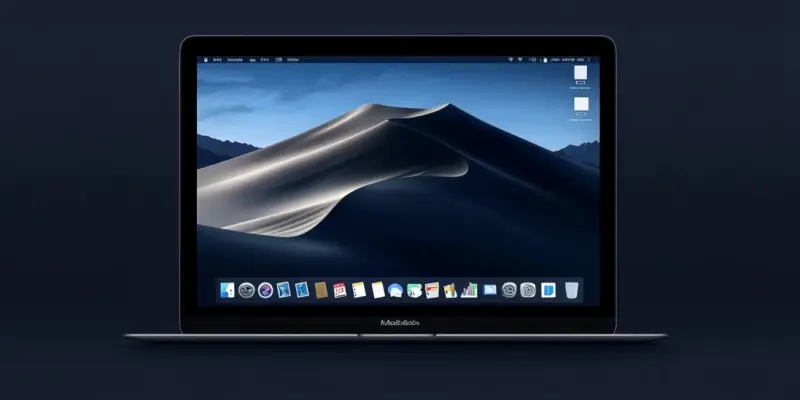
Apple’s macOS 15 is on the horizon, promising a host of new features, enhanced performance, and deeper integration within Apple’s ecosystem. As anticipation builds, let’s delve into what we can expect from this upcoming release, including potential names, key features, compatibility, and Apple’s strategic vision. Apple continues its tradition of naming macOS versions after iconic Californian locations, with speculation suggesting potential names such as “Sequoia,” “Shasta,” or “Redwood.” These names reflect Apple’s appreciation for its Californian roots and hint at the scale and innovation each update introduces. While Apple has not officially announced the name for macOS 15, following this established convention suggests a name that symbolizes refinement and stability.
Key Features and Innovations
Apple’s annual macOS updates typically bring new features that integrate with the broader ecosystem, including iOS, iPadOS, and watchOS. One of the standout features expected in macOS 15 is the expansion of Universal Control. This feature allows users to control multiple Apple devices with a single keyboard and mouse, and the new update could enhance this capability further. Imagine seamlessly moving your cursor from your Mac to your iPad and even your iPhone, making multitasking more efficient than ever. Additionally, phone call management on Mac is set to improve. Enhanced call management might include customizable notifications and better integration with third-party communication apps. Privacy remains a cornerstone of Apple’s software strategy. Expanded App Privacy Reports in macOS 15 may allow users to track which apps access sensitive data, such as microphone usage, screen recordings, and location. This transparency empowers users to make informed decisions about their data. More granular permission controls are also anticipated. These enhancements underscore Apple’s commitment to protecting user data.
macOS 15 is expected to further enhance widget functionality. Users might be able to add widgets directly to app interfaces or create shortcuts for frequent actions within the Finder. This level of customization allows users to tailor their Mac experience to their specific needs. Additionally, improvements may include dynamic wallpapers that react to time and user activity, enhancing desktop customization options. Since the transition to Apple Silicon chips, macOS updates have focused on leveraging the power of the M-series processors. macOS 15 is expected to optimize performance with faster app launch times, enhanced machine learning capabilities, and battery optimization for MacBooks. These updates will benefit users of M2 and upcoming M3-based Macs, ensuring a smoother and more efficient experience.
Compatibility and Hardware Requirements
As with previous macOS updates, compatibility varies depending on hardware capabilities. The article forecasts the following models to support macOS 15: MacBook Air (2018 and later), MacBook Pro (2018 and later), iMac (2019 and later), Mac mini (2018 and later), and Mac Studio and Mac Pro with Apple Silicon. Apple often restricts certain advanced features to newer hardware. For macOS 15, performance-intensive features may require an M-series chip, potentially limiting older Intel models to a reduced feature set. This ensures that users with the latest hardware can fully experience the benefits of the new update. This update continues Apple’s strategy of gradually phasing out Intel-based Macs in favor of its in-house Apple Silicon processors, offering better performance, energy efficiency, and tight integration with macOS.
While most of the enhancements in macOS 15 will be available across supported devices, it’s important to note that the full spectrum of features and optimizations is designed to take full advantage of the Apple Silicon architecture. Ultimately, users are encouraged to consider hardware upgrades if they wish to fully benefit from the latest macOS advancements and future-proof their computing setup.
Strategic Alignment and Long-Term Vision
The macOS 15 release aligns with Apple’s broader strategy of creating an interconnected device and service ecosystem. Each macOS update continues to showcase the advantages of Apple Silicon. Features such as faster rendering, optimized multitasking, and better battery management highlight M-series chip benefits, differentiating Macs from competing PCs and encouraging hardware upgrades. This strategic focus on Apple Silicon is a deliberate move to enhance performance metrics, thereby creating more powerful and efficient computing solutions. Integration with Cloud Services is another key aspect of Apple’s strategy. Apple’s emphasis on services such as iCloud, Apple Music, and Apple TV+ is reflected in macOS updates.
Enhanced Developer Tools are further proof of Apple’s commitment to supporting developers with advanced tools. macOS 15 may feature updates to Xcode, Metal graphics optimization, and augmented reality development support through RealityKit. These tools empower developers to create richer apps and experiences, ensuring the Mac platform’s ongoing relevance.
Preparation for macOS 15
Apple’s macOS 15 is on the near horizon, bringing with it a range of new features, improved performance, and even deeper integration within Apple’s broader ecosystem. As excitement mounts, it’s worth exploring what this upcoming release might entail, including potential names, key features, compatibility, and Apple’s overall strategic vision. As macOS 15 prepares to make its debut, users can anticipate a seamless blend of new functionalities and polished existing features that underline Apple’s continued commitment to excellence in the tech industry.