

Dominic Jainy stands at the forefront of the digital revolution, bridging the gap between complex artificial intelligence and practical creative output. With deep expertise in machine learning and blockchain, he has spent years navigating how generative models transform industries ranging from marketing to high-end digital art. In this discussion, he explores the current landscape of text-to-image technology, offering a masterclass on how professionals and hobbyists alike can leverage modern tools to turn simple ideas into breathtaking visual realities.
Summarizing the key themes of this dialogue, Dominic breaks down the iterative nature of conversational AI and how specific atmospheric descriptions can yield cinematic results. He also touches on the professional integration of AI within established marketing workflows, the nuances of rendering typography for graphic design, and the logistical benefits for small businesses using all-in-one platforms. Finally, he provides a framework for evaluating tool quality and prompt structure to ensure professional-grade outcomes.
When using conversational AI tools for image creation, how do you refine a prompt through follow-up requests to achieve a specific artistic style, and what are the practical advantages of this iterative approach for beginners without design skills?
When you use conversational tools like ChatGPT, the process feels more like a creative dialogue than a technical exercise. You can start by describing a scene in everyday language and then use follow-up requests to tweak the style or swap out specific elements until the image matches your vision. This iterative approach is a major advantage for beginners because it removes the barrier of needing professional design skills or specialized jargon. It allows anyone to experiment freely, turning a simple thought into a sophisticated illustration or a piece of concept art through natural, back-and-forth communication.
For creators seeking cinematic or highly detailed visuals for fantasy scenes and mood boards, how should they describe lighting and composition to shape the final output, and what specific influences yield the most professional results?
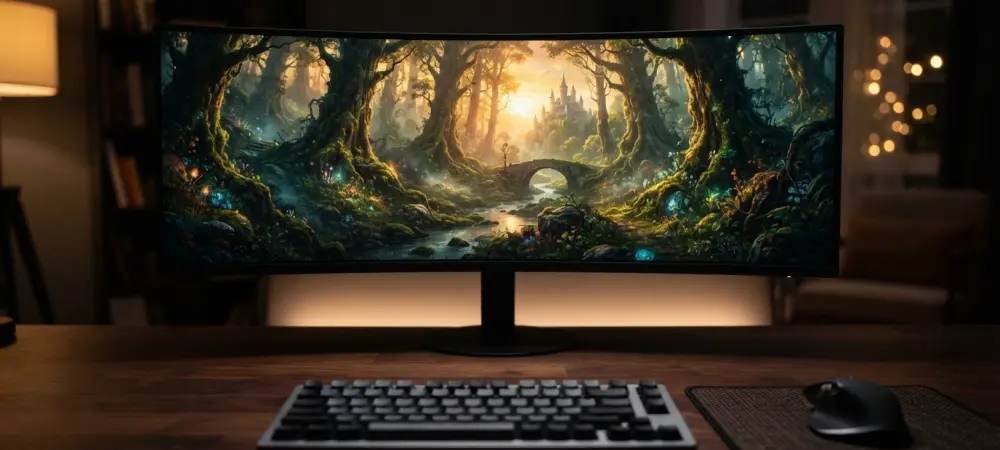
For those chasing a high-end cinematic feel, Midjourney remains the gold standard because of how it interprets atmospheric data. You should be very specific about lighting—requesting “golden hour glow” or “dramatic shadows”—and composition, such as a “wide-angle panoramic view,” to give the scene a sense of scale. Mentioning specific artistic influences or color palettes helps the AI understand the emotional weight of a fantasy scene or a professional mood board. This level of detail ensures the final output isn’t just a random image, but a stylized piece of campaign inspiration that looks like it was captured through a professional lens.
In a professional marketing workflow, how does generating backgrounds and design concepts through AI-assisted editing improve project timelines, and what are the key steps to successfully integrate these visuals into an established creative ecosystem?
In a fast-paced marketing environment, Adobe Firefly is invaluable because it sits directly within the creative ecosystem professionals already use daily. Instead of spending hours searching for stock images, teams can generate custom backgrounds and design concepts on the fly, which drastically slashes project timelines. The key is to use the AI-assisted editing tools to refine the generated visuals so they align perfectly with the brand’s established identity. By integrating these visuals directly into a professional workflow, designers can maintain a high level of control while benefiting from the speed of generative technology.
Since some AI platforms excel at rendering typography and readable wording for posters or logos, how do you balance graphic design elements with text-heavy prompts, and why is manual proofreading still a critical step in this process?
Tools like Ideogram have revolutionized how we handle typography within AI imagery, making it possible to generate readable words for posters, logos, and social media graphics. When crafting prompts, you have to balance the visual style of the graphic elements with the specific text you want to be displayed, ensuring one doesn’t overwhelm the other. However, even with the advancements we’ve seen, manual proofreading remains a non-negotiable step to catch any subtle rendering errors. It is essential to verify that every title and brand name is perfectly legible and correctly spelled before moving to the final production phase.
When a small business needs to move from an initial visual concept to a published marketing material within a single platform, what templates or design tools are most effective, and how does this streamlined production compare to using separate specialized apps?
Small businesses often don’t have the budget for a suite of specialized apps, which is why a platform like Canva AI is so effective for streamlined production. It allows a user to generate a visual concept and immediately drop it into a pre-made template for a presentation, invitation, or social media post. This all-in-one approach is far more efficient than jumping between different tools, as it keeps the entire design and publishing process under one roof. It simplifies the transition from an initial idea to a finished marketing material, making high-quality design accessible to those who need to move quickly and independently.
Before selecting a specific tool, what specific metrics regarding image quality and commercial-use terms should be evaluated, and how do privacy settings and usage limits typically impact long-term creative projects?
Choosing the right tool isn’t just about the aesthetics; you have to look closely at the commercial-use terms and image quality to ensure the assets are fit for your specific purpose. Privacy settings and usage limits can also play a major role in how a long-term creative project unfolds, especially if you are handling sensitive brand data. Some platforms may offer better editing controls or conversational creation styles, while others focus on high-fidelity artistic visuals. It is vital to evaluate these technical and legal metrics upfront to avoid any complications when it comes time to publish your work.
To produce a high-quality image of a complex scene, such as a futuristic smart city at sunset, how do you structure a prompt to cover subject, setting, and color palette, and what is your process for refining the details after the first result?
To capture a complex scene like a futuristic smart city, I recommend structuring the prompt by layering the subject, setting, and technical details. Start with the core subject—the city—then add environmental factors like “realistic lighting” and a “vibrant orange and purple palette” to set the mood at sunset. I often request a “wide-angle view” to give the composition more depth and ensure the architecture is fully visible. Once the first result is generated, the process moves into refinement, where I look at specific details, adjust the colors, and verify that the usage rights align with the intended platform.
What is your forecast for the evolution of text-to-image AI technology?
I expect text-to-image technology to become even more deeply integrated into our daily productivity tools, moving beyond standalone apps to become a standard feature in every digital workspace. We will likely see a shift from 2026 to 2028 where the AI doesn’t just generate a static image but understands the spatial context of a design, allowing for seamless, real-time adjustments through voice or text. The focus will transition from simple generation to complex, collaborative creation where the AI acts as a sophisticated partner rather than just a generator. This evolution will further democratize high-level design, making professional-grade visual storytelling a reality for everyone, regardless of their technical background.