

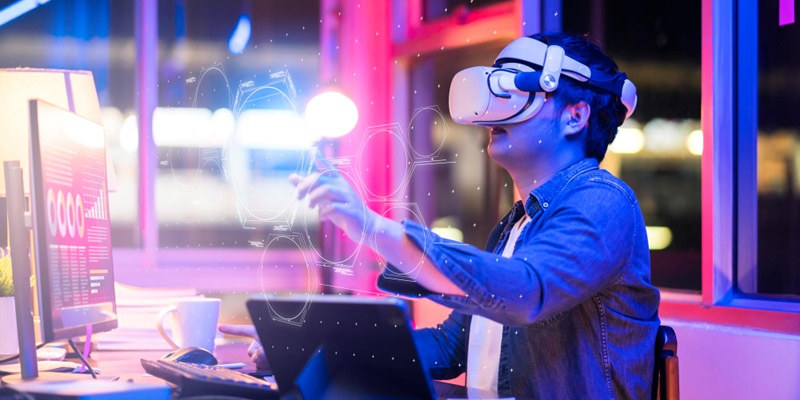
Back in May, a company named Sightful began showing off what it calls the world’s first augmented reality (AR) laptop. It ditches the laptop’s attached display entirely in favor of an AR projection of your desktop, which spans roughly 100 inches and can only be seen when wearing the included glasses. The company has now announced that its Spacetop laptop is finally available for sale for $2,150.
Description of the Spacetop laptop
The Spacetop runs a custom version of Android as its operating system and has basic specifications. However, the real star of the show here is the 100-inch panoramic display, which reportedly looks and feels just like a widescreen desktop. Unlike traditional laptops, the Spacetop projects your desktop onto the AR glasses, giving you an immersive experience.
Availability and pricing
After months of anticipation, Sightful has officially released the Spacetop laptop for sale. Priced at $2,150, the laptop offers an innovative solution for those seeking a larger display and a unique way of interacting with their desktop.
Specifications of the Spacetop laptop
The Spacetop laptop operates on a custom version of Android, providing a familiar and user-friendly interface. While the laptop doesn’t boast top-of-the-line specs, it offers sufficient performance for most tasks, ensuring a smooth AR experience.
Highlighting the panoramic display
The 100-inch widescreen desktop projection is the standout feature of the Spacetop laptop. Users have reported that the display truly mimics a physical widescreen monitor, providing an immersive and expansive working environment. The size and quality of the projection are one-of-a-kind, setting the Spacetop apart from other traditional laptops.
Xreal Light AR glasses
To view the AR projection, users must wear the Xreal Light AR glasses. These glasses feature dual OLED displays running at 1080p in each eye, providing a crisp and vibrant visual experience. The 72Hz refresh rate ensures smooth and seamless graphics.
User experience and ease of use
One of the remarkable aspects of the Spacetop laptop is how intuitive it feels to use. Navigating the AR environment is effortless, closely aligned with using a traditional large monitor. This familiarity, coupled with the convenience of an attached keyboard and trackpad or the option to connect a mouse, makes the transition to the AR laptop smooth and enjoyable.
Text readability and display manipulation
Despite the 1080p resolution, users have reported that text remains highly readable on the AR projection. Sightful has successfully balanced resolution with display size, ensuring that documents, webpages, and other content are easily legible and clear. Additionally, users have the option to manipulate the display by using a three-finger swipe on the trackpad. This functionality allows for zooming in or out to accommodate multiple browser tabs or apps, further enhancing productivity.
Audience and purpose of the laptop
The Spacetop laptop appeals to individuals who desire a larger display for their work or entertainment activities. Whether you need more screen real estate for complex tasks, multitasking, or immersive content consumption, the 100-inch AR projection provides a rich and uninterrupted visual experience. Moreover, the privacy offered by the AR glasses ensures that your work or entertainment remains confidential, making it an attractive option for professionals who value privacy.
With its groundbreaking AR projection technology, the Spacetop laptop by Sightful has taken a bold step into the future of computing. The innovative design and impressive panoramic display have garnered attention, making it a novel choice for those who seek a unique computing experience. The intuitive user interface, text readability, and flexible display manipulation add further value to an already impressive device. As AR technology continues to evolve, Sightful’s Spacetop laptop holds immense potential for transforming the way we interact with computers. Whether it’s for work or leisure, the Spacetop provides a truly immersive and spacious digital world.