

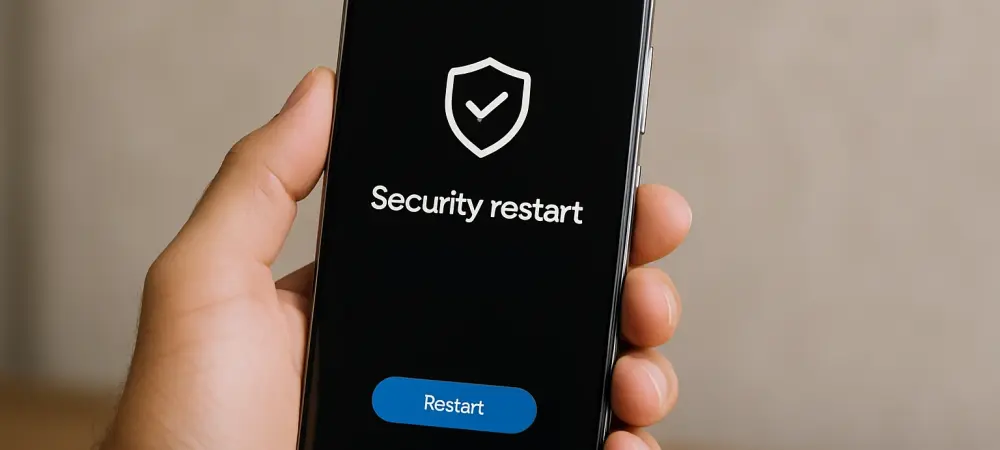
In an era where cyber threats are becoming increasingly sophisticated, Android device owners, particularly those with Samsung Galaxy phones, face a pressing need to safeguard their personal data against vulnerabilities that could compromise their security. Recent alerts from tech giants have highlighted critical flaws in chipsets and new exploits patched in the latest Android updates, underscoring the urgency of proactive measures. For many users, the idea of restarting a smartphone might seem like a trivial task, often overlooked in the daily grind. Yet, Samsung has issued a strong recommendation to make this simple act a regular habit, emphasizing its role in maintaining both security and performance. This advice comes amidst a growing threat landscape where hackers are finding novel ways to exploit outdated systems. As millions of devices remain at risk, understanding the importance of restarts and updates is no longer optional but essential for every Galaxy user looking to stay ahead of potential breaches.
The Rising Threat and the Power of a Restart
As cyber attackers continuously evolve their methods to target Android devices, Samsung has stepped forward with actionable advice for Galaxy users to counter these risks by incorporating regular restarts into their routine. The company suggests that a daily reboot can prevent issues like sluggish performance or freezing, which often signal deeper system vulnerabilities. Beyond performance, restarts play a critical role in security by clearing temporary data that could be exploited during physical or wireless attacks. Interestingly, while Samsung advocates for daily restarts, other perspectives, such as guidance from the NSA, propose that a weekly reboot may suffice for most users. This discrepancy highlights a broader debate on frequency, but the consensus remains clear: restarting helps restore a device to a more secure state. Modern features, like auto-restart options after periods of inactivity, further simplify this process, ensuring protection without requiring constant user intervention. For Galaxy owners, adopting this habit could mean the difference between a secure device and a compromised one.
Updates as the First Line of Defense
While restarts offer a layer of protection, the cornerstone of Android security lies in installing the latest system updates, a point Samsung reinforces alongside its restart recommendation. These updates often patch critical vulnerabilities, including those recently identified in chipsets that hackers have actively exploited. For many users, confusion arises when media alerts blur the lines between restarting and updating, but the distinction is vital—updates frequently include a reboot as part of the installation process, combining both benefits. However, a significant challenge persists for millions of Galaxy users with devices no longer eligible for updates. In such cases, restarts alone cannot mitigate risks, and upgrading to a supported device becomes the only viable solution. Samsung’s “auto-optimize daily” feature offers some relief by automating maintenance tasks, but it cannot replace the comprehensive protection of software patches. Reflecting on past efforts, the tech community acknowledges that staying vigilant with updates has proven to be the most effective defense against an ever-worsening digital threat environment. Moving forward, users must prioritize checking for updates regularly and consider hardware upgrades when necessary to ensure their devices remain secure in a landscape of relentless cyber challenges.