

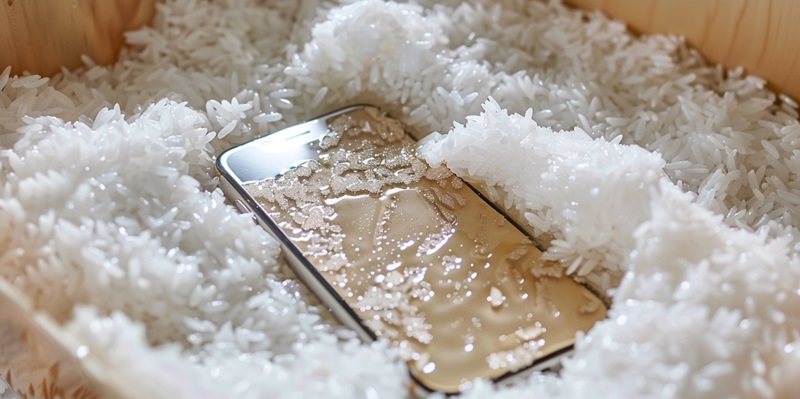
The age-old advice of burying your soaked smartphone in a bag of rice is not just ineffective; it could cause more harm than good. Taking proper measures can make all the difference in salvaging a water-damaged device, and it’s important to be informed about the best ways to proceed.
Initial Damage Control
When your smartphone takes an unexpected swim, the first and most critical step is to power it down immediately. This minimizes the risk of electrical shorts that can cause irreparable damage. Resist the temptation to press any buttons, as this action could push water further into the device’s delicate internals.
Pat the phone with a soft, lint-free cloth to remove excess water. Be gentle; vigorous shaking to expel water from ports is as risky as it sounds. Instead, if it’s safe to do so, remove the SIM card and any other removable parts to expose more of the interior to air. Employing a can of compressed air can help to drive out moisture from tricky-to-reach nooks without generating potentially damaging heat, unlike hairdryers.
Long-Term Drying Strategies
Contrary to popular belief, plunging your waterlogged smartphone into a bag of rice could do more harm than good. This home remedy is largely a myth that doesn’t do much to fix the problem and may even introduce new issues, like rice grains getting into the phone. Instead, there are more effective tactics for rescuing your device from liquid damage.
Firstly, if your phone is still on, power it down immediately to prevent electrical shorts that might cause further damage. Remove any case or cover, and extract the SIM card, along with any other removable parts. Gently shake out any excess water.
Avoid using a hairdryer, as the hot air could push water further into the device’s internals. Instead, use a soft towel or cloth to dab your phone dry. Silica gel packets are a better alternative than rice for absorbing moisture; if you don’t have any, leaving the phone in a well-ventilated area is a wise choice.
It’s crucial to resist the urge to turn the phone on to check if it works until you are confident it’s dried out completely—usually after at least 24 to 48 hours. For extensive water damage, it’s always best to consult a professional repair service to assess and address the issue properly. Taking the right steps immediately after your phone gets wet can mean the difference between a functioning device and one that’s beyond repair.