

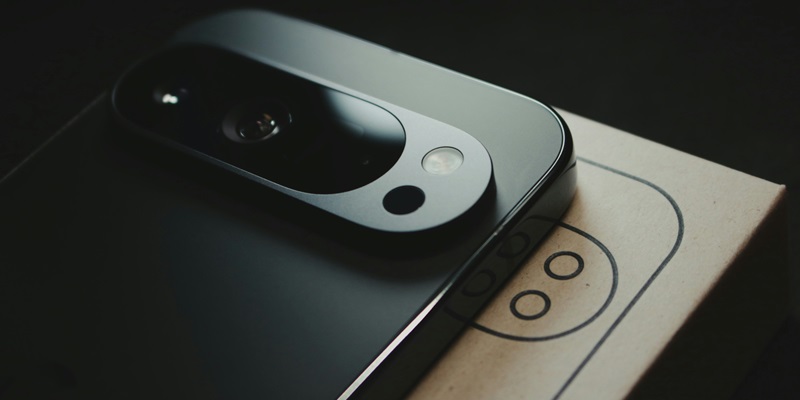
With the increasing prevalence of foldable smartphones, Google’s Pixel 9 Pro Fold stands out as a premier device boasting advanced features but bringing with it a significant challenge in terms of repairability. For those who bravely venture into self-repairs, iFixit offers an array of original spare parts; however, these repairs are neither simple nor inexpensive. When gazing at the repair landscape of this cutting-edge device, it becomes evident that while replacement parts are accessible, the associated costs and repair challenges demand thorough evaluation, preparation, and possibly professional assistance.
Cost of Replacement Parts
The most daunting and expensive part to replace is the foldable main display. With a staggering cost of $1,199.99 and an estimated repair time of three to four hours, it rivals the price of purchasing a new Apple iPhone 16 Pro. This price tag makes it imperative to ensure that the display’s repair or replacement is absolutely necessary. Other notable parts include the rear triple camera at $249.99, the front camera at $79.99, and the outer screen priced at $189.99. Additionally, the USB-C port replacement comes in at $59.99, while the rear cover will set you back $129.99. When it comes to battery replacements, users should be prepared to spend around $135 for both batteries combined. Despite the relatively high cost, iFixit’s offerings make it possible to extend the device’s life, providing users with an option beyond replacing the entire smartphone.
Repair Challenges
Attempting repairs on the Google Pixel 9 Pro Fold is not for the faint-hearted. The challenge starts with the intricate and delicate nature of its foldable design, requiring not only patience but precision. For instance, the foldable main display’s replacement is one of the most intensive tasks, demanding undivided attention and careful handling. iFixit provides "Fix Kits" that include all the essential tools needed to attempt these sophisticated repairs. These kits come with detailed instructions and difficulty estimates to guide users through each step of the repair process. However, the complexity of repairs, especially those involving the main display or internal components, poses a significant risk of further damage if not executed correctly. It becomes crucial to weigh one’s skills and comfort level against the potential risks and costs before undertaking any major repairs.
Considering Professional Help
As foldable smartphones become more common, Google’s Pixel 9 Pro Fold emerges as a top-tier device, offering high-end features but posing significant challenges in terms of repairability. Those daring enough to tackle their own repairs can turn to iFixit, which provides a variety of original spare parts. However, these fixes are neither straightforward nor affordable. When examining the repair aspects of this state-of-the-art device, it becomes clear that while replacement parts are available, the costs and complexities of these repairs necessitate careful consideration, thorough preparation, and potentially professional help. The Pixel 9 Pro Fold’s innovative design and advanced technology come with a caveat: repair might not be as accessible or budget-friendly as one might hope. For technology enthusiasts and everyday users alike, this means that significant thought should be given to the long-term maintenance and potential repair costs before investing in such cutting-edge technology.