

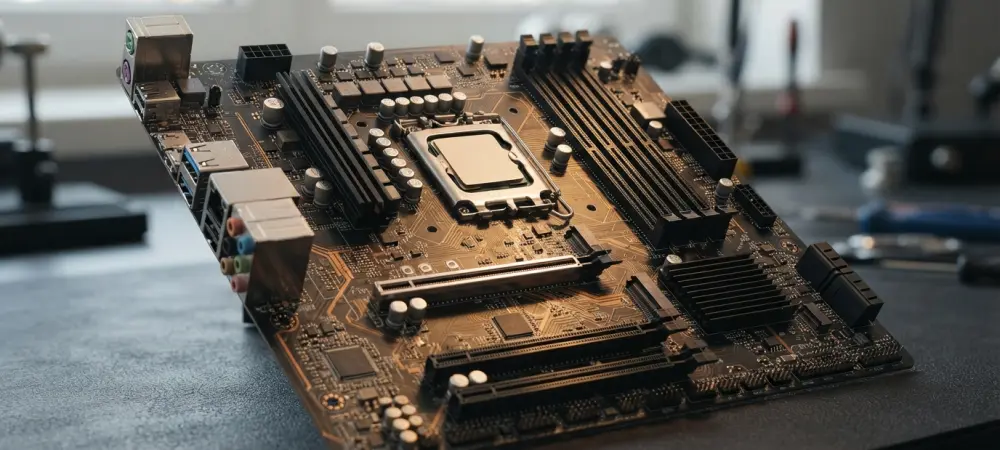
Proper installation of an Intel Core i5-13400F requires exact alignment to prevent electrical arcing between the socket pins and the processor contact pads. Even for seasoned enthusiasts, the physical assembly of a computer remains a high-stakes endeavor where a single millimeter of deviation can lead to immediate hardware failure. A recent incident involving a custom system build serves as a stark reminder of these risks, as a builder reported the total destruction of their central processing unit and motherboard during the initial power-on sequence. While modern consumer electronics are designed with various failsafes, the physical interface between the CPU and the socket remains one of the few areas where user error can bypass electrical protections. The enthusiast community often celebrates the modularity of modern PC components, yet this case illustrates that the increasing complexity of high-pin-count sockets requires a level of precision that many novices may underestimate.
1. The Critical Failure: Anatomy of a Short Circuit
The catastrophic failure occurred the moment the builder activated the power supply, resulting in visible smoke emanating from the socket area of the GIGABYTE Z690 Gaming X motherboard. This visual and olfactory warning sign is the ultimate nightmare for any PC builder, signaling that an uncontrolled electrical surge has bridged connections that were never intended to meet. Upon disassembly and inspection, it became evident that the Intel Core i5-13400F had not been seated squarely within the Land Grid Array socket. This misalignment caused several of the delicate pins to bend or make contact with the wrong surface area on the processor’s underside. When the motherboard attempted to deliver voltage to the core, the mismatched connections created a high-resistance bridge, resulting in heat intense enough to char the plastic housing of the socket and leave permanent burn marks on the processor pads.
Financial consequences in such scenarios are typically severe, though this specific builder managed to avoid a total financial wipeout by utilizing pre-owned components. The use of second-hand hardware is a popular strategy in 2026 for budget-conscious builders looking to maximize performance per dollar, but it provides no protection against physical installation errors. In this instance, the damaged motherboard and CPU represented a significant portion of the budget, yet the survival of other peripheral components like the RAM modules provided a small silver lining. Had the short circuit traveled through the memory traces or the PCIe lanes, the damage could have easily extended to a high-end graphics card or expensive drives. This event highlights the precarious nature of the first power test, where builders activate a system without realizing that a physical fault is present. It underscores the necessity of a rigorous visual inspection before the tension arm is locked into place.
2. Prevention Strategies: Ensuring a Successful System Boot
To avoid such outcomes, builders must prioritize the visual cues provided by hardware manufacturers, specifically the golden triangle indicators located on the corner of the CPU. These markings must match the corresponding pattern on the motherboard socket frame to ensure the orientation is correct. Beyond simple orientation, the processor should drop into the socket without any manual pressure; if it does not sit perfectly flat, it is likely snagged on one of the thousands of fragile pins. Using a high-resolution smartphone camera to zoom in on the socket before installation can help detect pre-existing pin damage that might exacerbate an alignment issue. Checking for a uniform gap around the edges of the processor once it is resting in the cradle is a vital final step. Only after verifying that the chip is flush with the socket should the retention bracket be engaged, as the pressure applied by the lever is enough to crush any misaligned pins and cause a short.
Looking back at the incident, it served as a vital lesson in the importance of mechanical precision within the digital realm. The builder eventually replaced the fried components with new hardware, adopting a far more cautious methodology that prioritized slow, deliberate movement over the rush of completion. Technical communities analyzed the failure and reinforced the recommendation that novice builders should seek out interactive guides or direct mentorship when handling LGA sockets for the first time. Manufacturers also took note, with some exploring more robust socket designs that utilized reinforced guidance channels to make it physically impossible to close the retention arm if the chip was slightly skewed. The industry moved toward providing better educational resources, ensuring that the thrill of PC building remained accessible without the threat of fire. Ultimately, the loss of the i5-13400F became a catalyst for a broader discussion on hardware safety and the necessity of a checklist-based approach.