

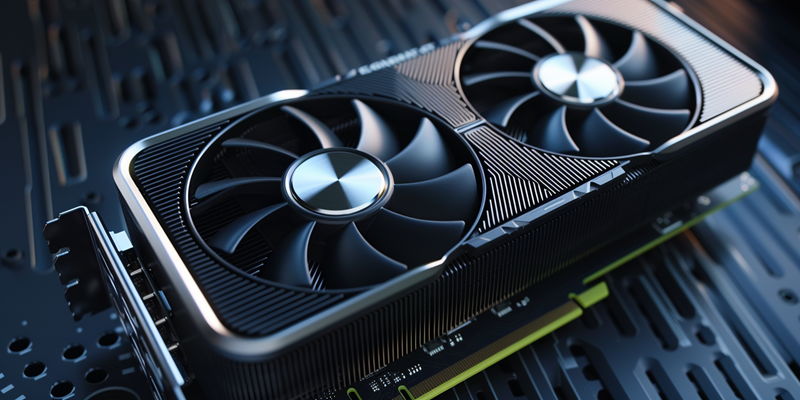
Nvidia’s latest beta update has stirred quite a buzz in the gaming and tech community, not least because of its pioneering single-click GPU tuning feature. This new addition, designed for the GeForce RTX graphics cards, represents a leap forward in democratizing the often esoteric process of overclocking, much to the delight of users lacking in-depth technical know-how. Traditionally, tweaking a GPU’s performance parameters to eke out that extra bit of speed and efficiency has been the domain of the tech-savvy—a playground of manual adjustments replete with complications and risks. Nvidia’s new user-friendly functionality, however, rewrites that narrative with a one-click solution that could serve as a hallmark of accessibility in performance optimization.
One-Click Overclocking: Speed with Simplicity
Simplified Performance Enhancement
With just a solitary click, users can now trigger an automatic tuning procedure that explores the depths of the GPU’s performance capabilities. This process, which spans a meticulous 10 to 20 minutes, does more than a cursory scan. Nvidia’s tuning tool delves thoroughly, probing the graphics card to deduce the optimal configuration for overclocking, fine-tuning everything from voltage to power. Users are advised to refrain from using their PCs during this time—patience is a virtue, after all, especially when it helps prevent any interference that might skew the sensitive calibration.
A Cautionary Advance
Nvidia has meticulously engineered this system to err on the side of caution, keeping GPUs well within the harbor of safety. This ensures that utilizing the auto-tuning feature still falls within the warranty’s embrace, avoiding the stormy seas of invalidated coverage—a peace of mind for the end user. However, Nvidia hoists a flag of warning: the nature of overclocking brings the risk of system instability or the emergence of visual artifacts within some games. As such, while the allure of boosted performance beckons, Nvidia suggests that the more casual adventurers among the user base should wait for the full, stable app release before venturing into these performance-enhanced waters.
Enhanced Gameplay Recording
Upgraded Recording Capabilities
The update isn’t just a one-trick pony; it also brings further enhancements to gameplay recording. Users now have access to support for the AV1 codec—an industry-leading format that promises superior video quality, particularly notable in SDR and HDR video recording at a smooth 120 frames per second. This upgrade, although tantalizing, is currently only available to those equipped with RTX 4000 series GPUs. It’s a glimpse into the future where gameplay capture meets the high fidelity standards that audiences and creators expect.
Limitations and Promise
Nvidia’s buzzworthy beta update is capturing the attention of the gaming and tech communities. The standout feature of this update is the cutting-edge single-click tuning function for GeForce RTX cards. This breakthrough simplifies the complex task of overclocking, bringing joy to users who may not have extensive technical expertise. Traditionally, enhancing a GPU’s performance to squeeze out additional speed was an intricate process reserved for the technically astute, involving manual adjustments and potential risks. Nvidia has dramatically changed this landscape with an effortless one-click option, establishing a new standard for accessible performance optimization and making what was once a daunting task approachable for a broader audience. This new feature signifies Nvidia’s commitment to making high-performance gaming accessible to all, not just the technically adept.