

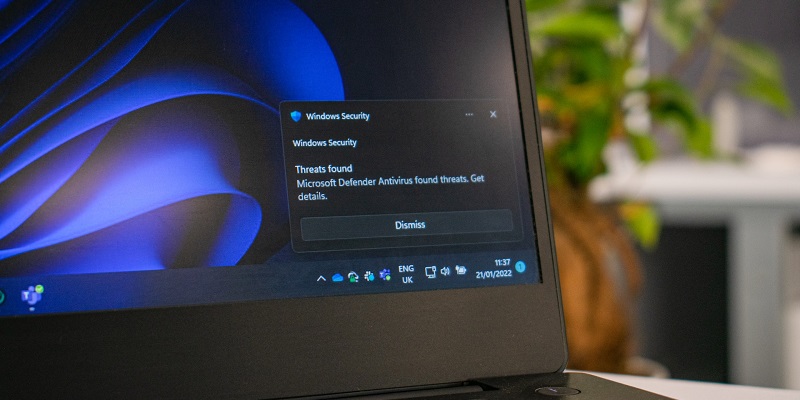
The discovery of a newly patched flaw in Windows Defender has raised concerns over the potential consequences that attackers can inflict on target systems. This flaw allows for the hijacking of the signature-update process, enabling attackers to sneak in malware, delete benign files, and wreak havoc on the very systems that the software is designed to protect.
Research goals and importance
The primary goal of the research conducted by SafeBreach researchers, Tomer Bar and Omer Attias, was to verify whether the update process in Windows Defender could be exploited to introduce known malware. This investigation holds significant importance as it tests the software’s ability to effectively safeguard against such attacks, highlighting potential vulnerabilities that organizations should be aware of.
Summary of SafeBreach research findings
At a session during Black Hat USA, Bar and Attias provided a comprehensive summary of their findings. They aimed to replicate an attack without resorting to a complex man-in-the-middle method or a forged certificate. This approach intended to shed light on the potential risks posed by this flaw under more realistic circumstances.
Signature Updates and MPAM-FE[.]exe
Signature updates, which play a critical role in Windows Defender’s effectiveness, are typically packaged within a single executable file called Microsoft Protection Antimalware Front End (MPAM-FE.exe). Investigating this file became an important aspect of the researchers’ exploration.
Initial Attempt at Hijacking the Update Process
The researchers initially sought to hijack the Defender update process by replacing one of the executables within the MPAM file with their own file. This experiment aimed to determine the system’s response and identify any potential vulnerabilities that could be exploited.
Tampering with Microsoft-signed VDM files
After the first attempt did not yield satisfactory results, the researchers decided to explore alternative methods. They began tampering with Microsoft-signed VDM files, with the intention of taking over the Defender update process. This step allowed them to delve deeper into the flaw and assess the extent of its potential damage.
Proof of Concept: Successful Manipulation of VDM Files by a Bar
Bar successfully made changes to the VDM files to demonstrate the impact of the flaw on Windows Defender’s detection capabilities. As a proof of concept, Bar showed that Defender failed to detect threats like Conti ransomware and Mimikatz. This discovery signifies the severity of the flaw and the potential harm it can cause to system security.
Exploiting the “FriendlyFiles” feature
The researchers also discovered that they could easily infiltrate a system by labeling malicious files as “FriendlyFiles,” essentially tricking Windows Defender. This feature acts as an allow-list, enabling users to identify benign files. This discovery highlights the potential for attackers to bypass security measures by leveraging loopholes in the system.
Implications for Organizations
The key takeaway from SafeBreach’s research is that motivated attackers can always find ways to bypass even the most reliable security technologies. This flaw exposes organizations to significant risks if not addressed promptly. It underscores the importance of maintaining a vigilant approach to security and continuously adapting strategies to counter evolving attack techniques.
Enhancing security measures
To mitigate the impact of vulnerabilities like the one in Windows Defender, organizations should prioritize robust security measures. This includes implementing multiple layers of defense, regularly updating software and security patches, conducting thorough penetration testing, fostering a strong security culture, and adopting advanced threat detection solutions.
The discovery of this newly patched flaw in Windows Defender serves as a stark reminder of the evolving nature of cybersecurity threats. Attackers constantly seek ways to exploit vulnerabilities, and organizations must remain proactive in identifying and addressing these flaws to protect their systems and data. By understanding the research findings presented by SafeBreach, organizations can bolster their security practices and stay one step ahead of potential threats in an increasingly challenging digital landscape.