

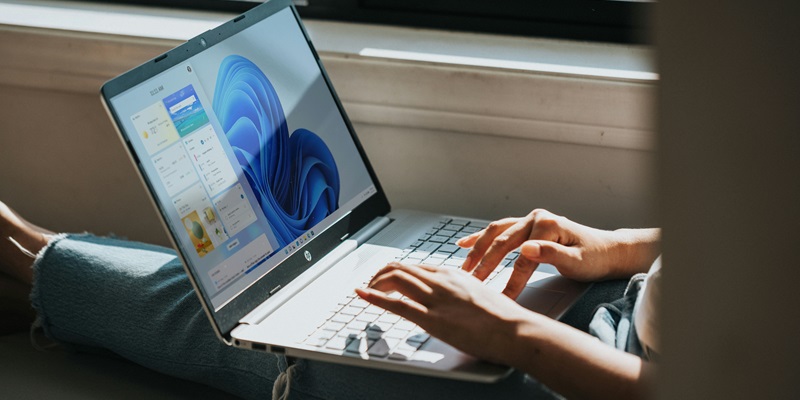
In response to user reports of a lagging taskbar, Microsoft has implemented an important update aimed at improving performance on Windows 11. Many users have voiced frustrations over the slow response times of the taskbar, especially just after startup, which has impeded their ability to quickly utilize essential applications and features.
The taskbar is a critical component of the Windows interface, providing shortcuts and notifications that allow for efficient workflow. Any delay in its functionality can significantly disrupt user experience. Recognizing this, Microsoft has taken steps to rectify the issue by releasing a new build via the Windows 11 Beta insider channel, much to the relief of its user base.
This proactive effort by Microsoft to address such a fundamental issue highlights the company’s commitment to user satisfaction and the continual refinement of its operating system. The update is expected not only to enhance the functionality of the taskbar but also to contribute to the overall user experience by allowing faster and more reliable access to the operating system’s features immediately after the computer starts up. Microsoft continues to encourage feedback from its community to help shape future updates and maintain Windows 11’s performance at an optimal level.
Taskbar Delay Resolved
The build, which does not heavily focus on new features, primarily contains important bug fixes, including the one rectifying the slow taskbar loading. Identified in update KB5034845, the resolution of this problem is a boon for users who have been grappling with delayed access to their taskbar. Such a delay could stretch from a few seconds to much longer, causing frustrations and interruptions in workflow. By addressing this, Microsoft is taking a step toward enhancing the overall stability and usability of its latest operating system, ensuring a more seamless experience for its users.
In addition to the primary fix, the update also addresses another issue where the taskbar, when cluttered with application icons, would result in the search function behaving erratically—opening and closing immediately without any user input. This bug not only disrupted users’ workflows but also raised concerns about the reliability of the taskbar’s functionality, a crucial element for navigating Windows 11. With these bug fixes, Microsoft is determined to polish the user experience, demonstrating a clear commitment to swiftly addressing user feedback.
Enhancements to Widgets and User Interface
The recent Beta channel update for Windows 11 introduces both aesthetic enhancements and functionality improvements. One notable feature is the updated Widgets icon on the taskbar, which now sports a notification badge. This badge displays the number of unread notifications specifically within the Widgets, setting them apart from general system alerts. The change offers users a quick reference to check if they’ve missed any widget notifications without needing to open the feature.
Additionally, the visual quality of the Widgets icon has received extra attention. Microsoft has ensured the icon’s appearance is sharp and clear, avoiding any blurry or pixelated imagery on the taskbar. These refinements showcase Microsoft’s commitment to enhancing the Windows 11 user interface. Quality is not just in function but also in form, with an interface that is as sleek as it is usable. These updates in the Beta channel signal that Windows 11 users can anticipate a more polished and user-friendly experience in future rollouts of the operating system.