

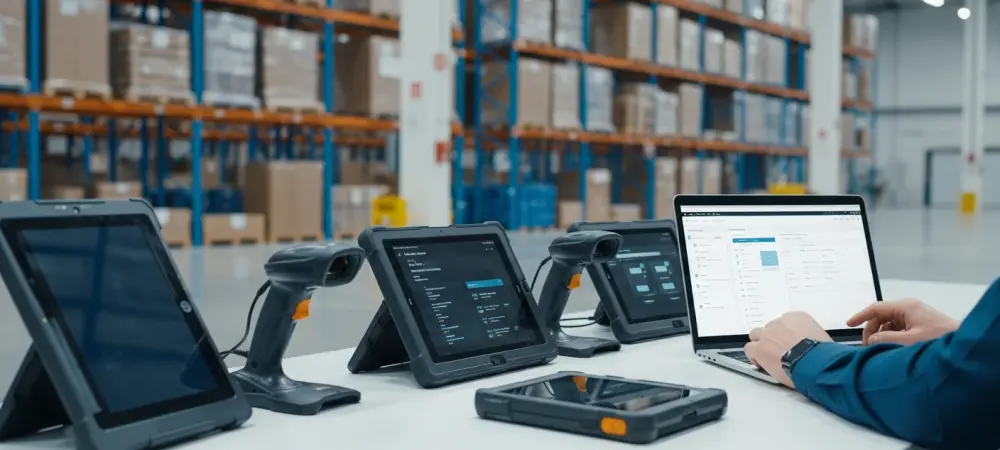
The seamless transition from a digital warehouse blueprint to a fully operational shipping floor often hinges on a factor far more physical than code: the readiness of handheld hardware. Even a perfectly tailored Microsoft Dynamics 365 Business Central environment remains effectively dormant if the physical tools required to interact with it are not configured, secured, and ready for the hands of the floor staff. This inherent friction between software deployment and hardware preparation has historically created a bottleneck that stalls digital transformation initiatives. The integration of Mobile Device Management (MDM) into the logistics workflow acts as the final link in the chain, ensuring that software capabilities are immediately translated into operational reality. By bridging the gap between cloud-based ERP systems and the rugged devices on the shipping dock, organizations can bypass the logistical hurdles that once defined warehouse rollouts. This shift is not merely about convenience; it is a fundamental reassessment of how modern supply chains scale in an environment where speed and accuracy are the primary currencies of success.
The Unseen Logistical Hurdle: Modern Warehouse Digitization
A flawlessly configured Microsoft Dynamics 365 Business Central environment often hits an unexpected wall the moment it meets physical reality: the hardware. While the software may be ready to process thousands of orders and manage complex inventory movements, the warehouse remains stagnant until every handheld scanner is manually unboxed, configured, and secured. This disconnect between digital readiness and physical deployment often turns a streamlined “go-live” into a weeks-long exercise in repetitive IT labor that drains resources and delays return on investment.
The complexity of modern logistics demands that every device acts as a high-performance portal into the ERP, yet the physical act of preparing these portals is frequently treated as an afterthought. IT departments often find themselves overwhelmed by the sheer volume of manual tasks, from setting up wireless networks to ensuring each device has the correct permissions. Without a centralized method to handle these physical assets, the digital sophistication of Business Central is limited by the speed at which a technician can type credentials into a single keypad.
Traditional Hardware Staging: A Failure in the Modern Supply Chain
The “hands-on” approach to device configuration has become a significant liability for growing 3PL providers and large-scale distributors. Historically, IT staff had to touch every single device to manually enter server credentials, install WMS applications like Warehouse Insight, and establish local security protocols. In a multi-site operation, this manual process not only delays the time-to-value but also introduces the high risk of version drift, where inconsistent patches and settings across the fleet create long-term maintenance nightmares.
Furthermore, manual staging is inherently prone to human error, which can lead to catastrophic failures during peak operational hours. A single mistyped IP address or a forgotten security certificate on a handful of devices can result in localized downtime that ripples through the entire supply chain. As businesses attempt to scale from 2026 toward 2030, relying on individual device handling becomes a primary point of failure that prevents rapid expansion and seasonal flexibility.
Automating Deployment: Zero-Touch Single-Barcode Enrollment
The integration of SureMDM by 42Gears into the Insight Works ecosystem effectively replaces hours of manual staging with a single scan. By utilizing a “low-touch” enrollment model, a warehouse supervisor can take a new Android scanner out of the box and scan a single setup barcode to trigger an automated configuration sequence. This process pushes the necessary WMS Express or Warehouse Insight software, applies specific environment settings, and enforces corporate security policies without requiring an on-site IT presence.
This automation allows organizations to ship hardware directly from the vendor to a remote facility, bypassing the traditional stop at the IT headquarters. Once the barcode is scanned, the device essentially builds itself, pulling all required configurations from a centralized cloud server. This method ensures that every scanner entering the four walls of the warehouse is an exact clone of the master configuration, eliminating the variability that typically plagues large-scale hardware deployments.
Centralized Fleet Management: Sustaining Long-Term Operational Value
Beyond initial setup, a managed device strategy ensures that hardware remains an asset rather than a liability. Implementing a lockdown or “Kiosk Mode” prevents unauthorized application use, keeping workers focused on logistics tasks while securing the device from external vulnerabilities. This specialized environment restricts the user to the WMS interface, ensuring that the hardware is used exclusively for its intended purpose and reducing the risk of accidental settings changes that could lead to support calls. Centralized Over-the-Air (OTA) updates allow administrators to sync the entire fleet to the same software version simultaneously, while real-time monitoring of battery health and connectivity allows for proactive hardware replacement before a failure disrupts the shipping dock. If a device is lost or stolen, IT teams can remotely wipe sensitive data, protecting the integrity of the Business Central environment. This proactive management style shifts the IT department from a reactive “break-fix” role to a strategic oversight position, ensuring maximum uptime across all global locations.
Strategic Framework: Deploying Managed Handheld Scanners
To successfully implement a managed WMS deployment, organizations ensured their hardware fleet—whether from Zebra, Honeywell, or Datalogic—was prepared for the Android Enterprise framework. The most effective strategy required enrolling devices from a “clean state” or factory reset to grant the MDM agent the high-level permissions needed for full lockdown and remote management. By shifting the focus from manual setup toward automated enrollment, businesses scaled their operations rapidly in response to seasonal demand or new contract acquisitions without scaling their IT overhead.
The transition toward MDM-integrated environments represented a significant pivot in how logistics hardware was perceived. Instead of being viewed as independent tools, handheld scanners became managed endpoints that reflected the precision of the ERP itself. The implementation of these automated protocols allowed managers to focus on optimizing throughput rather than troubleshooting handheld connectivity. Ultimately, the adoption of centralized device management provided a resilient foundation that supported continuous growth and technological agility in a competitive market. Moving forward, the integration of hardware management into the digital strategy served as the standard for any warehouse seeking true operational excellence.