

The seamless flow of inventory from the receiving dock to the shipping bay depends entirely on the silent conversation between a physical barcode and the digital brain of Dynamics 365 Business Central. While many warehouse managers believe that digitization is a simple matter of purchasing handheld devices, the reality is often a frustrating cycle of unreadable labels and manual data corrections. When the scanning process fails, the digital twin of the warehouse diverges from physical reality, leading to stockouts, ghost inventory, and delayed shipments that erode customer trust.
Why Your Warehouse Digitization Fails Before the First Scan
The transition from paper-based tracking to mobile scanning in Dynamics 365 Business Central often hits a wall not because of software bugs, but because of a fundamental disconnect between the physical barcode and the digital database. Many organizations invest heavily in mobile applications only to find that their scanners cannot read their labels or their data structure creates more manual work than it solves. True warehouse efficiency isn’t found in a “plug-and-play” solution; it is engineered through meticulous planning of the environment where the hardware meets the ERP.
This failure often stems from a lack of consideration for the physical environment. A barcode that works perfectly in a well-lit office may become unreadable under the flickering LEDs of a high-bay racking system or when covered by a thin layer of dust. Furthermore, if the underlying item cross-references in Business Central are not precisely mapped, even a successful scan will yield an error message, forcing the worker to revert to manual typing. This disconnect transforms a high-tech investment into a source of operational friction.
The High Cost: Bypassing Foundational Infrastructure
In the modern supply chain, a missed scan is more than a minor inconvenience—it is a data integrity crisis that ripples through procurement, production, and shipping. Implementing barcoding is a strategic evolution that demands more than just buying handheld devices; it requires an alignment of physical symbology and digital architecture. Without addressing the underlying requirements of label durability, scanner configuration, and data standardization, companies face costly rework and operational bottlenecks that erode the ROI of their Business Central investment.
Moreover, the financial impact of poor infrastructure extends to labor costs and training time. When scanning systems are unreliable, warehouse staff lose confidence in the technology and develop “shadow processes” to bypass the system. These workarounds inevitably lead to inaccurate lot tracking and expiration date errors, which can be catastrophic in regulated industries like food or pharmaceuticals. The hidden cost of a cheap label or an unconfigured scanner is frequently measured in thousands of dollars of lost productivity.
The TrifectSuccessful Mobile Barcoding
To master warehouse scanning, stakeholders must balance three critical pillars: the physical label, the hardware configuration, and the Business Central data logic. 1D barcodes might suffice for simple SKU identification, but 2D symbologies like QR codes or Data Matrix are increasingly necessary for packing complex information like lot and serial numbers into a small footprint. Furthermore, the hardware itself must be “tuned” to the warehouse environment, ensuring that the scanner interprets the data string exactly as Business Central expects it, preventing the common pitfalls of misinterpreted prefixes or suffixes.
Beyond the hardware, the internal logic of the ERP must be prepared to receive the data in real-time. This requires a clean setup of warehouse locations, zones, and bins that mirror the physical layout of the facility. When the “wedge” settings of the scanner are synchronized with the input fields of the mobile app, the worker can move through tasks without ever touching the screen. This harmony creates a fluid movement toward total warehouse transparency, where every scan updates the ledger instantly and accurately.
Insights from the Front Lines: Warehouse Implementation
Industry veterans often observe that the most successful projects prioritize “scan paths”—the actual physical movement and workflow of the worker—over the aesthetic of the software interface. Expert consensus indicates that failure points are rarely found in the ERP code but rather in the “invisible” elements, such as using thermal transfer labels that fade in high-heat environments or failing to account for the internal logic of lot tracking. By adopting a holistic view that considers the printer, the scanner, and the specific warehouse aisle conditions, organizations can create a scalable system that survives the rigors of daily distribution.
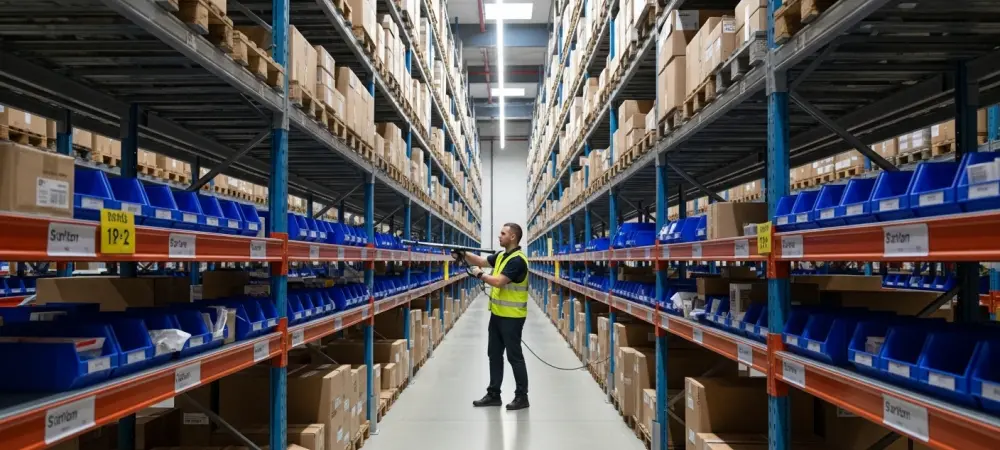
In practice, this means testing the system under the worst possible conditions before a full rollout. A label that is easy to scan at eye level might be impossible to read when it is on the top rack of a thirty-foot shelf. Successful implementations often utilize long-range scanners and retro-reflective labels to bridge this gap. By focusing on the ergonomics of the scan, companies ensured that technology assisted the worker rather than becoming an obstacle to their primary duties.
A Strategic Framework: Flawless Scanning Execution
- Audit your barcode symbology to ensure compatibility between your printer’s output and your scanner’s decoding capabilities.
- Standardize your item-level data within Business Central to ensure every SKU has a unique, scannable identifier before deploying mobile hardware.
- Map out lot and serial number tracking requirements to determine if your workflows require advanced data capture or simple 1D scanning.
- Configure scanner behavior and “wedge” settings to automate the “Enter” key or tab function, reducing the number of manual touches for the operator.
- Implement a systematic troubleshooting protocol that tests label readability under various lighting and distance conditions before going live.
The path toward a fully optimized warehouse required a shift in perspective from viewing scanning as a software add-on to seeing it as a core physical-digital integration. Successful teams conducted thorough audits of their existing data before the first device arrived on site. They prioritized the durability of labels and the precision of scanner configurations to ensure that the transition stayed on track. By focusing on the physical realities of the warehouse floor, organizations transformed their scanning operations into a competitive advantage that yielded immediate improvements in accuracy and speed.