

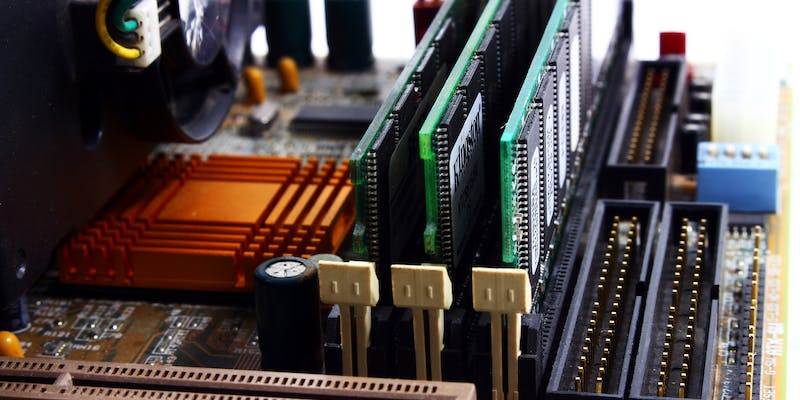
Hyper-V, Microsoft’s virtualization platform, often grapples with performance issues tied to VM storage speed. A potential solution is employing RAM disks, which carve out a segment of system memory to function as an ultra-fast virtual hard drive. This can drastically improve speed over hard drives and SSDs.
Yet, the use of RAM disks in Hyper-V for VM storage isn’t a clear-cut decision. The trade-off for their speed is the risk of data loss since RAM is volatile; if power is lost, so is the data on the RAM disk. This introduces potential jeopardy to data integrity. Administrators must judge whether the performance boost justifies this risk and determine which workloads might be safely run on RAM disk-backed VMs. The choice hinges on balancing the need for speed against the imperative of data safety.
Pros of RAM Disk Usage in Hyper-V
RAM disks boast lightning-fast performance, making them an attractive storage solution for certain Hyper-V VM applications. In scenarios where disk I/O is a performance-limiting factor, RAM disks may provide a significant boost. This is particularly true for I/O-intensive applications such as database servers or applications that require high-speed read/write operations. Since RAM is orders of magnitude faster than even the quickest NVMe SSDs, workloads that leverage RAM disk storage can experience reduced latency and faster transaction times.
Moreover, for environments where VMs are used temporarily or for purposes that don’t require long-term data persistence—such as testing environments or stateless applications—a RAM disk might be an ideal solution. The risk of data loss upon a reboot is less of a concern here, as the VM’s state may not need to be maintained over time. Besides, modern systems with large amounts of RAM can allocate a portion of their memory to create sizable RAM disks that can support multiple VMs without compromising the host’s performance.
Cons and Considerations of RAM Disk Storage
Utilizing RAM disks for Hyper-V virtual machines (VMs) can significantly boost speed but carries considerable risks. The transient nature of RAM could provoke data loss during power outages or system failures, a dangerous prospect for VMs that require persistent data. This risk makes RAM disks unsuitable for stateful workloads demanding reliable data retention.
Moreover, allocating RAM for disk use restricts available memory for other processes and VMs, potentially hampering overall system performance. Managing RAM disks can also introduce added complexity, and they might not always be supported by standard backup protocols. Decision-makers must carefully evaluate whether the performance benefits justify these risks and the potential impact on system resources. A thorough analysis of memory usage patterns is crucial when considering the feasibility of RAM disks in a Hyper-V environment. Balancing performance enhancements with the need for stability and resource optimization is key.