

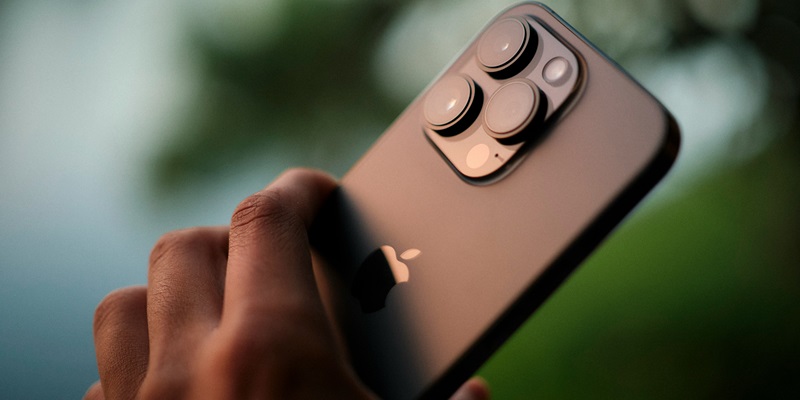
The iPhone 14 Pro exemplifies Apple’s dedication to inclusivity and efficient performance with its range of user-friendly features. Of particular note is the adaptable Lock Screen, which now offers a battery widget. This addition is especially beneficial for users with vision impairments, allowing for instant battery status checks without compromising the phone’s performance. Contrary to the belief that customizations like these drain the battery more quickly, Apple has proven that user convenience can go hand-in-hand with energy efficiency. This innovative approach not only enhances the user experience for those with specific accessibility needs but also demonstrates Apple’s ongoing commitment to providing advanced technology that is considerate of all its users. The iPhone 14 Pro’s design acknowledges diversity among users and offers practical utilities, asserting that progress in technology also encompasses thoughtfulness and accessibility.
A Personal Touch for Enhanced Accessibility
For vision-impaired users, the ability to monitor their phone’s battery life with minimum hassle is more than just a convenience—it’s essential. Apple’s iPhone 14 Pro addresses this need through its highly customizable Lock Screen, which permits users to add a battery widget prominently. This personal touch means that with just a glance, users can stay informed about their battery status without the need to navigate through multiple menus or strain to see small icons. Here we see Apple’s commitment to accessibility; by prioritizing user needs, the company ensures that their devices serve a purpose beyond basic functionalities.
What’s more, this customization does not come at the expense of the device’s performance. The iPhone 14 Pro’s Lock Screen, inclusive of the battery widget, is carefully designed to be power-efficient. Users can rest easy, knowing that keeping an eye on battery life does not mean having to charge the device more frequently. It’s this balance of personalization and power conservation that showcases the iPhone’s design philosophy—one where user convenience doesn’t sacrifice device longevity.
Performance Meets Personalization
The iPhone 14 Pro showcases Apple’s commitment to user-centric design, balancing customization with impressive battery life. The integration of features such as the battery widget demonstrates that personalization need not compromise battery endurance. Apple’s engineers have adeptly combined display technology with efficient widget functionality, allowing users to maintain their device’s unique setup without constant worry over battery depletion.
Apple’s strategic design philosophy harmonizes user requirements with energy efficiency. The iPhone 14 Pro caters to various user preferences, including those with visual impairments who benefit from easy access to battery stats, or any user who values immediate information availability. The industry consensus underscores Apple’s role in driving technological innovation that prioritizes inclusivity and operational effectiveness. The battery widget on the iPhone 14 Pro stands as proof that utility can coexist with economy, offering an enriched user experience that is free from power-related concerns.