

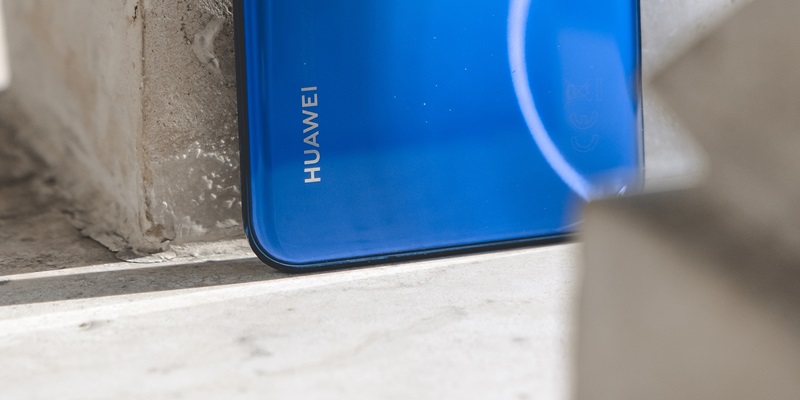
The Huawei Mate 40 Pro has taken the smartphone market by storm, delivering a sublime experience to users with its sleek and stylish design, powerful performance, and exceptional camera capabilities. This flagship device offers a complete package for tech enthusiasts and professionals alike, making it a top contender in the smartphone arena.
Sleek and Stylish Design
The Mate 40 Pro’s design is a testament to Huawei’s commitment to aesthetics and innovation. Its sleek and stylish body, crafted with premium materials, exudes elegance and sophistication. The meticulously placed buttons and ports ensure a seamless and comfortable user experience, while the vibrant color options allow users to showcase their individuality.
Power-Packed Performance
At the heart of the Mate 40 Pro lies the powerful Kirin 9000 chipset, Huawei’s most advanced processor to date. The 5 nm process technology ensures optimal power efficiency, leading to longer battery life without compromising performance. With lightning-fast processing speeds and efficient multitasking capabilities, this powerhouse device effortlessly handles even the most demanding tasks and applications.
The Kirin 9000 chipset is a game-changer, offering unmatched performance capabilities. Its octa-core CPU and powerful GPU ensure smooth multitasking, effortless gaming, and lag-free browsing. Whether you are editing videos, playing graphics-intensive games, or running heavy applications, the Mate 40 Pro’s Kirin 9000 chipset handles it all with ease.
Optimal Power Efficiency
The 5 nm process technology utilized in the Mate 40 Pro enhances power efficiency, allowing the device to run smoothly while conserving battery life. With this technology, users can enjoy uninterrupted usage throughout the day without constantly worrying about their battery draining. Additionally, the device supports fast charging, providing a quick boost when needed.
Immersive Display
One of the standout features of the Mate 40 Pro is its stunning display. The 6.76-inch OLED display offers vibrant colors, excellent contrast, and high resolution, providing a truly immersive visual experience. Whether you’re watching movies, playing games, or browsing your favorite social media platforms, every detail comes to life on the Mate 40 Pro’s captivating screen.
Exceptional Camera Capabilities
Photography enthusiasts will be thrilled with the Mate 40 Pro’s camera setup. Co-engineered with Leica, the device boasts a versatile triple camera system. The primary 50 MP sensor captures stunning details and vibrant colors, while the 20 MP ultra-wide-angle lens allows for expansive and breathtaking shots. The 12 MP telephoto lens enables crystal-clear zoom and depth-of-field effects, transforming every shot into a work of art.
EMUI 11
The Mate 40 Pro runs on EMUI 11, Huawei’s custom Android-based operating system that enhances the device’s overall functionality and user experience. EMUI 11 brings a multitude of features and improvements, including enhanced privacy controls, smoother animations, and a personalized user interface. With EMUI 11, users can enjoy a seamless and intuitive interface that integrates seamlessly with their daily lives.
Strengths of the Mate 40 Pro
Overall, the Huawei Mate 40 Pro is a powerhouse device that combines style, performance, and exceptional camera capabilities. Its sleek design, powered by the Kirin 9000 chipset, ensures a seamless and powerful user experience. The stunning OLED display elevates visual pleasure, while the impressive camera setup enables users to unleash their creative potential. With EMUI 11 as its operating system, the Mate 40 Pro offers a seamless and intuitive interface.
The Huawei Mate 40 Pro has firmly established itself as a leading flagship smartphone, redefining excellence in every aspect. From its sleek and stylish design to the powerful Kirin 9000 chipset and exceptional camera capabilities, this device sets a new standard in the smartphone industry. Whether you’re a tech enthusiast or a professional in need of a reliable and efficient smartphone, the Mate 40 Pro delivers unrivaled performance, making it a compelling choice.