

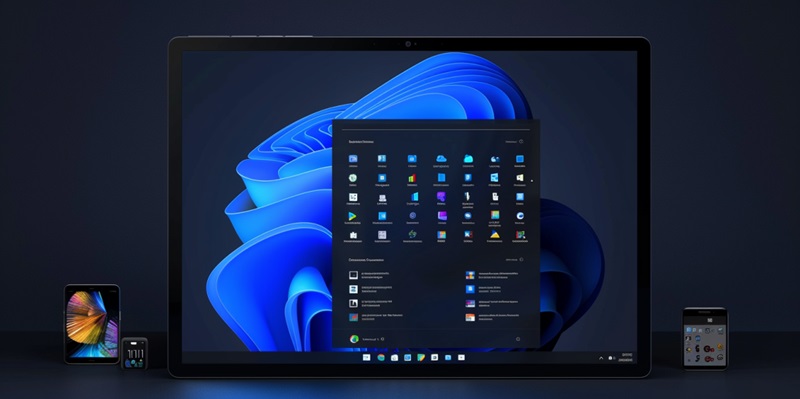
With the date now set in stone, the departure of another widely used iteration of the Windows operating system is fast approaching. Users of Windows 10 version 21H2, specifically those utilizing the Enterprise and Education editions, should mark June 13, 2024, on their calendars. This day signifies the end of servicing for this particular version, as announced by Microsoft. Systems not managed under continuous care are set to automatically update to the later version, Windows 10 version 22H2, known to be the last version of Windows 10.
Timeline and Transition
End of Servicing Deadlines
As Microsoft continues the inevitable march towards completely transitioning their user base to Windows 11, a pivotal time point is on the horizon. Windows 10 version 21H2, which has served businesses and educational institutions since its inception, will therefore no longer be privy to the monthly security and preview updates come June 13, 2024. These updates are crucial for countering new security threats that arise and maintaining the integrity of the system. It’s a crucial call to action for administrators of these enterprises and institutions to begin strategic planning for the required upgrades, whether to Windows 10 version 22## or to take the plunge into the Windows 11 ecosystem.
Moving Beyond Windows 10
The extension of support through Microsoft’s ESU program is akin to a lifeline for organizations needing more time to transition. Despite the fees—starting at $61 for the inaugural year with subsequent annual increases—it’s a stopgap measure to secure systems as decisions are made for the next steps. Although consumer pricing remains undisclosed, it stands as a testament to Microsoft’s commitment to providing options for a wide array of user needs during these transitions.
Managing the Migration
For Managed Systems
Administrative foresight is paramount when faced with a software life cycle nearing its end. Managed systems will not receive the automatic update to Windows 10 version 22H2. Hence, IT departments must employ a proactive stance by either manually updating these systems or considering the broader leap to Windows 11. This task becomes increasingly complex given the diversity and number of devices within an organization but remains a necessary undertaking to maintain system security and functionality.
Future Proofing with Windows 11
Microsoft has announced that Windows 10 version 21H2 will reach the end of its service life on June 13, 2024, a crucial date for Enterprise and Education edition users to remember. From this point forward, these systems will no longer receive updates or security patches, which could leave them vulnerable to new threats. To ensure continuous protection and system performance, Microsoft plans to transition unmanaged systems to the newer Windows 10 version 22H2 automatically. Notably, this version is expected to be the final iteration of Windows 10, as the company shifts focus to its successor. Organizations using the affected versions should prepare for this change and consider their upgrade strategies—whether that includes moving to version 22H2 or exploring the capabilities of the latest Windows offering. Meanwhile, Microsoft continues to provide support and updates to help users maintain a secure and stable computing environment until the transition occurs.