

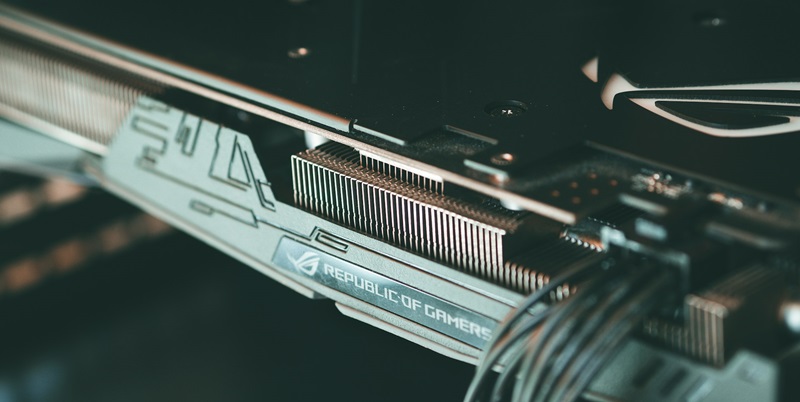
Nvidia’s Ada RTX 500 and 1000 GPUs represent a leap forward for mobile workstations, balancing power with efficiency. These chips are the fruits of the drive to empower professionals with portability without compromising performance. Grounded in the Ada Lovelace architecture, they are packed with features to cater to demanding tasks yet are energy-conscious. The GPUs stand out for their AI capabilities, thanks to specialized Tensor cores and an integrated neural processing unit (NPU) that handles lighter tasks. This ensures that professionals can effortlessly run AI-centric applications, marking a new standard in what to expect from portable computing power. As technology advances, these GPUs illustrate the ongoing enhancement of laptop potential, providing users with desktop-level performance in a mobile form factor. This innovation is essential for a wide array of professional fields where advanced computing on-the-go is not just a luxury, but a necessity.
Balancing Performance with Portability
The Ada RTX 500 and 1000 manage to walk a fine line, balancing the demanding needs of creative professionals with the practical constraints of mobile computing. Their basic configurations – 4GB of memory and 2,048 CUDA cores for the RTX 500 and a beefier 6GB of memory with 2,560 CUDA cores for the RTX 1000 – ensure that these GPUs are more than capable of tackling intensive tasks. These models also cater to different tiers of workload requirements, allowing users to choose a GPU that aligns with their specific needs. What stands out is the marriage of power efficiency to processing capability, enabling the use of these GPUs in thinner, more energy-conscious designs without compromising performance.
Enhancing AI and Creative Workflows
In today’s professional world where AI is fundamental, Nvidia’s Ada RTX 500 and 1000 GPUs mark a significant step forward. These GPUs feature a Neural Processing Unit (NPU) that delegates less demanding tasks to save energy, a vital feature for common functions like video noise cancellation and AI-driven image enhancement. As hybrid work becomes standard, these improvements are vital rather than merely supplementary. Nvidia’s hardware-level integration of these tasks surpasses software solutions, ensuring faster and higher-quality performance for applications that are central to remote work and real-time content creation, such as video conferencing and on-the-fly rendering. This technological advancement is critical in providing efficient and powerful tools for the evolving demands of the modern workplace.