

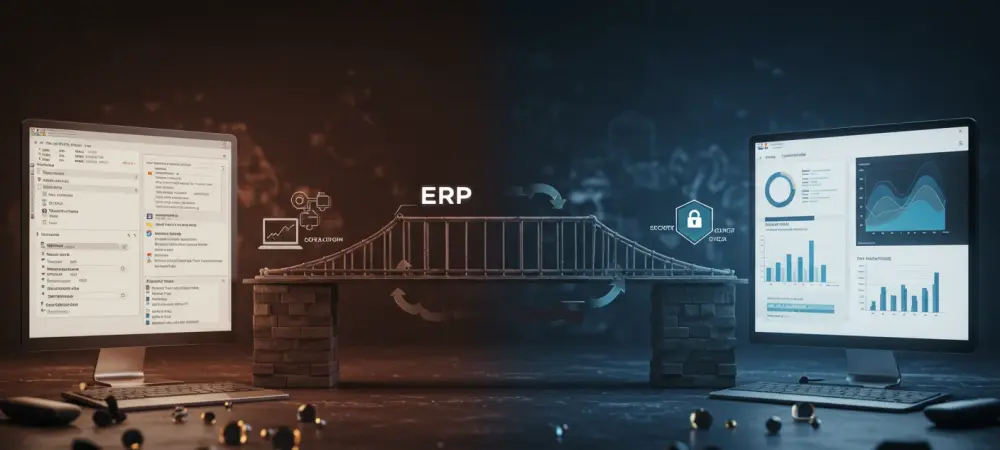
In a rapidly evolving digital era, businesses face the challenge of modernizing their enterprise resource planning (ERP) systems to keep pace with emerging technologies. Migrating from Dynamics GP to Business Central has become a prevalent move, driven by the necessity of embracing cloud-first solutions. The transition promises improved efficiency, agility, and scalability for companies ready to innovate and streamline their operations. This guide outlines the transformation and elucidates the steps for a smooth transition, highlighting why this progression is pivotal for businesses keen on thriving in today’s competitive landscape.
Understanding the Importance of Transitioning to Business Central
The shift from Dynamics GP to Business Central is a strategic move that aligns businesses with modern cloud-based solutions. Business Central offers enhanced flexibility, integration capabilities, and real-time data accessibility, which are crucial in fostering efficient decision-making. Additionally, transitioning empowers companies with advanced tools to accelerate growth and operational efficiency, driving a significant edge over competitors who remain with traditional on-premise systems.
The allure of Business Central lies in its potential to transform business operations by seamlessly connecting different aspects of the business. It integrates financials, sales, and services within a unified platform, streamlining processes and improving visibility across departments. This reduces complexity and elevates the company’s capacity for rapid adaptation to market changes, enhancing overall productivity and profitability.
Evolution of ERP Systems: From GP to Business Central
ERP systems have evolved significantly over the years, moving from on-premise to cloud-based solutions that prioritize accessibility and integration. Microsoft has championed this evolution with Business Central, designed to address the limitations of on-premise systems like Dynamics GP, offering a robust and flexible ERP solution that supports comprehensive business management.
While Dynamics GP primarily supports business processes with localized solutions, Business Central is built upon a cloud-first architecture, providing unparalleled mobility, scalability, and ease of access. Unlike its predecessor, Business Central integrates seamlessly with Microsoft’s suite of products and third-party applications, offering unprecedented versatility and automation capabilities that promote efficiency across multiple business functions.
Step-by-Step Guide to a Seamless Transition
Step 1: Conducting a Comprehensive Audit of Current GP Setup
Identifying Unused Features and Processes
Embarking on the transition journey starts with auditing the existing GP setup. Determine which features and processes have become obsolete or underutilized. This step involves cleaning up unnecessary complexities and focusing resources on what genuinely contributes to business objectives.
Clarifying Business Needs and Goals
Understanding clear business needs and objectives is pivotal. Align these goals with the features offered by Business Central to ensure that the migration supports long-term growth and operational efficiencies. This assessment helps in selecting Business Central configurations that align with the company’s strategic ambitions.
Step 2: Rethinking Processes for Business Central’s Capabilities
Leveraging Built-In Workflows and Integrations
Utilize Business Central’s built-in workflows and seamless integrations to automate manual tasks, thereby reducing the risk of errors and improving efficiency. These innovations enable businesses to adapt to dynamic workflows and simplify operations, facilitating smoother and faster approval processes.
Embracing Advanced Reporting Tools
Business Central boasts advanced reporting tools integrated with Power BI, allowing real-time insights and analysis. This must be leveraged to enhance strategic planning and decision-making. Transitioning offers an opportunity to move beyond static reports and embrace dynamic dashboards that reflect continual progression.
Step 3: Preparing and Managing Data Effectively
Deciding on Data Migration Scope
Critical in this transition is deciding which data to migrate. Focus on migrating essential current operational data to Business Central while finding alternative ways to archive historical data, ensuring compliance and retention without overwhelming the new system with unnecessary clutter.
Simplifying and Standardizing Charts of Accounts
Transitioning offers a chance to streamline and simplify chart accounts. Take advantage of Business Central’s capacity to use dimensions for a more versatile and flexible approach to managing financial data. Simplification allows for clearer, more efficient financial reporting and management.
Step 4: Rigorous Testing and Training
Establishing a Sandbox Environment
Before fully transitioning, establish a sandbox environment to simulate real-world usage without jeopardizing actual business operations. This testing phase identifies potential issues and unexpected challenges, providing a safe environment for solutions before full implementation.
Ensuring Comprehensive User Training
Comprehensive training ensures that all users understand Business Central’s functionalities and benefits. Focus training on practical usage and addressing user-specific concerns to facilitate smooth adoption and transition, minimizing potential productivity loss during the migration period.
Step 5: Executing a Purposeful Launch
Implementing “Hypercare” Support
Post-launch, maintain “hypercare” support to ensure immediate troubleshooting and system adjustments as users engage in real-world applications. This proactive approach helps in swiftly resolving teething problems and establishing user confidence in the new system.
Monitoring System Performance Post-Launch
After launch, continuously monitor performance to ensure the system meets intended goals and operational expectations. This vigilant approach helps identify any discrepancies or areas for improvement, providing a feedback loop to refine and enhance the system.
Key Takeaways for a Successful Transition
- Conduct a thorough audit to identify and eliminate unused features.
- Align business processes with Business Central’s advanced capabilities.
- Focus on streamlined and effective data management.
- Engage in comprehensive testing and user training to fortify preparedness.
- Ensure robust post-launch support to monitor performance and address issues.
Broader Implications and Future Considerations
This transition aligns with broader digital transformation trends, signifying a shift toward more integrated and agile ERP solutions. As businesses move their operations to the cloud, they align themselves with scalable, future-proof technologies. Business Central continues to evolve, promising enhanced features and expanded capabilities that contribute to strategic business agility. Possible future developments within Business Central and cloud ERP solutions suggest continual improvements in integration, AI-driven analytics, and automation, promoting a future where businesses operate with heightened precision and efficiency. Staying informed about these trends ensures continuous adaptation and optimal utilization of new opportunities.
Conclusion and Encouragement for Action
Successfully migrating to Business Central is not just about adopting a modern ERP solution; it establishes a pathway for growth, innovation, and streamlined operations. As companies embrace these changes, they see improved business processes, enhanced productivity, and greater strategic alignment with their goals.
To fully capitalize on these benefits, companies contemplating this transition should embark on their migration with a clear strategy and thorough preparation. By doing so, organizations can achieve a seamless transition, setting the stage for robust and sustainable success in an increasingly competitive business environment. This moment offers the catalyst for modernizing solutions and securing a leadership position in the digital era.