

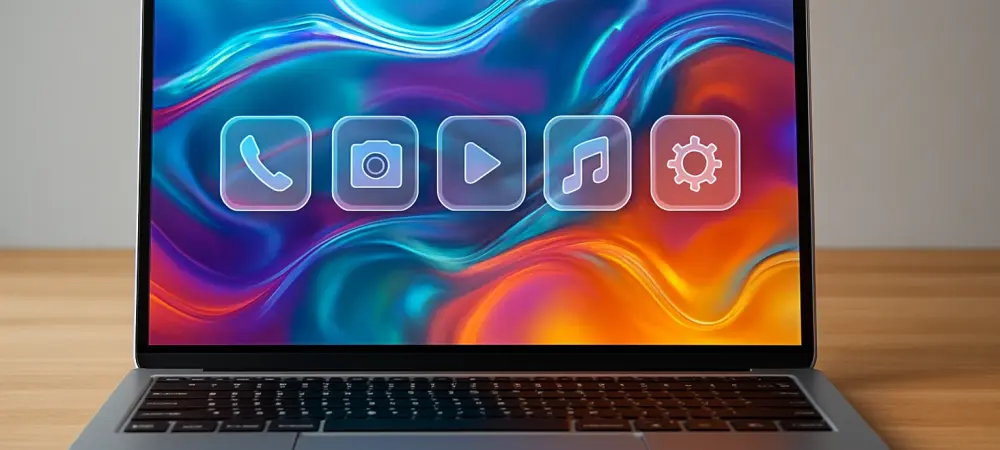
Users currently frustrated by search inconsistencies in MacOS Tahoe will find that Golden Gate focuses heavily on resolving those specific bugs. The arrival of MacOS 27 Golden Gate represents a pivotal shift toward a more responsive and intelligent desktop experience, emphasizing performance optimizations that have been long-awaited by power users and creative professionals alike. Beyond the backend refinements, the operating system introduces a stunning visual evolution with the Liquid Glass interface, featuring redesigned icons and a customizable intensity slider that allows individuals to fine-tune the aesthetic transparency of their workspace. The integration of a dedicated Siri application and advanced Apple Intelligence tools further positions this release as a major leap in productivity. As the official public release approaches on Monday, September 14, preparing the internal environment of a Mac is essential to ensure that these sophisticated features function seamlessly without technical interruptions or data loss during the transition.
1. Verify Hardware and Storage Requirements
Determining whether a specific machine can support the architectural demands of MacOS 27 Golden Gate is the primary step in the preparation process. This version marks a significant departure from previous years by exclusively supporting Apple Silicon, effectively ending the era of operating system updates for machines powered by Intel processors. Whether a device utilizes the foundational M1 chip or the cutting-edge M6 series, the unified memory architecture of these processors is required to handle the new Apple Intelligence features and the complex rendering of the Liquid Glass interface. Beyond hardware, a physical capacity of 30 GB of free storage space is strictly required before the process begins. This threshold ensures that the operating system has sufficient breathing room to move temporary files, update existing libraries, and re-index the revamped Spotlight database without encountering disk-full errors. Users should investigate their storage distribution by visiting the General section within System Settings before proceeding.
Software compatibility is a cornerstone of a stable computing environment, and the shift to MacOS 27 requires developers to release specific patches for the new Liquid Glass framework. In the weeks leading up to the September 14 launch, the App Store becomes a hub for these updates, as creators align their software with the latest Apple Intelligence APIs. To ensure a seamless transition, one should open the App Store application and check the updates tab to download the most recent versions of all installed tools. This proactive measure minimizes the risk of application crashes or interface glitches that can occur when legacy software interacts with a modernized kernel. Keeping production tools like video editors and graphic suites up to date is particularly vital for those who rely on their Mac for professional workflows. Many of these updates also include security enhancements that complement the hardened architecture of Golden Gate, providing a more robust defense while also ensuring that third-party tools like Zoom or Chrome function properly.
2. Finalize System Backups and Installation
Securing data remains the most vital prerequisite before initiating any significant change to the core operating system files. Even with the refined stability of the Apple Silicon architecture, the complexity of a major version jump carries inherent risks that necessitate a comprehensive backup of all personal and professional information. Utilizing Time Machine is the most efficient method for creating a restorable image of the entire system, including user accounts, application settings, and local documents. This process requires a dedicated external hard drive or a network-attached storage device with sufficient capacity to hold the current system state. By initiating a manual backup through the Time Machine menu bar icon, users can ensure that every single file is accounted for just moments before the installation begins. This digital safety net provides peace of mind, knowing that if a power failure occurs during the update, the Mac can be restored to its previous state without any loss of data or critical work.
The transition to the new operating system successfully concluded once the final verification of system settings and application performance was performed. Moving forward, it was beneficial for users to actively explore the new Siri application and the Liquid Glass intensity slider to customize their interface for maximum comfort. It was prudent to monitor the system’s battery life during the first few days, as the initial re-indexing of files and the deployment of Apple Intelligence models utilized additional background resources. To maintain this newfound performance, keeping a regular backup schedule with Time Machine remained a critical task, ensuring that the optimized state of the Mac was always preserved. Engaging with the new search capabilities in Mail and Spotlight allowed for a more streamlined professional experience, effectively resolving the frustrations that characterized previous software iterations. These actionable steps ensured that the hardware was not only ready for the release but also prepared for future enhancements.