

Introduction
The line between consuming content on the web and creating it has become remarkably blurred, with powerful new tools now appearing directly within the familiar confines of a browser window. This evolution marks a significant shift in user experience, turning passive browsing into an active, creative endeavor. Google’s latest move to embed a proprietary AI image generator directly into its Chrome browser exemplifies this trend. This article serves as a comprehensive FAQ to navigate this new functionality, explaining what the tool is, how it operates, and what it means for everyday users.
Key Questions
What Is the New AI Image Generator in Chrome
At the heart of this update is a lightweight and responsive AI model named Nano Banana, designed specifically for quick, in-browser image generation. Its purpose is to eliminate the need for external applications by allowing users to create visuals from simple text prompts. The capabilities are extensive, ranging from generating entirely new images to modifying existing ones. For instance, users can seamlessly change a picture’s background, add or remove specific objects, or apply different artistic styles, all without leaving their current tab.
How Does This Feature Work
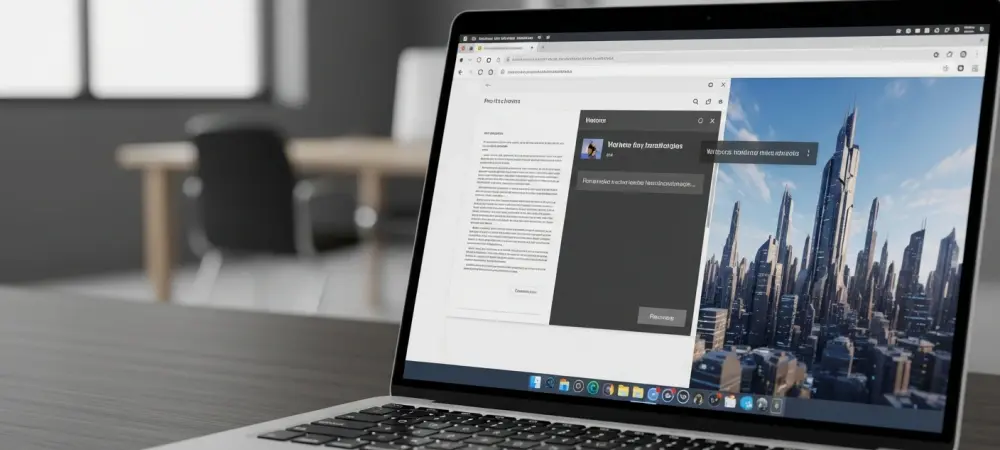
This innovative tool is integrated into Chrome’s multitasking Side Panel, which is powered by Google’s Gemini AI. This setup creates a streamlined workflow where image creation can occur alongside other tasks like research or writing. The Side Panel acts as a centralized AI hub, enabling users to not only generate visuals but also to summarize webpage content, ask contextual questions about the information on their screen, or compare details across various open tabs. This design promotes an efficient and uninterrupted creative process.
Who Can Access This Feature and When
The initial launch of the AI image generator is strategically limited, targeting signed-in desktop users located within the United States. At present, Google has not announced a specific timeline for a broader international release. It is also important to note that while the core functionality is accessible, Google has indicated that certain advanced image generation features may be reserved for subscribers of its paid Gemini plans, suggesting a tiered access model for more powerful creative tools.
Summary
This integration of an AI image generator fundamentally transforms the Google Chrome browser from a simple portal for accessing information into a comprehensive, AI-first workspace. By embedding the Nano Banana model within the Gemini-powered Side Panel, Google provides a seamless tool for content creation directly within the user’s browsing environment. The feature significantly streamlines the workflow for students, content creators, and professionals, making the production of visual content an organic part of research and writing tasks.
Conclusion
The decision to embed a native AI image generator within Chrome represented a pivotal step in redefining the browser’s role in the digital ecosystem. It was no longer just a passive gateway to the internet but had become an active partner in the creative process. This development encouraged users to reconsider their digital habits, as the tools for content creation were now woven directly into the fabric of their daily web navigation, blurring the lines between browsing, researching, and making.