

Purpose of This Guide
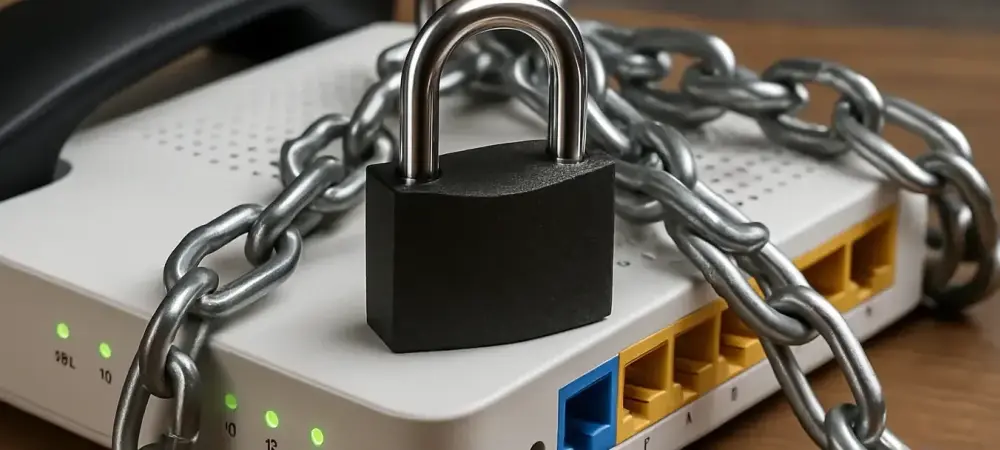
This how-to guide aims to equip individuals and organizations with the knowledge and actionable steps to protect Voice over Internet Protocol (VoIP) routers and devices from a sophisticated global botnet campaign exploiting default credentials, particularly through Telnet services. By following the detailed instructions provided, readers will learn how to identify vulnerabilities in their systems, secure internet-facing devices, and mitigate the risk of becoming part of a malicious network that threatens communication infrastructure worldwide.
Why Protecting VoIP Systems Matters
Imagine a scenario where critical business communications are disrupted overnight due to a cyberattack on VoIP routers, leading to significant financial losses and compromised data. This is no longer a hypothetical situation, as a recent global botnet campaign has targeted over 500 internet-facing VoIP devices, exploiting default passwords to gain unauthorized access. The scale of this threat, uncovered through meticulous research, underscores a pressing need for robust security measures in an era where connectivity is paramount.
The importance of safeguarding VoIP systems cannot be overstated, as these devices form the backbone of modern communication for countless organizations and individuals. Often neglected in terms of updates and monitoring, such hardware becomes an easy target for cybercriminals seeking to expand their malicious networks. This guide offers a clear path to fortify defenses against these evolving threats.
Addressing this issue proactively is essential to prevent disruptions and protect sensitive information from being exploited. The botnet’s ability to adapt and evade detection highlights the urgency of implementing strong security practices. Through this resource, readers will gain the tools needed to stay ahead of attackers and ensure the integrity of their communication systems.
Step-by-Step Instructions to Secure VoIP Routers
Step 1: Assess Exposure of Internet-Facing Devices
Begin by conducting a thorough audit of all VoIP routers and devices connected to the internet within your network. Use network scanning tools to identify which systems are accessible externally and check for open ports, particularly those associated with Telnet services. This initial step helps in mapping out potential entry points that attackers might exploit.
Pay special attention to hardware running outdated firmware, as many VoIP devices operate on older Linux-based systems with minimal oversight. Document each device’s configuration, noting whether Telnet or other remote access protocols are enabled by default. This inventory serves as a foundation for subsequent security measures.
To ensure comprehensive coverage, consider involving IT teams or third-party security services if internal resources are limited. The goal is to leave no device unexamined, as even a single vulnerable router can become a gateway for a botnet to infiltrate the network. Regularly revisit this assessment to account for new hardware additions.
Step 2: Disable or Secure Telnet Access
Once exposed devices are identified, immediately disable Telnet access on all VoIP routers unless it is absolutely necessary for operational purposes. Telnet, often enabled by default on older systems, transmits data in plaintext, making it a prime target for attackers attempting to use default or weak credentials.
If Telnet must remain active for specific functions, secure it by enforcing strong, unique passwords that deviate from factory settings. Implement access controls to limit which IP addresses can connect to the service, reducing the attack surface. Additionally, consider replacing Telnet with more secure protocols like SSH where feasible. Regularly monitor logs for unauthorized login attempts on these ports, as patterns of high session volumes or repeated failed logins could indicate botnet scanning activities. Taking these precautions disrupts the primary attack vector exploited by campaigns targeting over 500 systems globally. Staying vigilant in this area is crucial for long-term protection.
Step 3: Update Firmware and Patch Vulnerabilities
Check for firmware updates for all VoIP devices, prioritizing those with known vulnerabilities, such as certain Cambium Networks routers affected by remote code execution flaws reported in prior years. Manufacturers often release patches to address security gaps, so ensure that the latest versions are installed promptly to close off potential exploits. Establish a routine schedule for checking and applying updates, as many devices are neglected after initial setup, leaving them susceptible to attacks. If a device is no longer supported by the manufacturer, consider replacing it with modern hardware that receives regular security updates. This proactive approach counters the persistence of outdated systems in the field.
Be aware that attackers often exploit known weaknesses that have lingered unaddressed for years. By maintaining up-to-date firmware, the risk of falling victim to such campaigns is significantly reduced. Document each update process to track compliance and identify any devices that remain at risk due to compatibility issues.
Step 4: Implement Dynamic IP Blocking
Deploy dynamic IP blocking mechanisms to thwart coordinated attacks from malicious sources, such as those originating from clusters of IP addresses identified in rural areas like New Mexico. Use intrusion detection and prevention systems to automatically block IPs exhibiting suspicious behavior, such as aggressive scanning or repeated login attempts with default credentials.
Configure firewalls to limit inbound connections to trusted sources only, and integrate threat intelligence feeds to stay informed about emerging malicious IPs worldwide. This step is particularly effective against botnets that rely on expanding their reach through continuous network probing, as seen in campaigns affecting hundreds of devices.
Regularly review and adjust blocking rules to adapt to changing attack patterns, ensuring that legitimate traffic is not inadvertently disrupted. This dynamic defense strategy adds a layer of resilience against adaptive attackers who may alter tactics in response to public disclosures or security community discussions.
Step 5: Monitor and Respond to Suspicious Activity
Set up continuous monitoring of network traffic to detect anomalies indicative of botnet activity, such as high volumes of Telnet login attempts or unusual outbound connections from VoIP devices. Utilize security information and event management (SIEM) tools to centralize logs and provide real-time alerts for potential threats.
Train staff to recognize and report signs of compromise, such as unexpected system behavior or performance degradation, which could signal that a device has been enlisted into a malicious network. Quick response times are critical to isolating affected systems before they contribute to the botnet’s global spread. Establish an incident response plan that outlines steps for containment, eradication, and recovery in the event of a breach. This preparation minimizes damage and prevents further exploitation by attackers who adapt quickly to evade detection. Consistent monitoring ensures that emerging threats are addressed before they escalate.
Final Thoughts and Next Steps
Looking back, the journey to secure VoIP routers against a global botnet campaign revealed critical vulnerabilities in internet-facing devices, from outdated firmware to default Telnet credentials. Each step taken, from auditing exposure to implementing dynamic IP blocking, played a vital role in fortifying defenses against sophisticated attackers who targeted over 500 systems worldwide. The process underscored the importance of vigilance in an interconnected digital landscape.
Moving forward, consider exploring advanced security solutions, such as endpoint detection and response (EDR) tools, to enhance protection against evolving botnet tactics. Engaging with cybersecurity communities for the latest threat intelligence can provide valuable insights into new attack vectors. Staying proactive in adopting these measures ensures that communication systems remain resilient against future risks.
Lastly, advocate for industry-wide improvements in device security standards, pushing for manufacturers to prioritize secure-by-design principles and regular updates. Collaborating with peers to share best practices can further strengthen collective defenses. By maintaining this momentum, the groundwork laid today will safeguard VoIP infrastructure for years to come.