

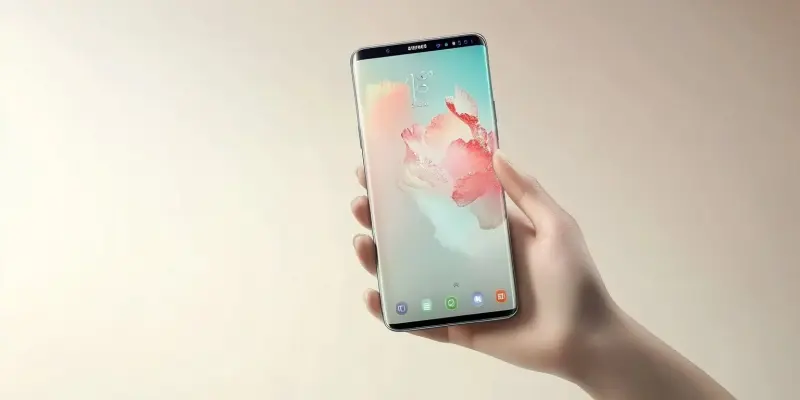
As we move closer to the release of Samsung’s One UI 7 update, which merges Google’s newest Android 15 advances with Samsung’s proprietary features, users are understandably excited but must proceed with caution to ensure a secure transition. The upcoming update is packed with new functionalities, notably the introduction of the “Maximum Restrictions” setting, a significant measure designed to enhance security on Samsung’s recent flagship models like the S24. Although Samsung’s responsive UI design and innovative features are well known, users should pay particular attention to this new security-focused setting before they update.
New Layer of Security
Maximum Restrictions in One UI 7 is Samsung’s answer to growing security concerns in an age where data breaches and cyber threats are ever-evolving. This setting significantly bolsters the device’s defenses, drawing parallels to Apple’s stringent security measures. By enforcing Maximum Restrictions, users can limit activities such as sideloading apps. While sideloading is often hailed as one of Android’s greatest strengths due to the flexibility it offers, it also comes with the disadvantage of exposing the device to higher security risks.
Once enabled, Maximum Restrictions will activate app protection, effectively blocking device admin apps that could potentially be malicious. It also includes measures like preventing automatic attachment downloads, which is another common method for malware to infiltrate devices. Restricting the viewing of hyperlinks and previews further safeguards users from phishing and other online threats. Essentially, these measures create a fortified wall around the phone’s ecosystem, ensuring that users’ data remains impenetrable by unauthorized access.
Enhanced Privacy Features
In addition to enhancing security, the Maximum Restrictions setting also attends to user privacy with several thoughtful additions. One of the prominent features is its ability to remove location data from shared images. This underscores Samsung’s commitment to addressing privacy concerns by ensuring that sensitive information doesn’t inadvertently get shared. Another essential privacy feature is the ability to block shared albums, which prevents unintended access to users’ personal media.
With One UI 7, Samsung has also bolstered network controls significantly. Users can now block 2G services entirely; these older networks are notoriously less secure and susceptible to interception. The update also includes options to prevent smartphones from reconnecting to less secure Wi-Fi networks, thereby ensuring only networks with higher encryption standards are used. These precautions collectively enhance the fundamental security framework of the device.
User Awareness and Default Settings
Despite this suite of new security measures, Maximum Restrictions will not be enabled by default for users upgrading from older Samsung devices. This is a crucial aspect for users to note. As they prepare to update their devices to One UI 7, they should make it a priority to review these settings. Enabling Maximum Restrictions before upgrading is pivotal for maintaining a comprehensive security approach.
The decision to not enable these restrictions by default may reflect Samsung’s intent to give users control over their device settings. However, the responsibility ultimately falls on the users to protect their data against cyber threats. Given the increasing sophistication of mobile threats, it’s strongly recommended that users accept some limitations brought by Maximum Restrictions for the sake of enhanced security and peace of mind.
Balancing Freedom and Security
As we approach the release of Samsung’s One UI 7 update, which integrates the latest advancements from Google’s Android 15 with Samsung’s unique features, the excitement among users is palpable. However, it’s essential to approach this update with caution to ensure a smooth and secure transition. This forthcoming update is brimming with new innovations, most notably the “Maximum Restrictions” setting. This critical feature aims to bolster security on Samsung’s latest flagship models, such as the S24. While Samsung has a deserved reputation for a highly responsive UI design and cutting-edge features, users should carefully review and understand this new security-centric setting before proceeding with the update. The “Maximum Restrictions” setting is designed not just to provide more robust security but to give users more control over their device’s protection levels. This attention to security ensures that while enjoying new features, users remain safeguarded against potential threats.