

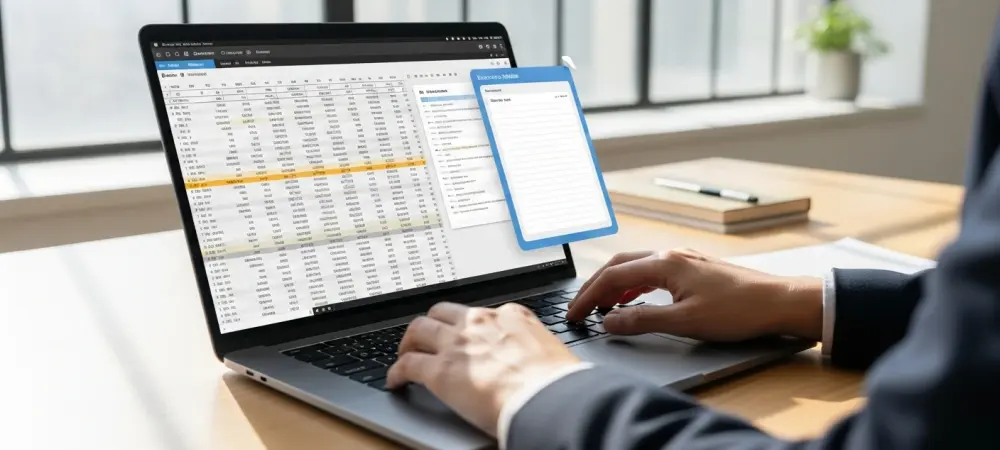
The constant friction of manual task switching often disrupts cognitive flow when users must search through thousands of disorganized lines just to find relevant project documentation. While standard productivity software centralizes information into a single database, this approach frequently creates a bottleneck that slows down development or creative workflows. To solve this problem, a new open-source utility called MyParticularNotes has emerged to offer a context-aware alternative that integrates directly into the Windows environment. Instead of requiring a user to manually navigate folders or tabs, the application monitors which program is currently in focus and immediately serves the corresponding notes for that specific task. Whether working within a web browser, a code editor, or a dedicated spreadsheet application, the transition remains invisible and seamless. This logic transforms the note-taking experience from a passive repository into an active, intelligent assistant that anticipates the information needed based on the current digital environment, effectively removing the cognitive load of searching for scattered data.
Seamless Integration: The Mechanics of Active Window Monitoring
Achieving such high responsiveness requires a robust technical foundation that interacts deeply with the operating system without degrading overall performance. MyParticularNotes utilizes the Windows User32 API to observe foreground processes with high frequency, checking for window changes several times per second to trigger an instant update of the text content. The user interface reflects this efficiency through a minimalist, resizable floating widget designed to hover over the desktop without obscuring critical data or overlapping with primary tools. This design choice ensures that users can input quick reminders or reference long-standing instructions while their hands remain on the keyboard and their eyes stay on the main project. Changes are captured automatically through a background saving mechanism, which eliminates the need for manual file management or periodic clicks to preserve progress. By automating the data persistence layer and focusing on immediate visual feedback, the software maintains a lightweight footprint that complements rather than competes with intensive applications.
Data Sovereignty: Prioritizing Privacy Through Local Encryption
Security and user privacy became the central pillars of the design process, steering the application away from the common trend of centralized cloud-based storage models. Every note was stored strictly on the local machine, ensuring that sensitive business intelligence or personal data never left the user’s hardware. Protection was further enhanced through an encryption system that utilized a key derived from the system username, making the files inaccessible to unauthorized entities on the same network. Configuration remained straightforward as users managed their active triggers through simple text-based files or an internal settings panel, allowing for real-time updates without software restarts. The removal process was equally respectful of system integrity, as a clean uninstaller or simple folder deletion purged all traces of the local database. Adopting these localized security protocols offered a reliable solution for professionals who demanded complete control over their digital footprint. Implementing such offline-first tools provided a clear path toward more secure and focused productivity in 2026 and beyond, where data ownership remained a paramount concern for every digital citizen.