

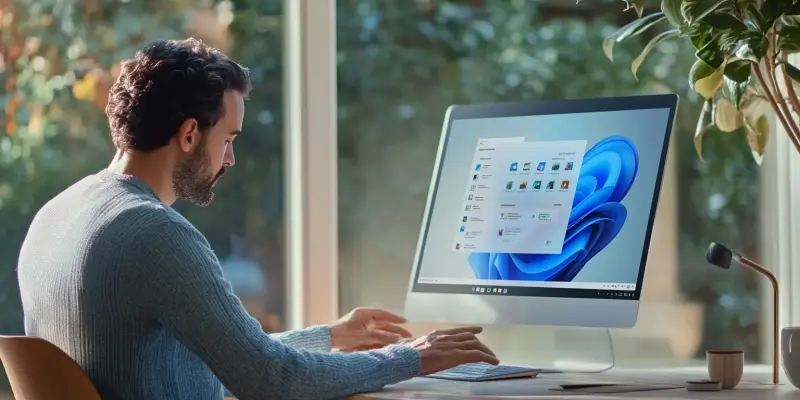
Since its launch, Windows 11 has generated significant buzz within the technology community due to its attempt to introduce a fresh and modern operating system design. However, despite Microsoft’s efforts to create a minimalist aesthetic, many critics and users have found the visual and functional aspects of Windows 11 to be uninspired and inconsistent. The widespread feedback indicates that this latest version of Windows, while taking steps towards modernization, fails to fully realize the cohesive and polished user experience that many had hoped for.
Visual Discrepancies
One of the key areas of critique lies in Windows 11’s visual design, which features elements such as rounded corners and glass-like transparency effects. While Microsoft’s intent was to present a sleek and streamlined interface, these features have often been described as bland rather than innovative. The centered taskbar and Start Menu, although representing a departure from Microsoft’s traditional design, offer limited customization options that leave many users feeling underwhelmed. The Start Menu, in particular, which should be the centerpiece of any operating system, has been criticized for its sterile and placeholder-like appearance.
Compounding these issues is the inconsistency within the UI itself. While some menus reflect the new design language, others, like the Control Panel and Device Manager, remain rooted in the aesthetics of Windows 7. This lack of coherence disrupts the visual harmony of the operating system, making it feel disjointed and unfinished. Additionally, while Windows 11 includes a dark mode, the execution leaves much to be desired. Bright elements within the dark theme clash notably, further contributing to the inconsistent visual experience.
Functional Limitations
Alongside the visual discrepancies, Windows 11’s functionality has also come under scrutiny. The simplified and locked taskbar restricts personalization options, frustrating users who have become accustomed to the customizable nature of previous versions of Windows. Users have expressed particular dismay at the inability to move the taskbar or add detailed widgets, which were features that contributed to a more tailored and user-specific experience in past editions of Windows.
Efforts to implement a cohesive dark mode have also fallen short. The dark theme in its current state fails to create a seamless experience, leading to jarring transitions between bright and dark elements that disrupt user concentration. Such criticisms highlight the need for Microsoft to offer a more cohesive approach to its design and functionality, catering to the diverse preferences of its user base.
Possible Solutions and Future Outlook
Since its launch, Windows 11 has stirred significant excitement and curiosity within the technology community. Microsoft’s goal was to introduce a fresh and modern operating system design, marked by a minimalist aesthetic that could appeal to contemporary users. However, despite these intentions, many critics and users have expressed dissatisfaction with the overall visual and functional experience that Windows 11 delivers.
The feedback has been widespread and notably critical, pointing out that while Windows 11 does make strides towards modernization with features like a revamped Start Menu and integrated Teams, it ultimately falls short of expectations. The updated user interface, new widgets, and enhanced gaming features have not escaped scrutiny. Users have found the changes to be inconsistent and sometimes even counterintuitive. Elements that were expected to create a cohesive and polished user experience instead appear disjointed and lacking in cohesion. Thus, despite the ambition behind it, Windows 11 has yet to fully realize the seamless and sophisticated experience many had hoped for.